Neytri Site

BenQ 28 Inch Monitor RD280UA | Programmers

BenQ 28 Inch Monitor RD280UA|3:2 4K+ BenQ Programming Monitor with MoonHalo and Ergo Arm

BenQ RD280UA 28″ Monitor 3:2 4K+ Programming Monitor offers stunning clarity, a MoonHalo lighting system, and an Ergo Arm for ultimate comfort. Designed for coders, it maximizes screen space and ensures eye-care with Low Blue Light and Flicker-Free technology.

Estimated Delivery :
Jan 23 - Jan 26
Free Shipping & Returns :
On orders above $79

More payment Options

Description

Reflection Free
4K+ (3840x2560)
Coding Modes
Body Comfort
USB Type-C

Crystal Clear, Entirely Focused

Crystal-Clear Coding, Glare-Free Brilliance

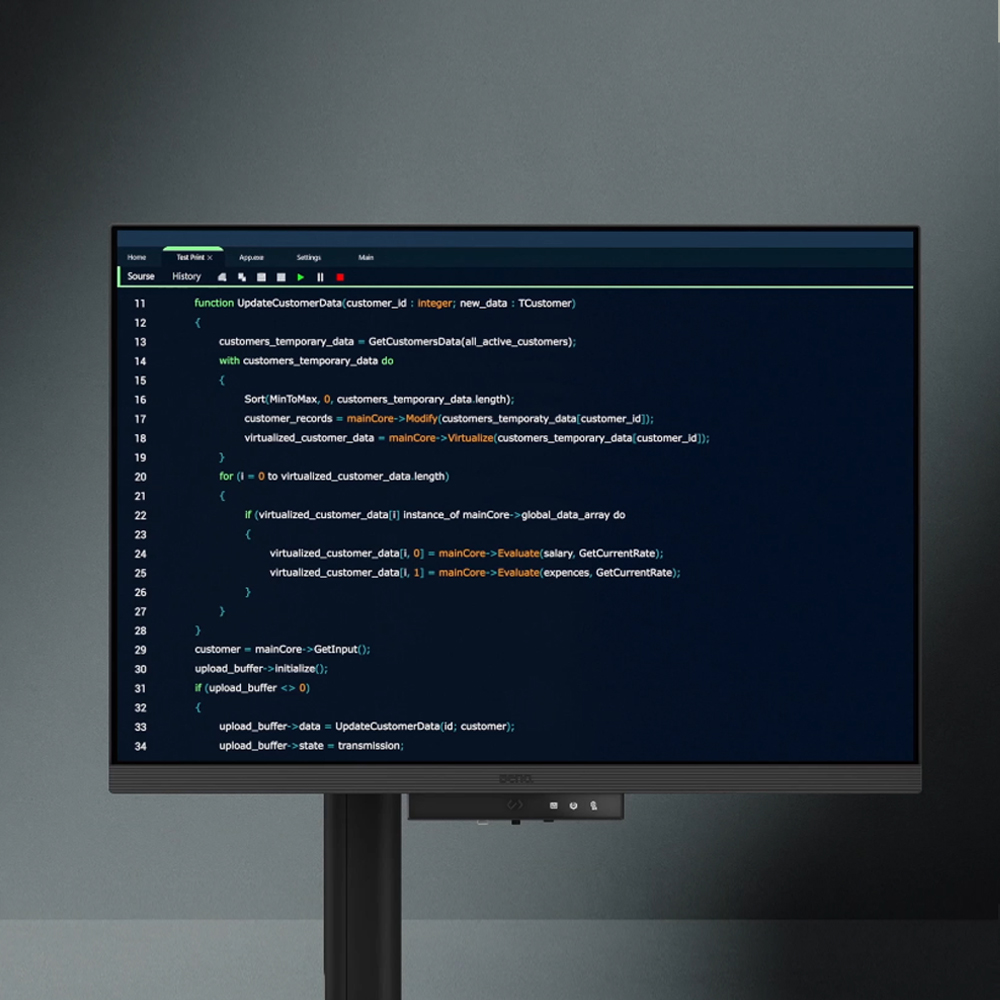
Crafted for Programmers: BenQ Programming Monitor offers you full immersion in your code no matter where you are.

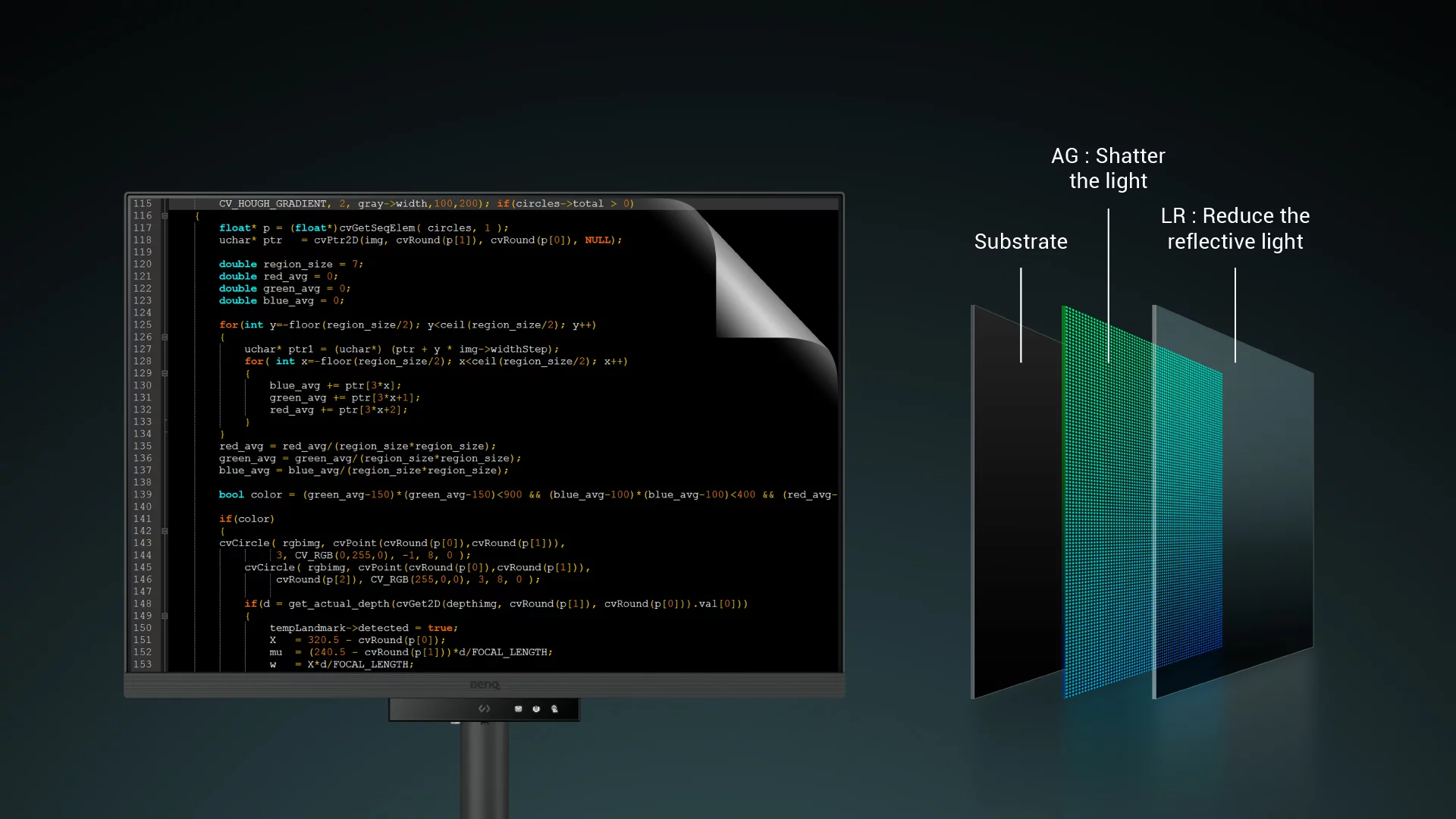
Empowering Programmers with BenQ Nano Matte Panel

Enter the coding flow in seconds with the Nano Matte Panel. Featuring a low reflection property to minimize distractions, this advanced technology enhances focus and boosts productivity, delivering unparalleled clarity for peak performance.

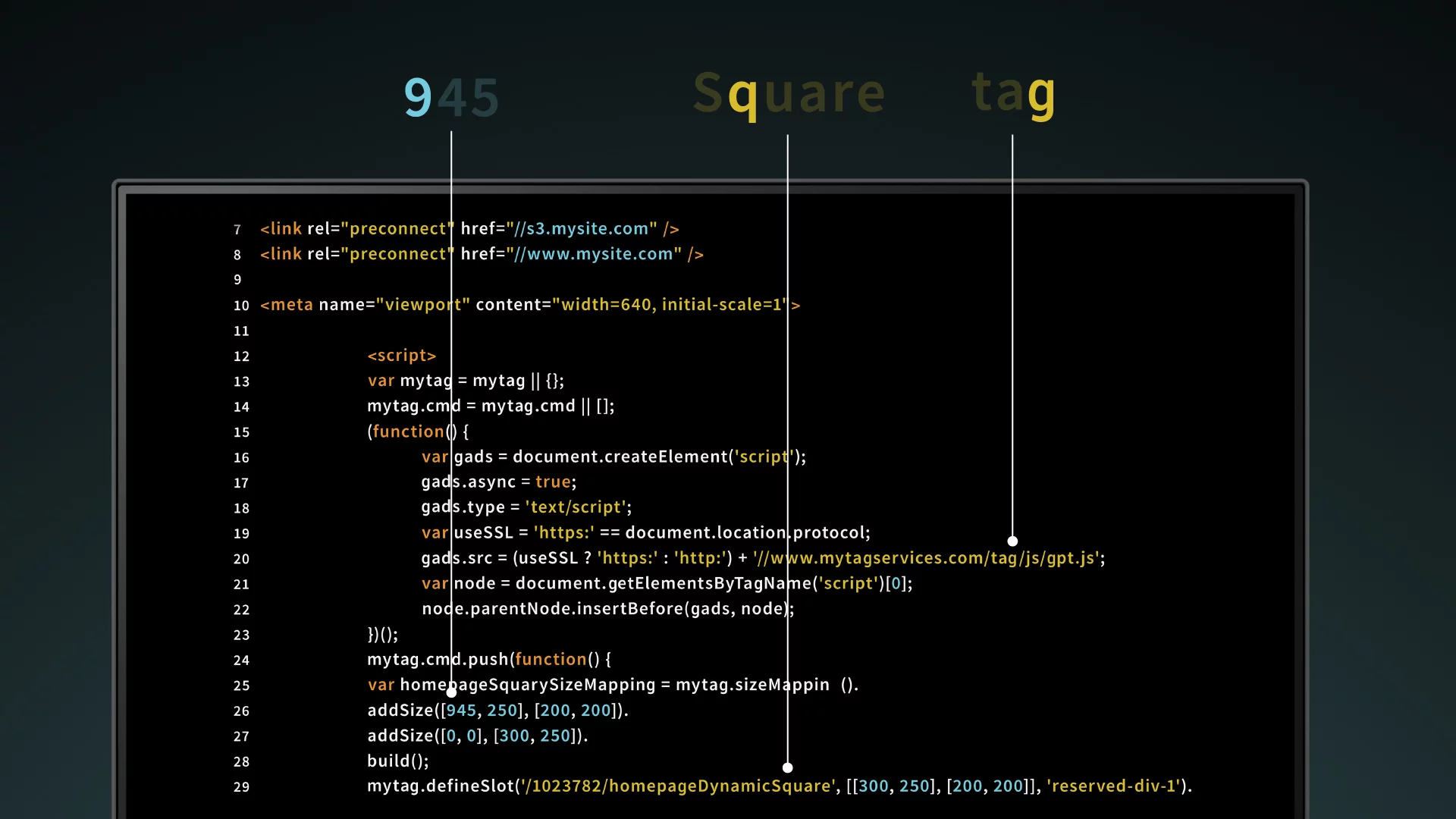
Superior Code Differentiation

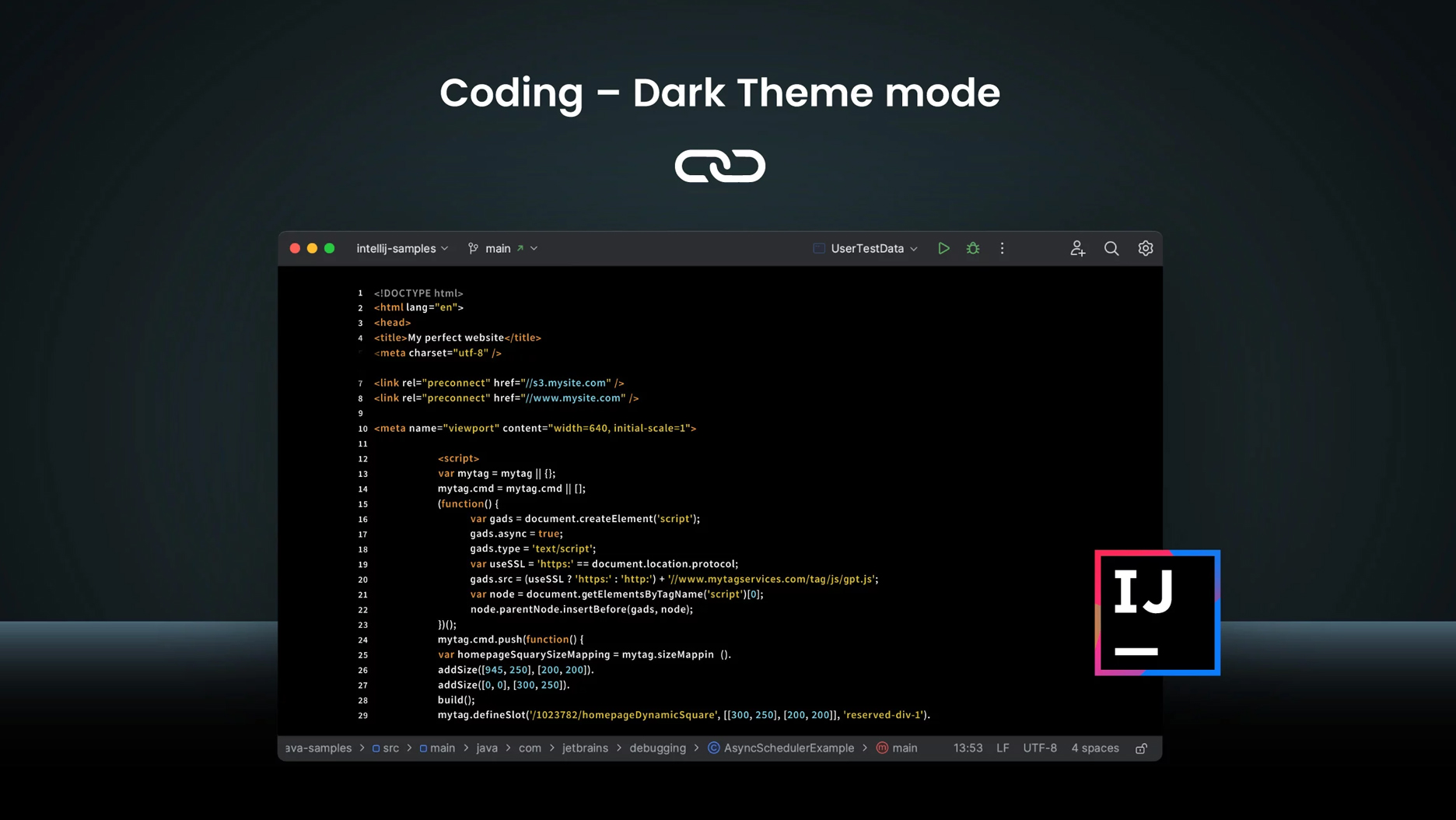
BenQ’s advanced coding modes ensure crystal-clear fonts and improved code differentiation, reducing eye strain during prolonged use.

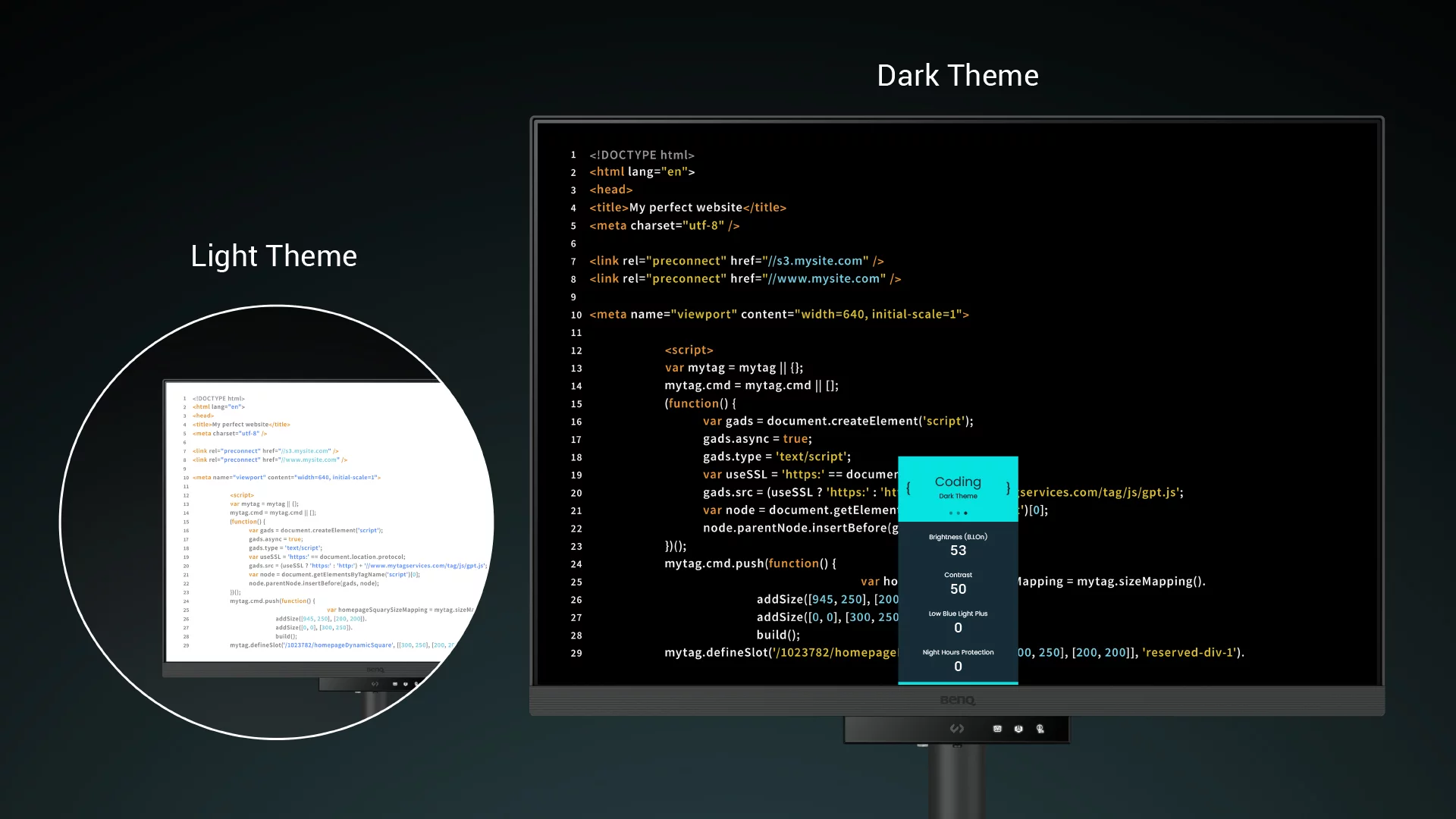
Code with Comfort and Efficiency

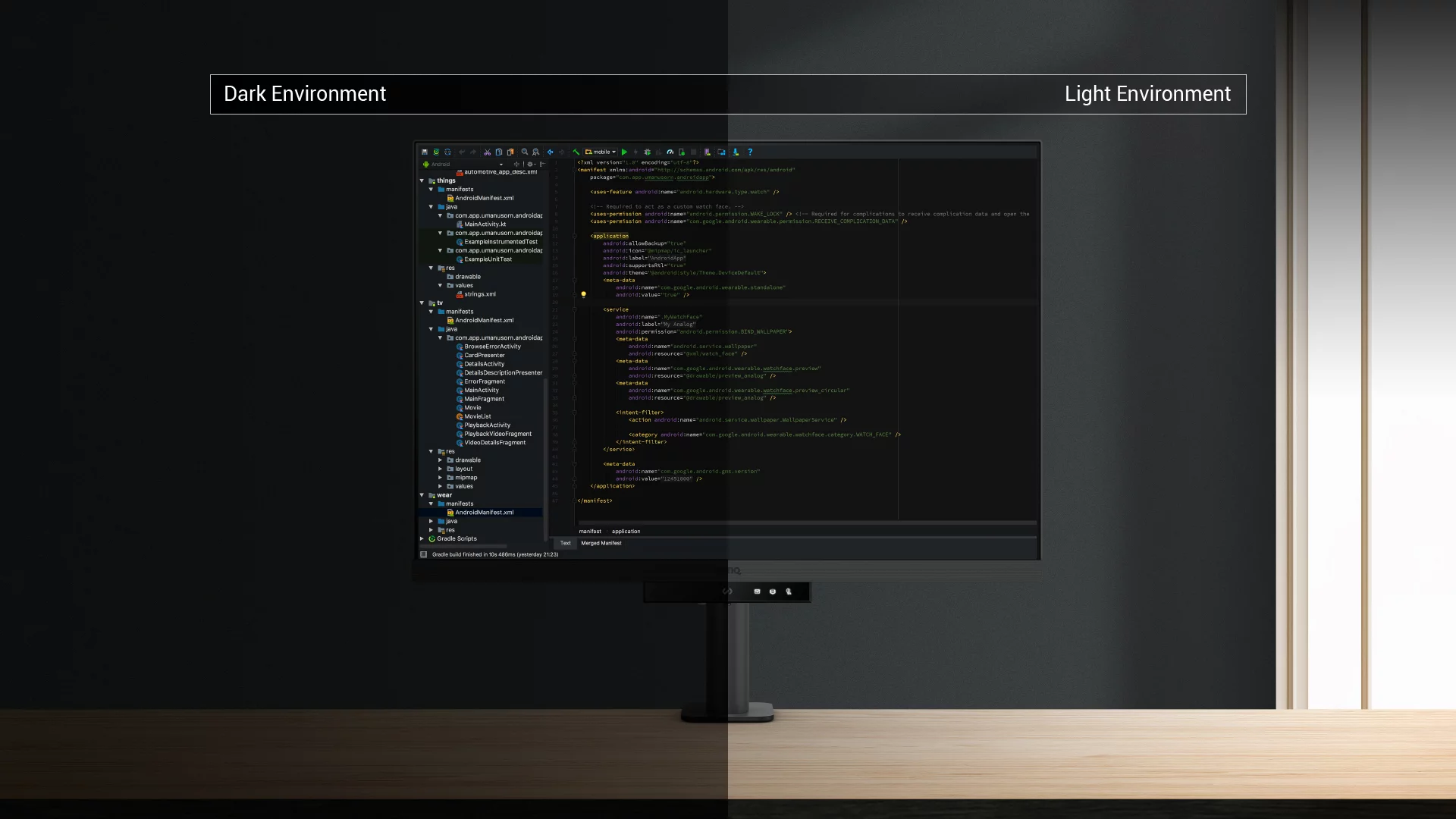
Offer both dark and light themes for adaptable coding environments. Swiftly adjust brightness, sharpness, and contrast for optimal coding conditions.

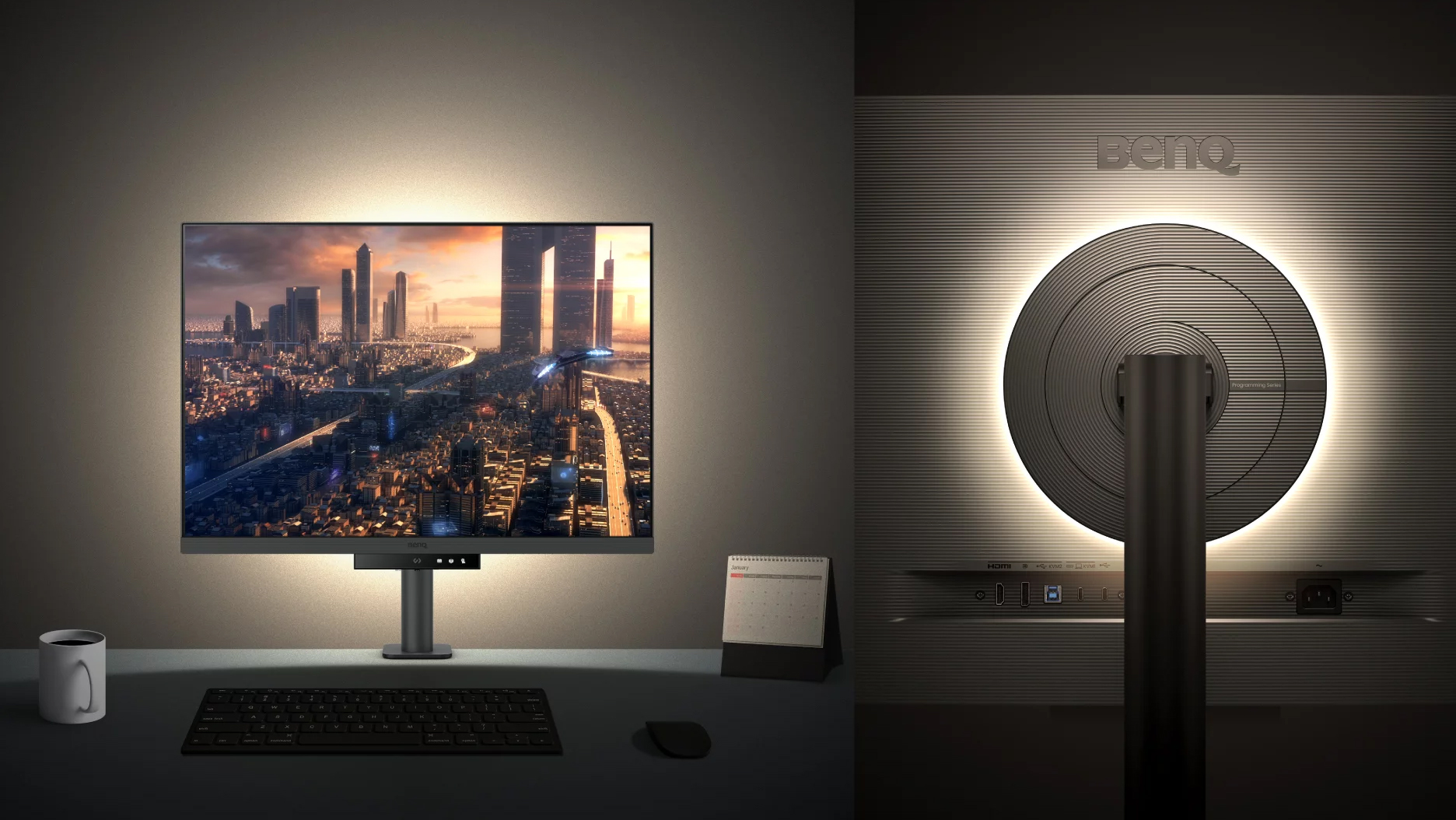
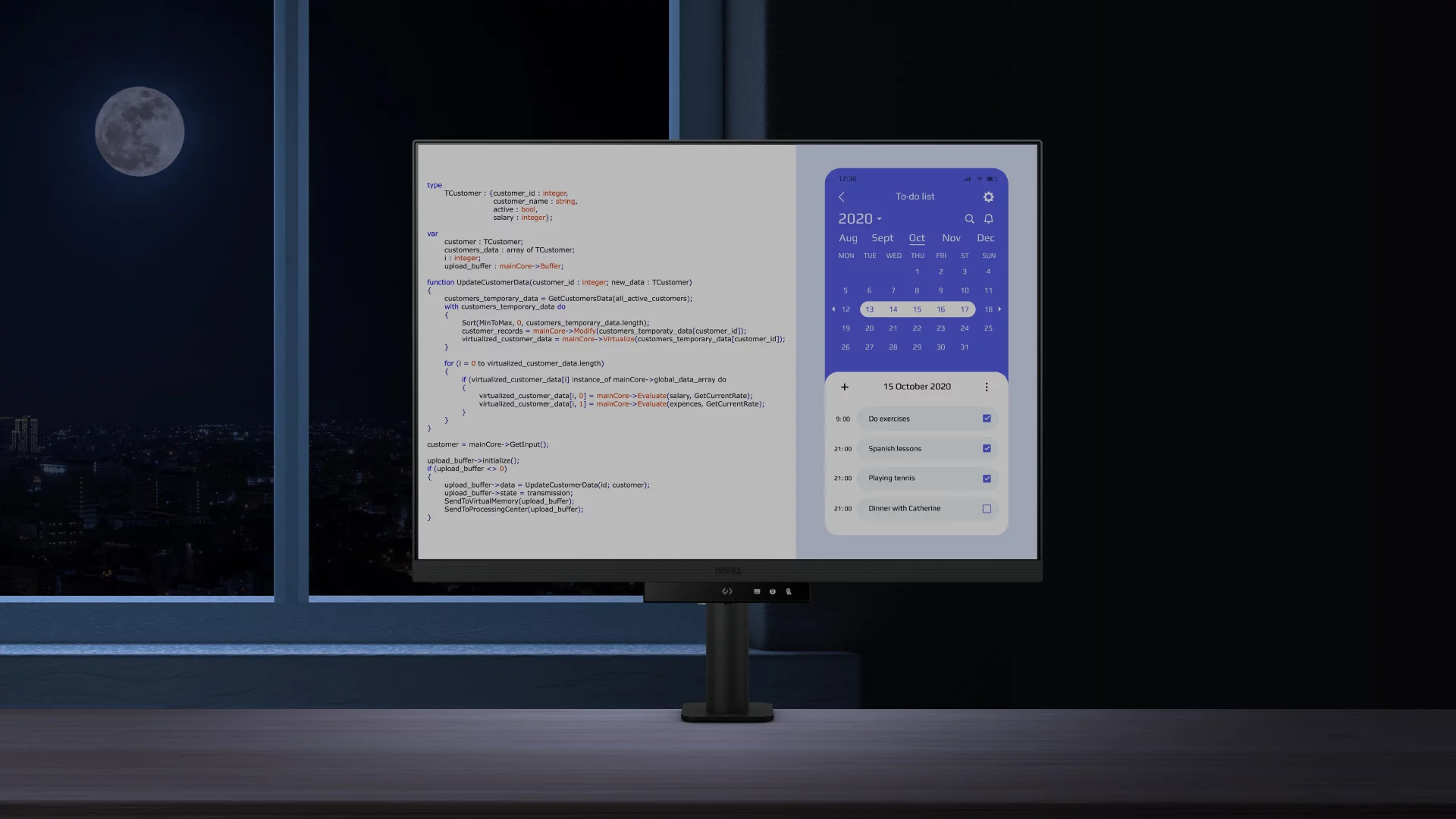
Experience Focus Anytime with MoonHalo

Experience MoonHalo by BenQ – a seamless blend of immersive illumination and comforting ambiance. With customizable color temperature, brightness, and light modes, along with Auto Dimming powered by B.I. Gen2, MoonHalo ensures optimal eye protection and focus, anytime whether you’re working from home or the office.

Take Control of Display Settings with Display Pilot 2

Display Pilot 2 is designed to meet your needs. Users can arrange preferred functions with ease, including MoonHalo, Shortcuts, Desktop Partition, Application Mode, Software Dimming, Circadian Mode, and more.

Easily Control the Built-in MoonHalo Bias Light

With Display Pilot 2, MoonHalo seamlessly synchronizes with your monitor, enhancing the ease of adjusting light settings, including Switch, Brightness, Color Temperature, Light Mode, and Non-stop Mode control.

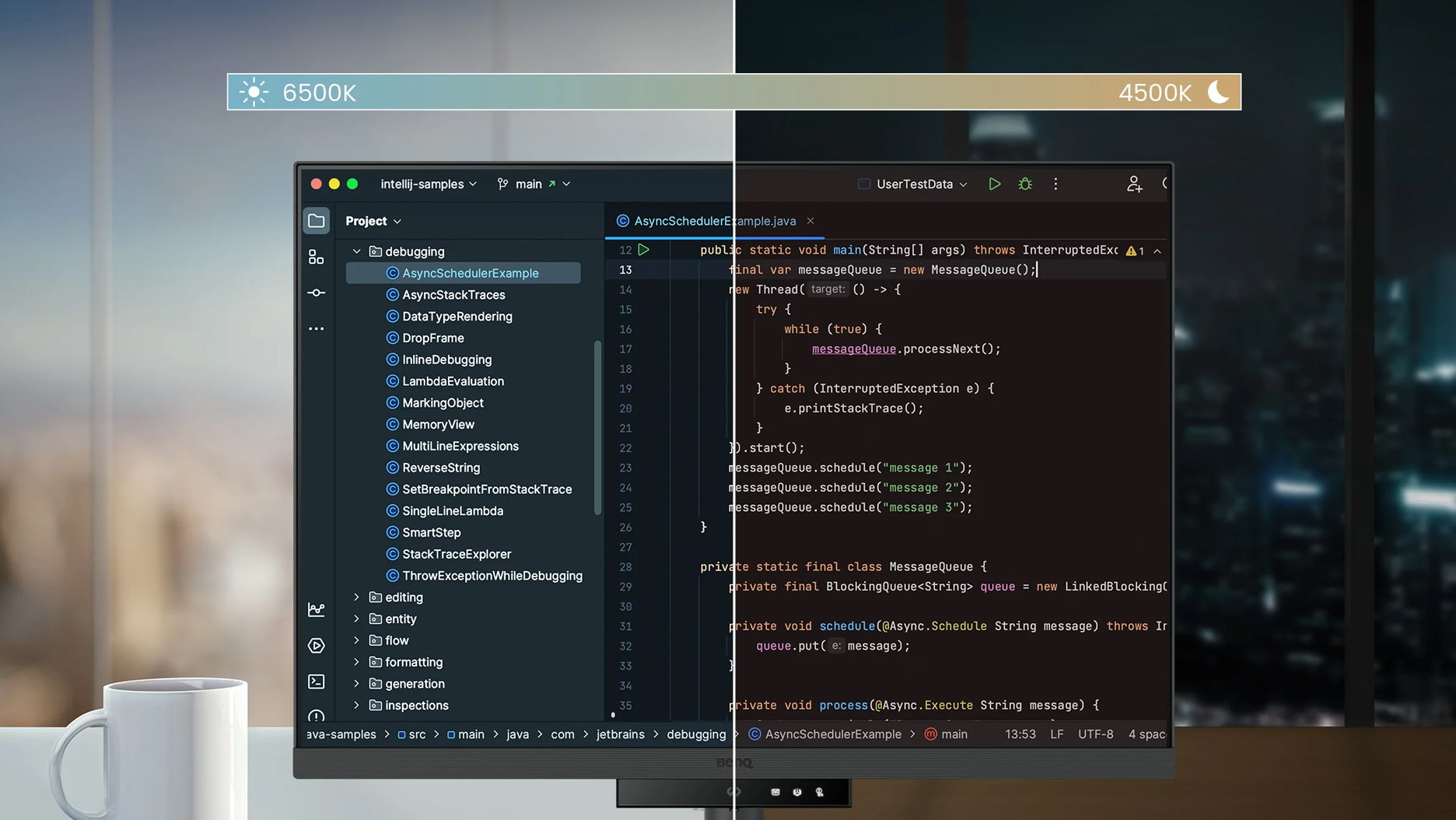
Intelligent Circadian Displays for Comfortable Eyes

BenQ Low Blue Light Plus includes Circadian Mode, which automatically adjusts your screen’s color temperature throughout the day, mirroring the natural sunrise to sunset cycle. Enjoy eye comfort worry-free.

Assign Different Modes to Applications

Application Mode makes it easy to assign different color modes and remembers your frequently-used settings for upcoming applications. Binding your IDE with RD series advanced coding modes for the state of flow!

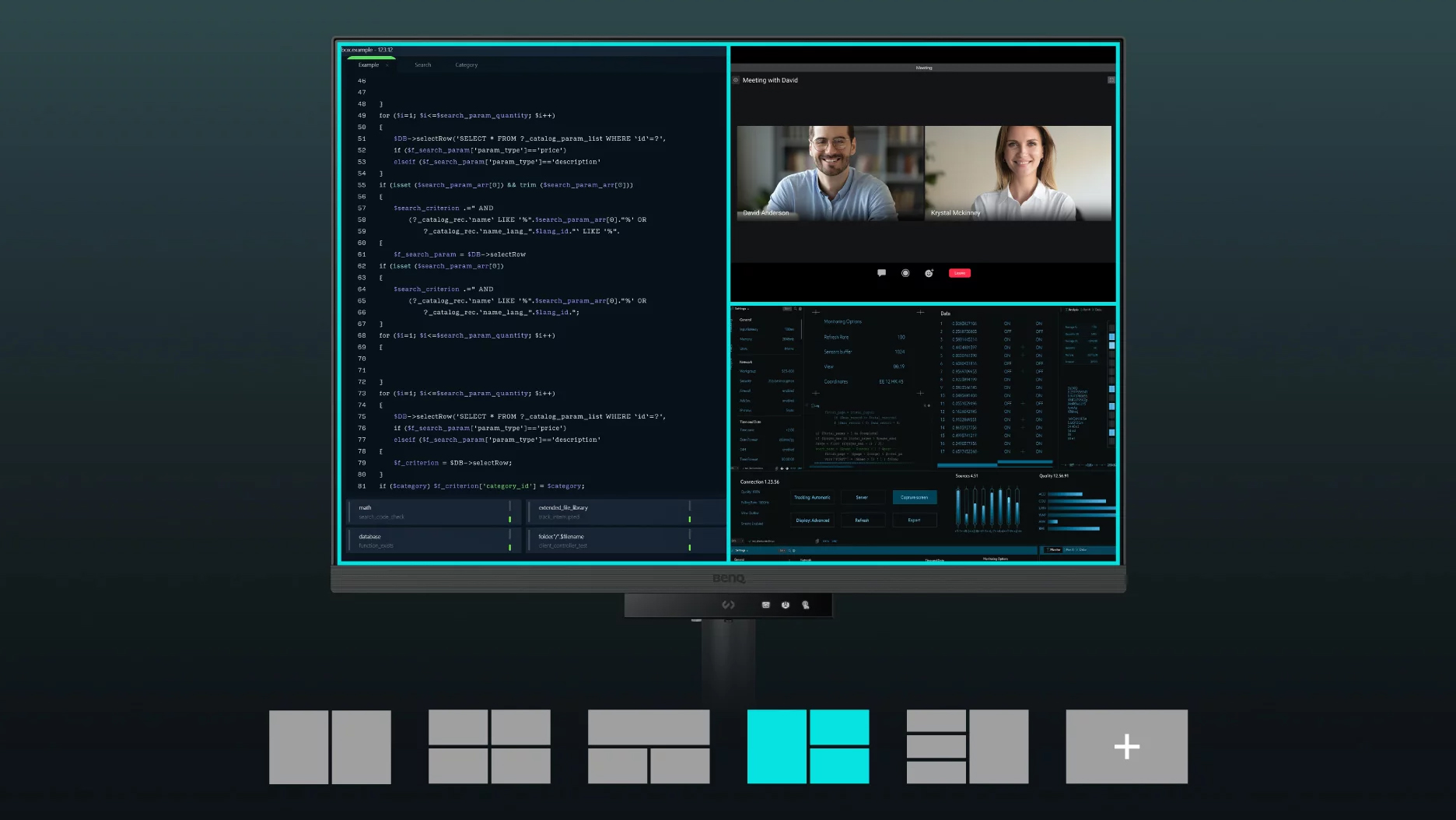
Easily Organize Your Workspace with Desktop Partition

Launch Desktop Partition and drag the application you’re working with into partitions by using preset templates or by customizing your own layouts. You can work more efficiency without the hassles of dragging and resizing.

Boost Efficiency with Display Pilot 2 Shortcuts

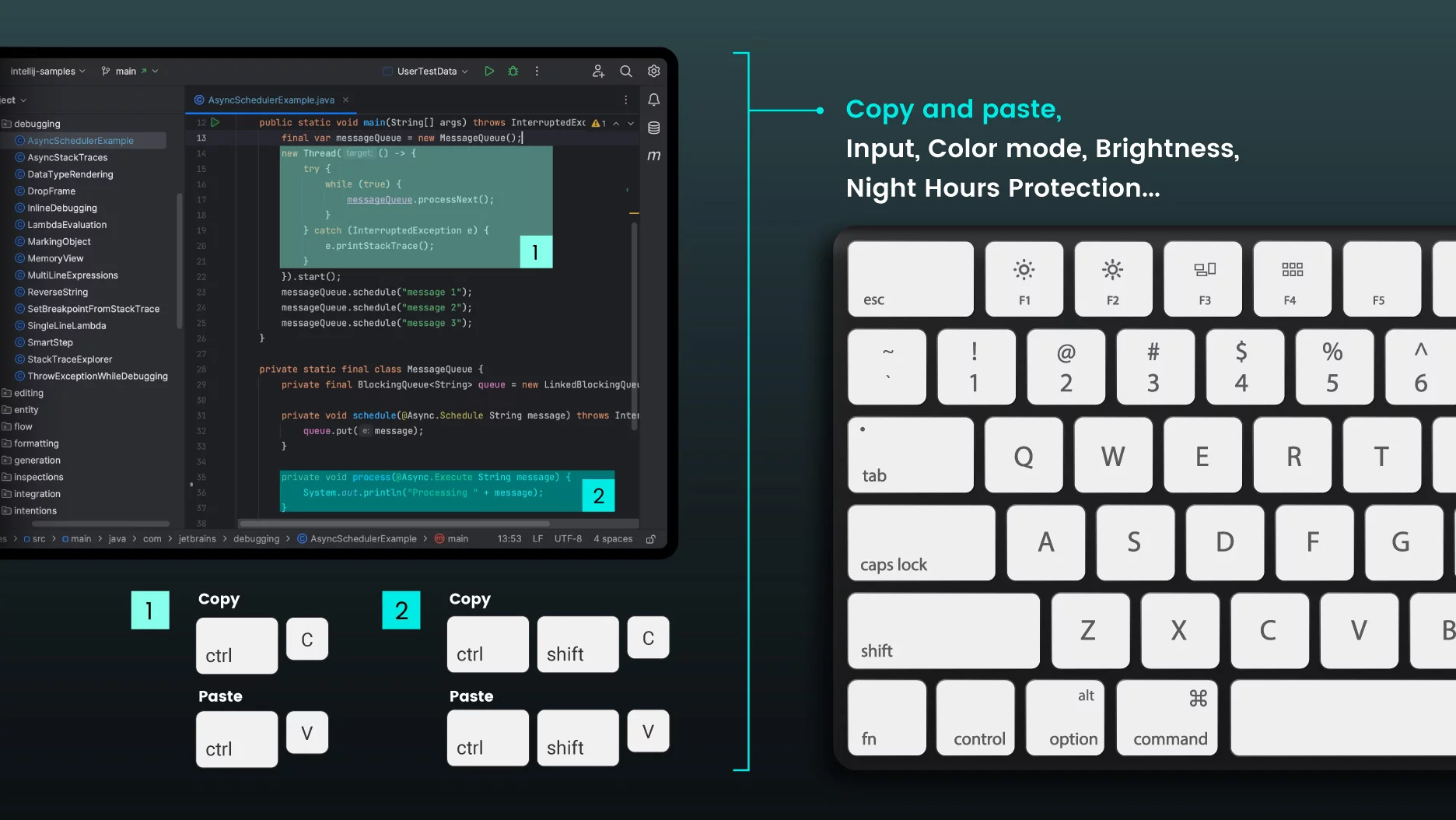
Exclusive Shortcuts allows you to easily bind commonly used functions to the hotkeys. With Display Pilot 2, copying and pasting shortcuts is no longer limited to one set at a time; it conveniently remembers two sets of content at once.

Enhancement for Maximum Physical Comfort

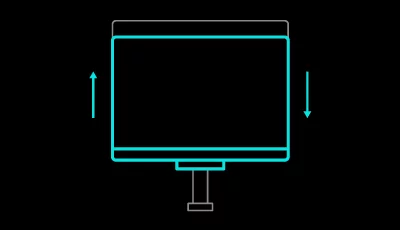
Enhance your coding workspace with adjustable height, tilt, pivot, and swivel capabilities for optimal efficiency and comfort.

Optimal Posture, Superior Output

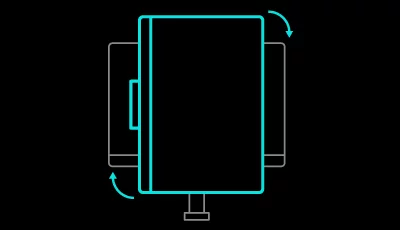
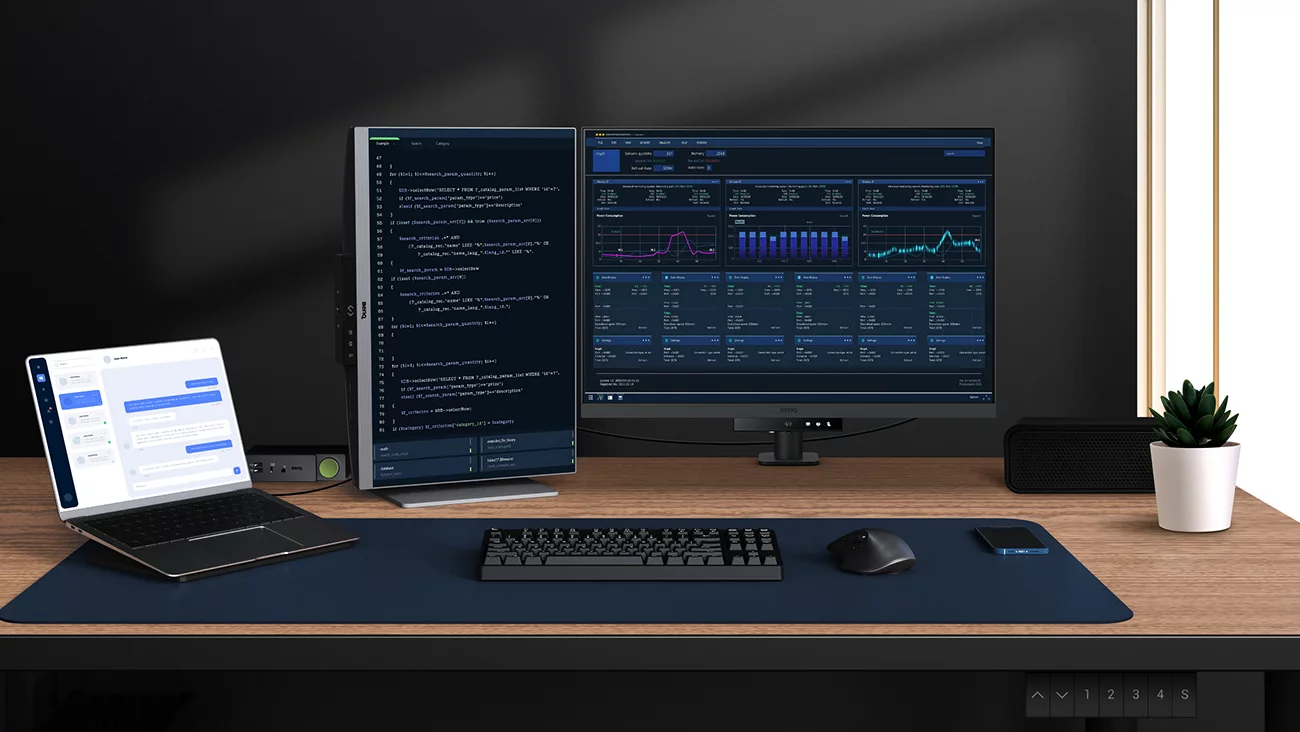
Relieve prolonged neck and body aches. BenQ Programming Monitors prioritize your comfort for long-term projects and support pivot and VESA mounting.
Pivot
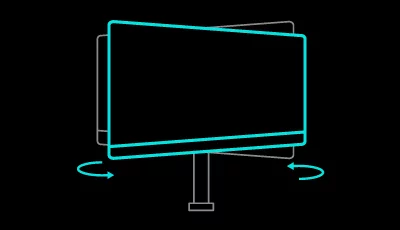
Swivel
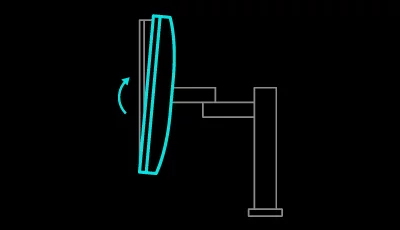
Tilt
HAS

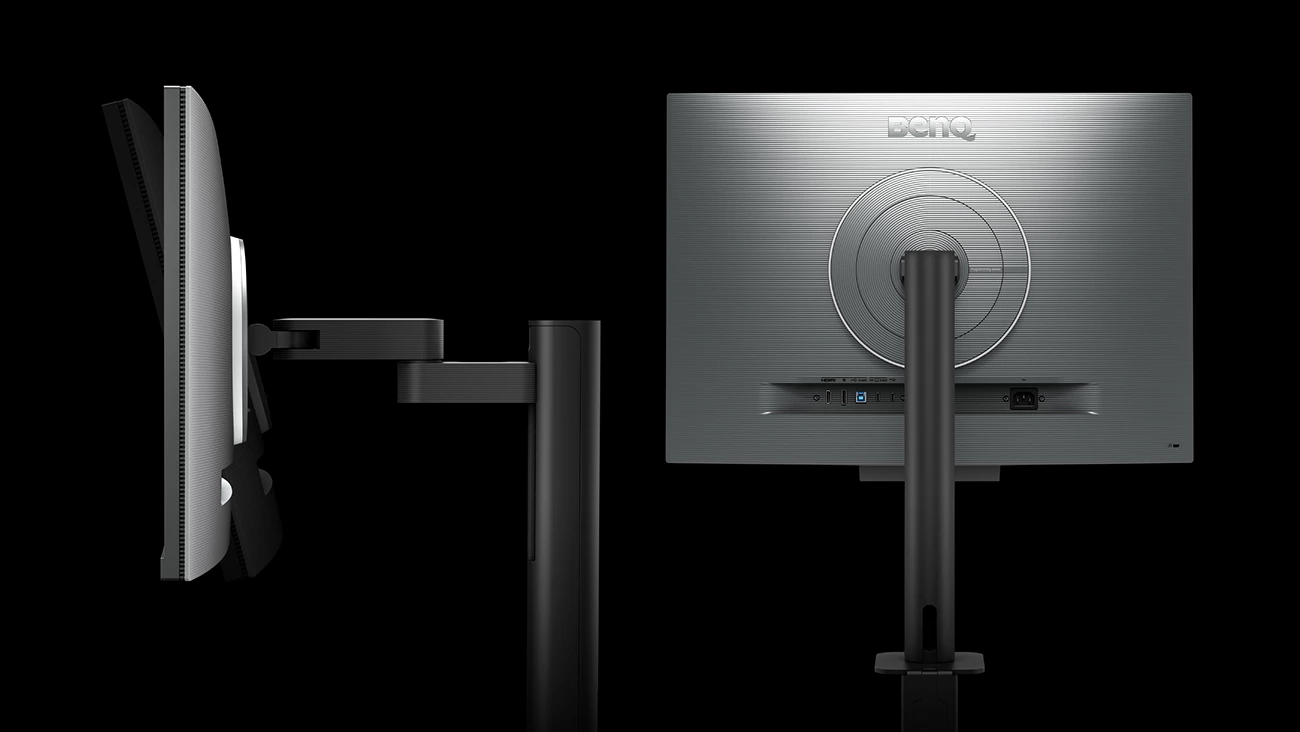
Ergo Arm Stand : Elevating Coders' Desks with Infinite Flexibility

BenQ Ergo Arm enhances flexibility and provides the optimal screen position for a more comfortable and productive user experience.

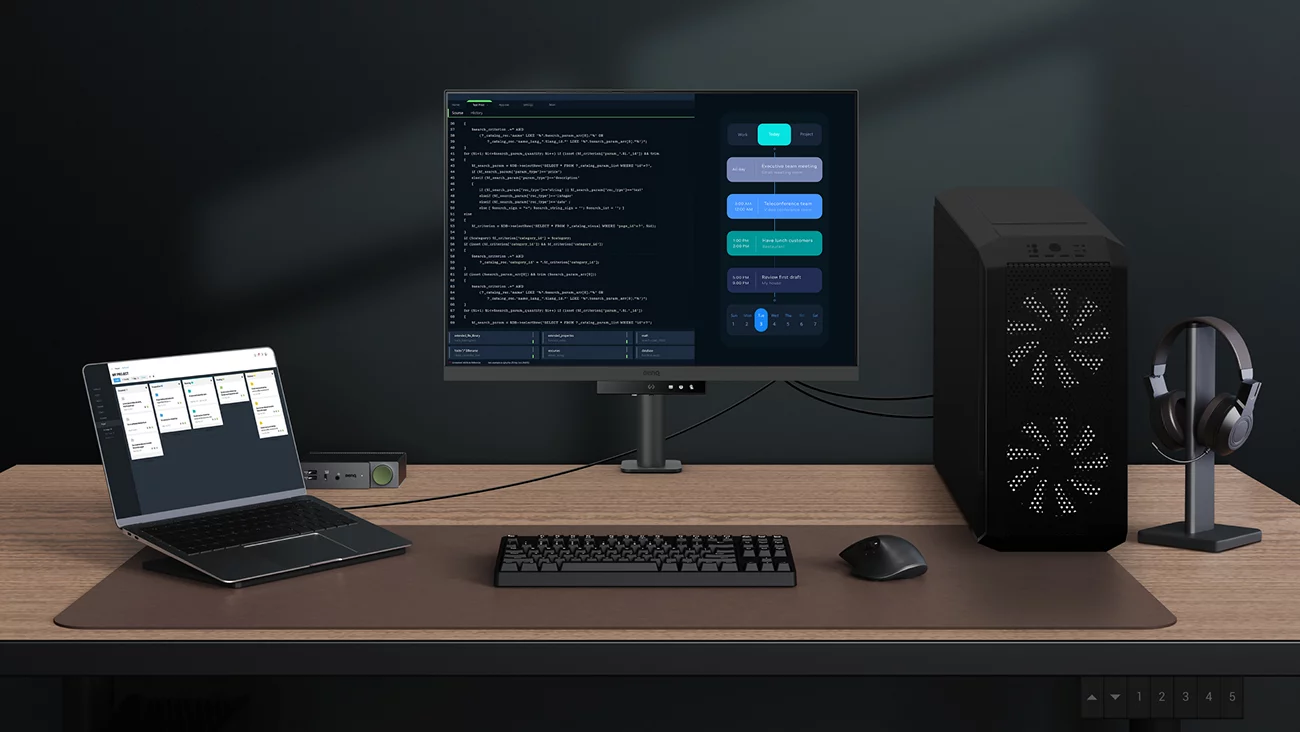
Endless Horizons, Intuitive Workflows

Whether it’s multi-screen integration or single-screen data comparison, a BenQ Programming Monitor meets your multitasking needs.

Achieve More and Scroll Less

With a rare 3:2 ratio design, RD280UA is crafted for coders to provide them with an expansive field of view.

Seamless Connectivity with Easy Plug and Play

BenQ Programming Monitor offers ample port options, including USB Type-C for all-in-one connectivity.

Maximum Efficiency, Multitask with Ease

Maximum efficiency through unified integration with diverse devices and built-in KVM (keyboard, video, mouse) for seamless source switching.

Daisy Chain with the 90W USB Type-C

Multi-Stream Transport Technology allows you to extend screens across multiple displays using the USB Type-C. The 90W USB Type-C carries images, videos, and other data seamlessly and charges your mobile devices at the same time all with one cable.

Please note that Mac® and MacBook® devices only support daisy chaining via Thunderbolt. Daisy chaining is not supported via HDMI or using regular USB ports on any device. Also, you can only connect a single external display using a Mac device with the M1 or M2 chips. For more information about connecting different models of Mac devices to external displays, please refer to the Apple website.

Coding Hotkey and Function Bar for Hands-On Coding

Effortlessly boost productivity with our unique Coding HotKey and Function Bar designs. With a swift press of the Coding HotKey at the heart of the function bar, immerse yourself instantly into the coding realm.

Keep Your Eyes Fatigue-Free

Experience unmatched eye comfort during night hours with our Night Hours Protection and advanced Brightness Intelligence Gen2. BenQ Eye-Care Technology is dedicated to enhancing your visual comfort.

Night Hours Protection

Benefit from minimum brightness technology for reduced eye strain, discover enhanced eye protection during night hours and dark room usage with our Night Hours Protection. Its intelligent ambient light detection and auto-switch capabilities require minimal user intervention, ensuring effortless and consistent eye care.

Brightness Intelligence Gen2

BenQ B.I. Gen2 emphasizes automatic detection of environmental brightness for automated screen brightness adjustments, while also providing the option for manually fine-tune the brightness.

TUV Reflection Free Certified to Ensure Coding with Refreshed Eyes

Being TUV Reflection Free Certificated ensures coding with minimized distractions, fostering a clearer and more efficient development process. Global safety authority TÜV Rheinland also certifies RD280UA’s Low Blue Light as truly friendly to the human eye. Eyesafe 2.0 certification ensures that the display reduces blue light while maintaining vivid color.

BenQ’s Green Commitment :
A Vision of Sustainability

BenQ prioritizes eco-friendly practices in our product development, underlining our commitment to sustainability. BenQ Programming Monitors incorporate eco-friendly technology, recycled materials, and energy-efficient design.
85% PCR

The housing of monitors is made with 85% PCR (Post-Consumer Recycled) materials, contributing to environmentally conscious production practices.

Recyclable Cardboard Packing

We package our monitors in recyclable cardboard, minimizing our environmental impact and promoting eco-friendliness.

Auto Power Off

The Auto Power Off of our feature allows users to automatically power down the screen after 10, 20, or 30 minutes of inactivity, conserving energy and further promoting sustainability.

Eco Privacy

Save power and safeguard screen privacy effortlessly with our feature that automatically dims your monitor during inactivity.

All Specifications

All Specifications
Display
Screen Size28.2 inch
Panel TypeIPS
Backlight TechnologyLED backlight
Resolution (max.)3840x2560
Brightness (typ.)350 nits
Brightness (peak)(HDR)400 nits
HDRHDR10, VESA DisplayHDR 400
Viewing Angle (L/R) (CR>=10)178°/178°
Response Times (GtG)5 ms
Native Contrast1200:1
Refresh Rate (Hz)60 (DP, USB-C)
Color Gamut95% P3
Color ModeCinema, Coding - Dark Theme, Coding - Light Theme, ePaper, HDR, M-Book, sRGB, User
Aspect Ratio3:2
Display Colors1.07 billion colors
PPI164
Display Screen CoatingNano Matte Panel
Color TemperatureBluish, Normal, Reddish, User Define
Gamma1.8 - 2.6
HDCP2.2
OSD LanguageArabic, Chinese (simplified), Chinese (traditional), Czech, Deutsch, English, French, Hungarian, Italian, Japanese, Korean, Netherlands, Polish, Portuguese, Romanian, Russian, Spanish, Swedish
AMAYes
Audio
Built-in Speaker2Wx2
Headphone JackYes
Power
Voltage Rating100 - 240V
Power SupplyBuilt-in
Power Consumption (normal)34 W
Power Consumption (max)205 W
Power Consumption (sleep mode)<0.5 W
Power Delivery (USB C / Thunderbolt 3)90 W
Dimension and Weight
Tilt (down/up)-5˚ - 30˚
Swivel (left/right)275˚/ 275˚
Pivot90˚
Height Adjustment Stand130 mm
Dimensions (HxWxD) (mm)602.2 - 732.2x610.4x476.0
Dimensions (HxWxD) (inch)23.7 - 28.8x24.0x18.7
Dimensions (HxWxD) (Landscape) (mm)732.2x610.4x476.0
Dimensions (HxWxD) (Landscape) (inch)28.8x24.0x18.7
Dimensions (HxWxD) (Pivot) (mm)831.6x427.8.x476.0
Dimensions (HxWxD) (Pivot) (inch) 32.7x16.8x18.7
Dimensions (HxWxD) (w/o Base) (mm) 427.8x610.4x87.1
Dimensions (HxWxD) (w/o Base) (inch) 16.8x24.0x3.4
Net Weight (kg) 11.4
Net Weight (lb) 25.0
Net Weight (w/o Base) (kg) 7.5
Net Weight (w/o Base) (lb) 16.5
VESA Wall Mount 100x100 mm
Accessories
Other AccessoriesQSG, Warranty Card, Safety Instruction
Connectivity
HDMI (v2.0)1
DisplayPort (v1.4)1
USB C(PowerDelivery 90W, DisplayPort Alt Mode, Data)1
Daisy Chain TechnologyUSB C out (MST)
USB Type-B upstream (USB 3.2 Gen 1, 5 Gbps, data only)1
USB Type-A downstream (USB 3.2 Gen 1, 5 Gbps, power charging 4.5W)3
USB Type-C downstream (USB 3.2 Gen 1, 5 Gbps, power charging 7.5W)1
Eye Care
Flicker-free TechnologyYes
Brightness Intelligence Gen2 (B.I. Gen2)Yes
Low Blue Light PlusYes
Color WeaknessYes
ePaperYes
Eye ReminderYes
Night Hours ProtectionYes
Environmental Standards
Energy Star8.0
TCO Certified9.0
EPEATBronze
Certification
TUV CertificateEye Comfort 2.0, EyeSafe 2.0, Flicker-free, Low Blue light (Hardware Solution) , Low Blue light (Software Solution), Reflection Free
Professional
KVM SwitchYes
FW update by USBYes
Moon HaloYes
Software
Display Pilot 2Yes
X