
Neytri Site

BenQ Interactive Panel Master | RM04 | Smart Digital Whiteboard

BenQ Interactive Panel Master | Smart Digital Whiteboard for Classrooms

The BenQ Interactive Panel Master RM04 is a smart digital whiteboard that transforms classrooms with its interactive tools, seamless Google integration and AI-powered features. Designed for collaboration and engagement, it offers a smooth writing experience, enhanced security and ClassroomCare® technologies for a healthier learning environment.

Estimated Delivery :
Jan 23 - Jan 26
Free Shipping & Returns :
On orders above $79

More payment Options

Description

Google-Powered Lessons

Harness the power of BenQ hardware and Google services for education with the EDLA-certified BenQ Board Master RM04.

Easy App Access

Enhance your lessons with interactive educational apps from Google Play.

Google Essentials

The RM04 comes with Google Core Services such as Google Drive and Meet.
Collaboration Tools

Fully utilize Google Docs, Sheets, and Slides on a large touchscreen display.
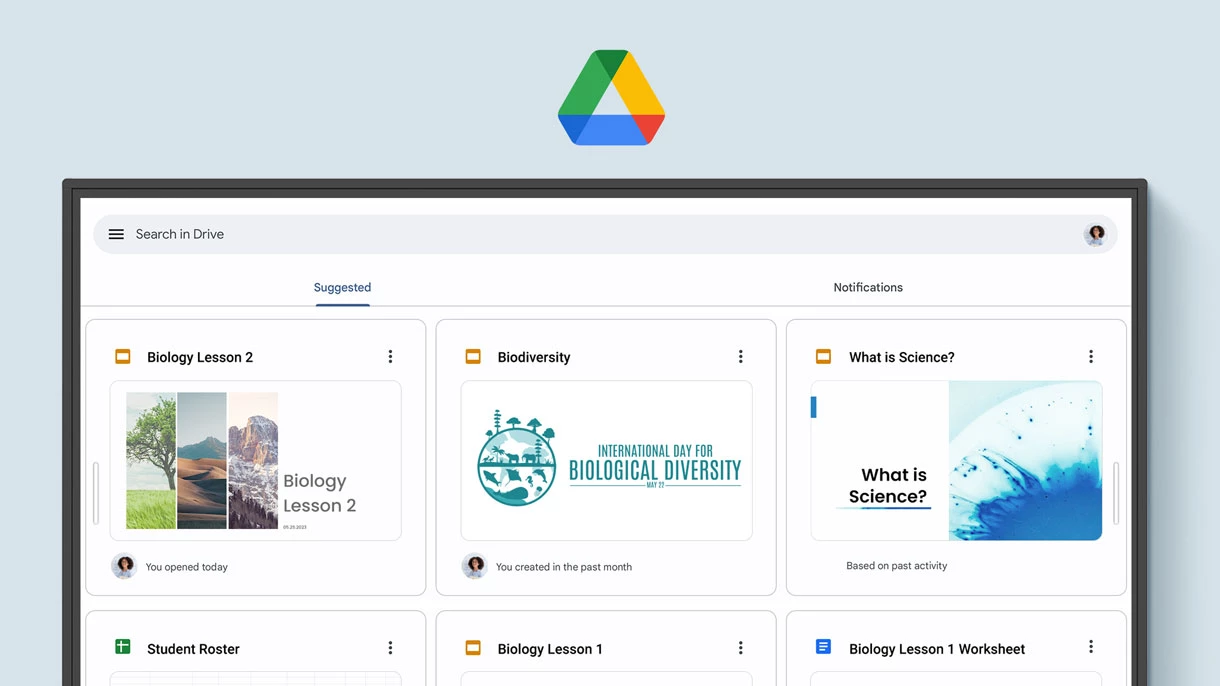
Convenient file Access

Open files from your Google Drive to teach with material you’ve prepared beforehand, and save them right back onto the cloud so you can always have access to the latest files.

Enhanced Security

Google’s security features on your RM04 prevent data leaks, phishing, malware, and data loss.

Voice Assistant

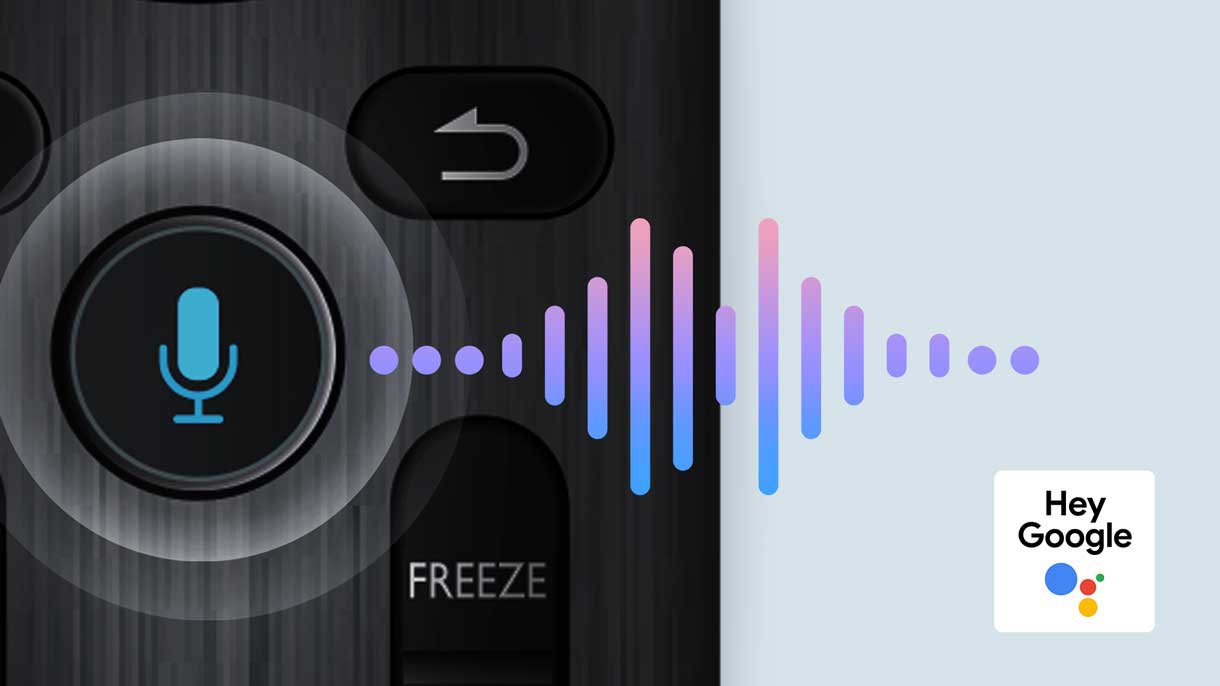
Let your voice guide your lessons using Google Assistant via the RM04 remote control.

Whiteboard Without Limits

Enhance your lessons using EZWrite, a powerful whiteboard that’s packed with classroom tools you can use for more engaging face-to-face or hybrid classes.

More than just a Whiteboard

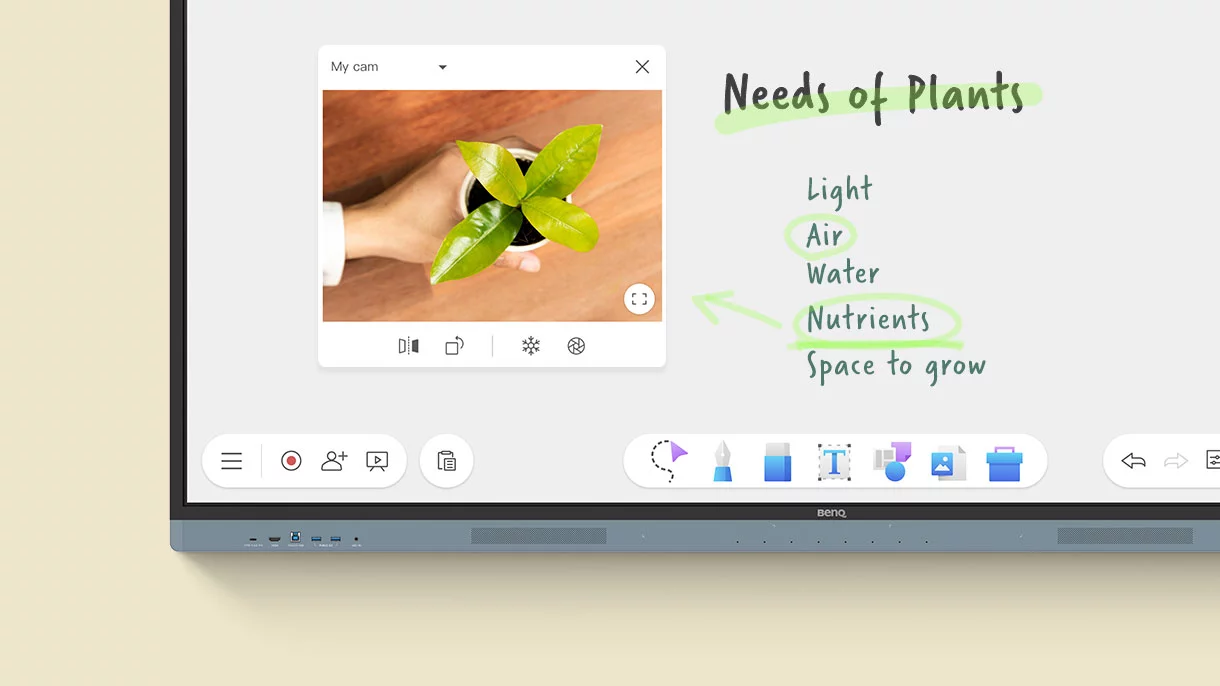
EZWrite 6 lets you do a lot more than just write, draw, and add text. Use the expandable canvas, split the screen for competitions, insert templates, use math tools, or show a live camera feed.

Import and Export Files

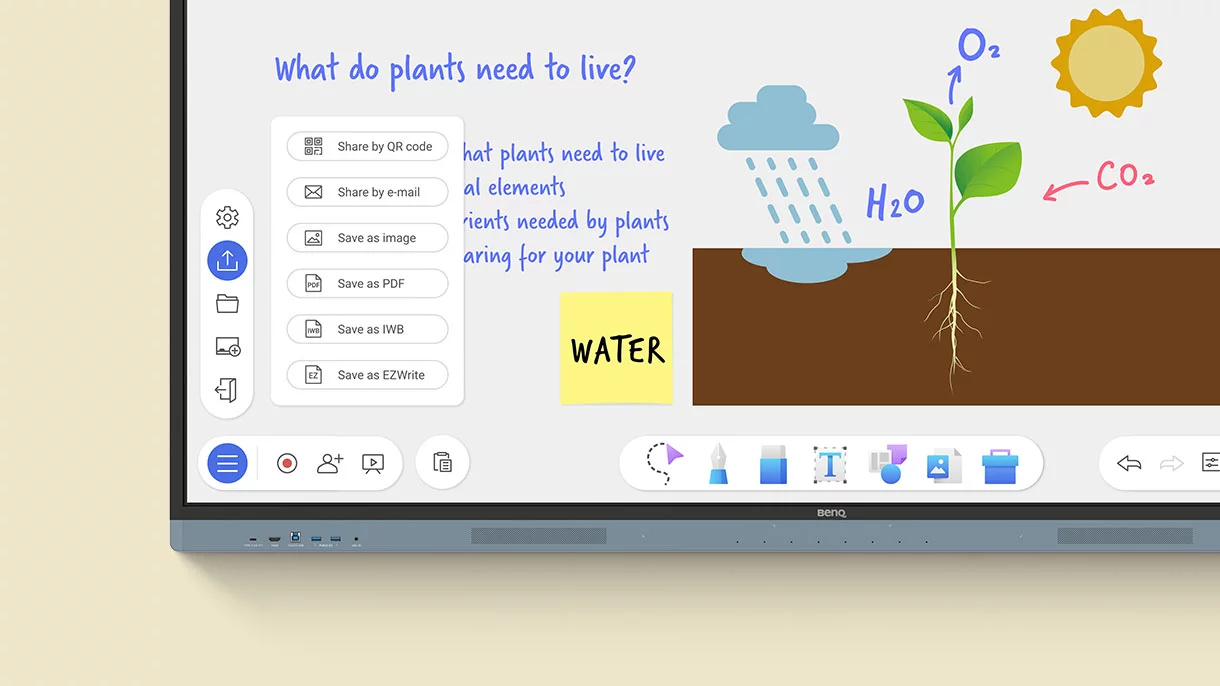
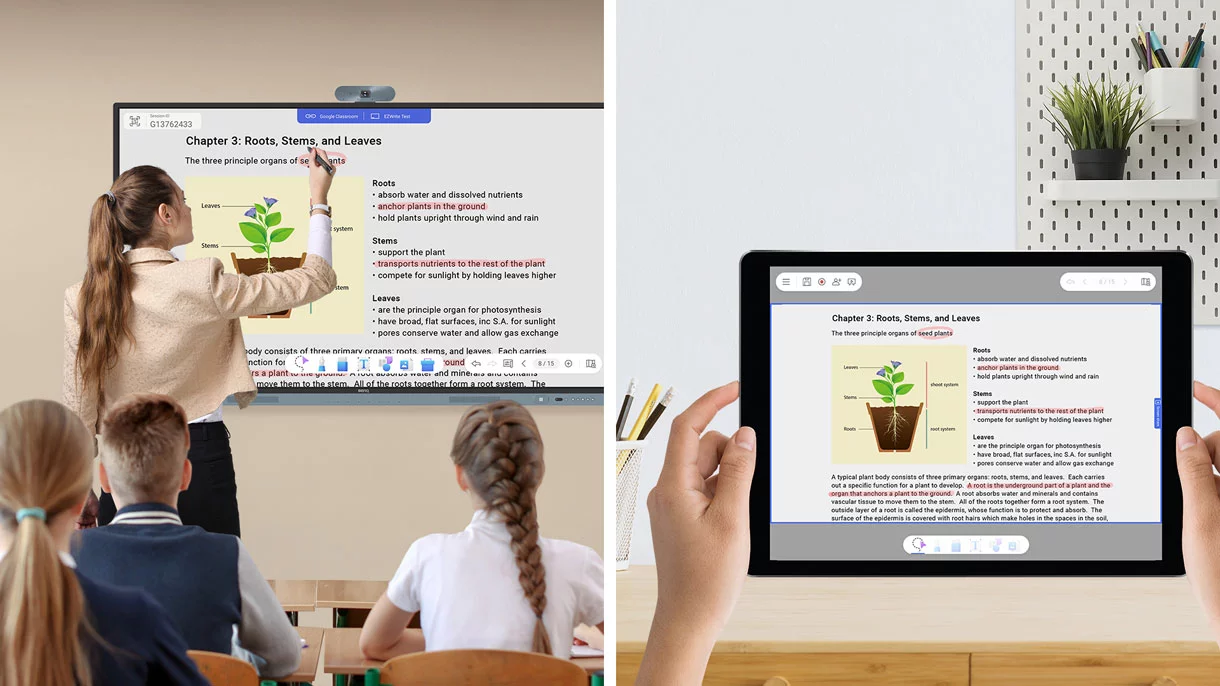
Open PowerPoint, Word, Excel, and PDF files to teach with and make notes on during class. When you’re done, save the lesson as an editable whiteboard file to pick up where you left off or as a PDF for students to review at home.

Extend your Classroom

Cloud whiteboarding lets students join the session from their seats or even from home. Remote students can use the whiteboard as if they were right on the display. ​

AI tools for more inclusive lessons

Text-to-speech

Hear text as it is displayed or written on screen.

Multilingual Translation

Translate text in numerous languages for more context-rich lessons.

OCR

Easily edit text from photos and scanned pages.
A Smarter Teaching Environment

Everything you need to enhance the way you teach is already on the RM04.

Your secure space

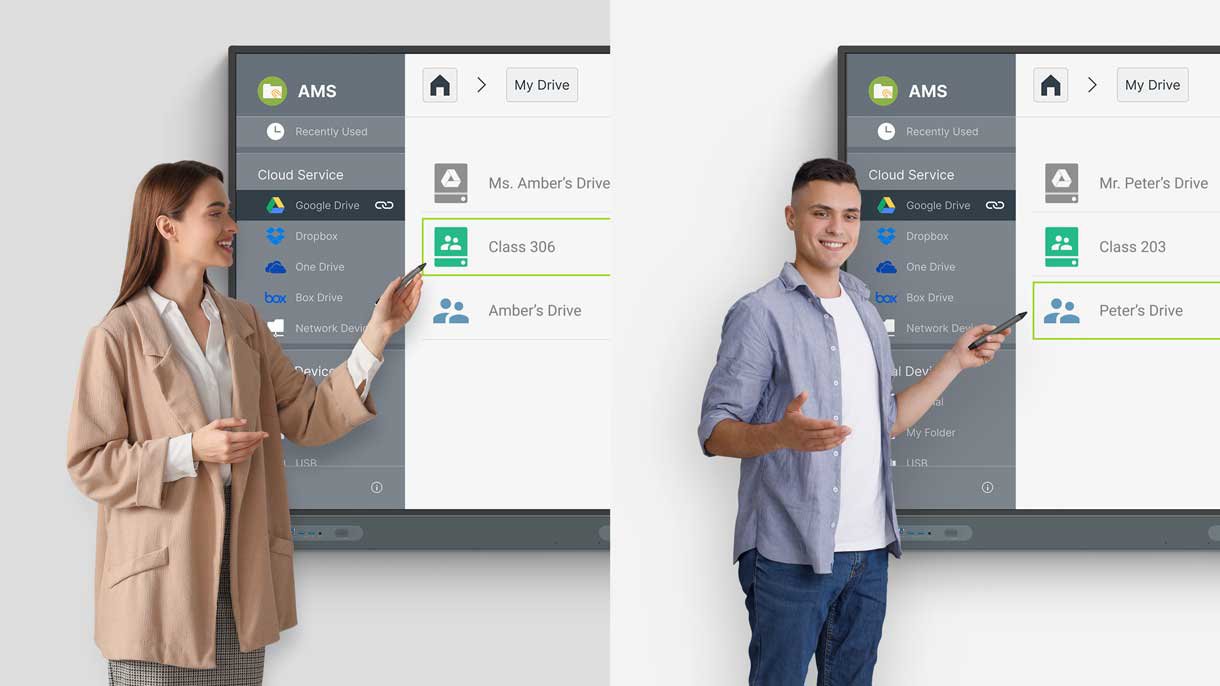
Get your own secure teaching space on the board, which grants you exclusive access to your cloud accounts and lesson data.

Customize your Board

Add widgets, apps, and shortcuts to your home screen so you’ll have all your tools where you need them before starting each class.

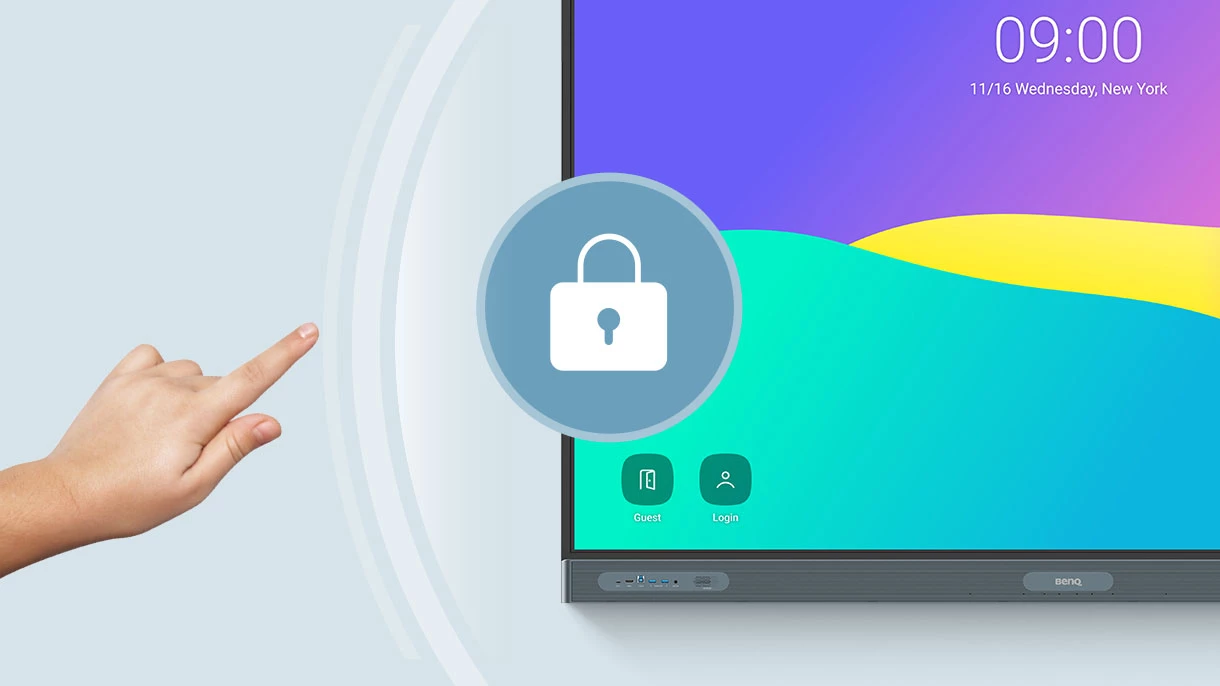
Log in. Load.

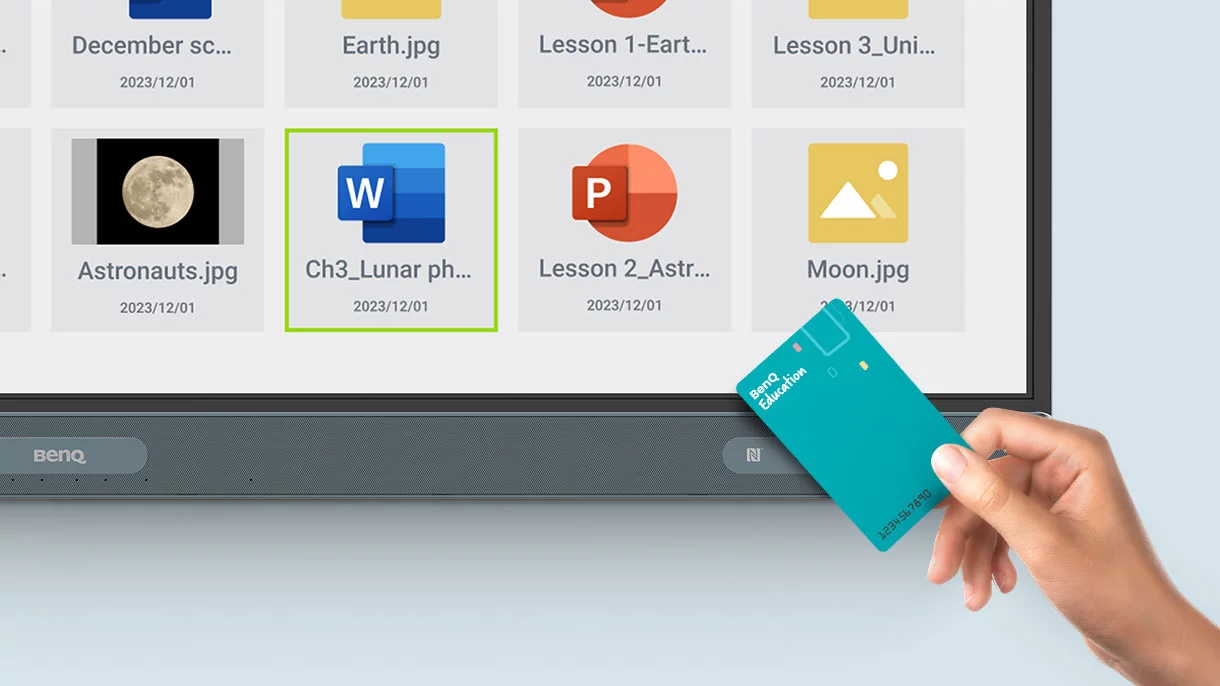
The RM04 offers efficient and secure ways to log in, load your personal settings, and access your cloud storage. You can either tap your NFC card or just scan the board’s QR code with your phone.
Tools within Reach

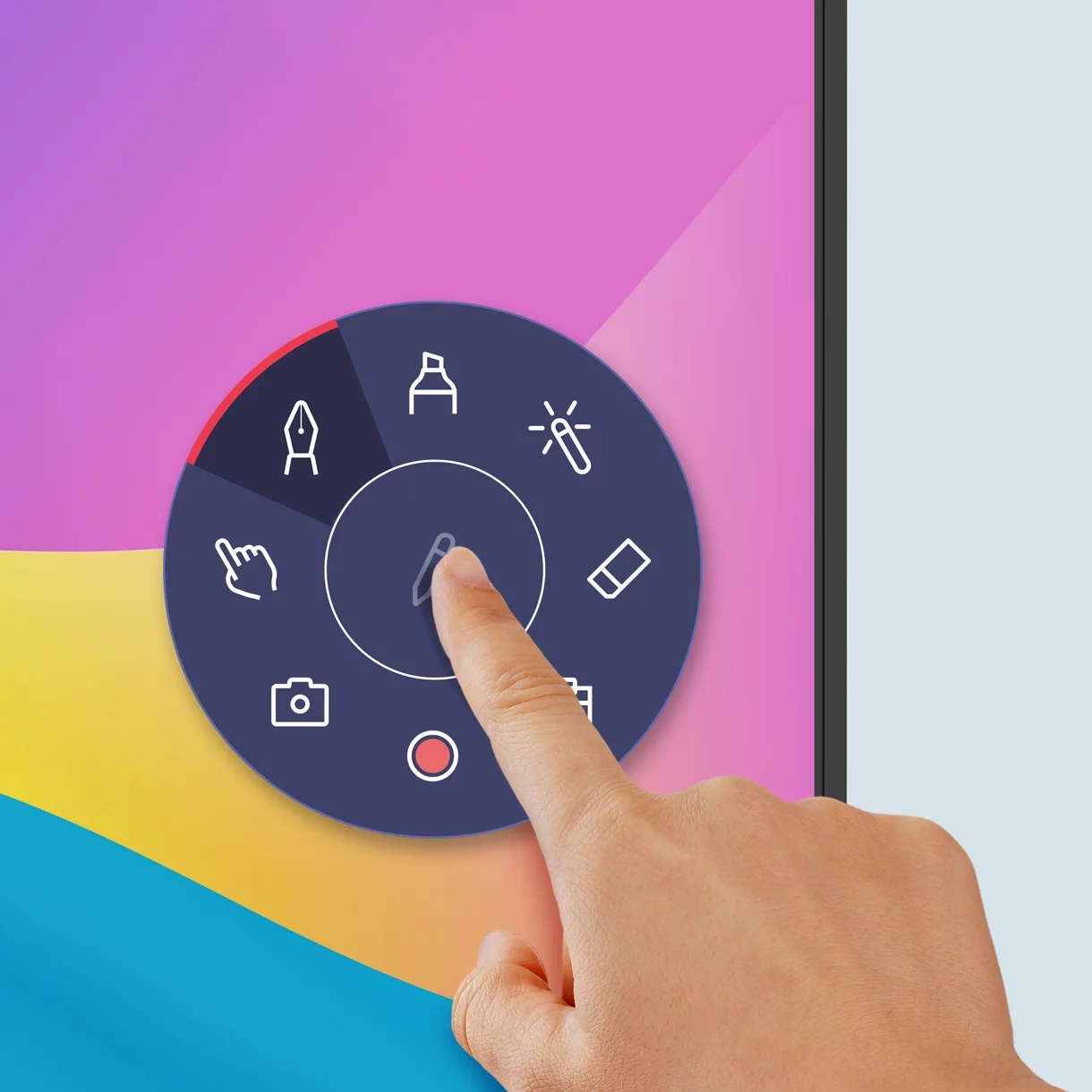
Pull up the Floating Tool to annotate, take screenshots, or even record videos while you’re using apps, browsing files, or scrolling through sites on the board.
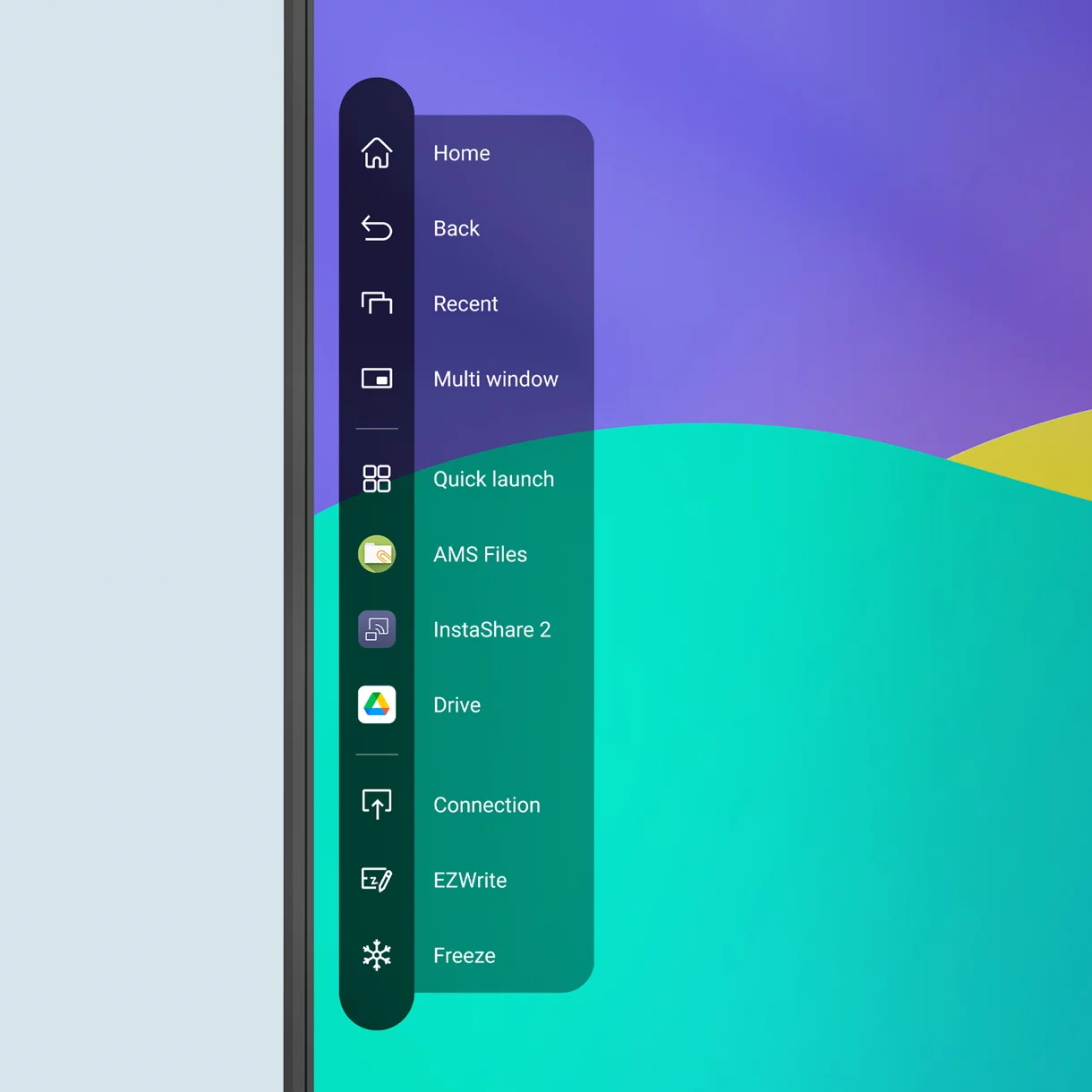
Quick Access Every Time

Tap the sidebar to quickly switch input sources, go back to the home screen, or get a menu of your most-used apps.
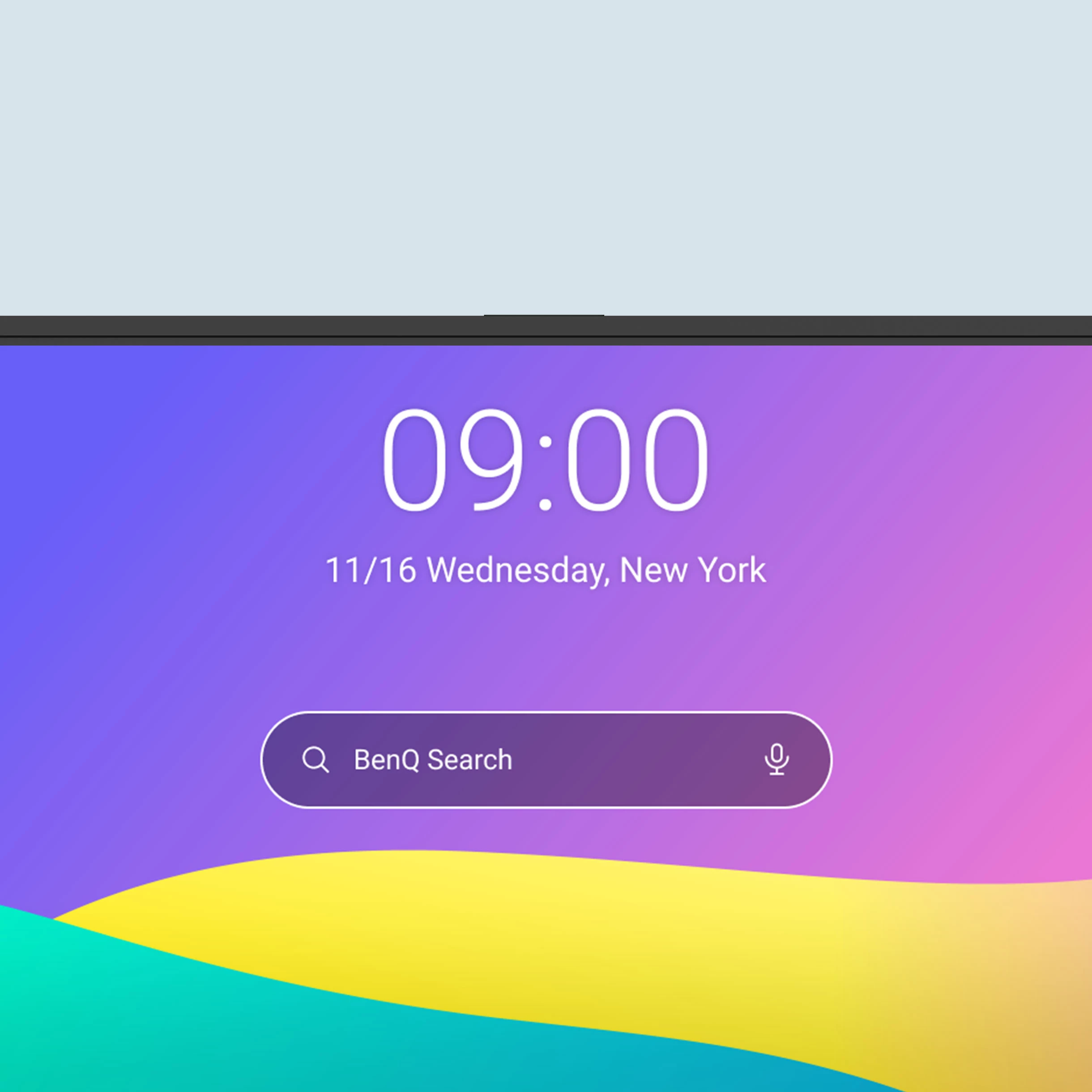
A Broader Search

The all-new BenQ Search allows you to not only search the internet, but also locate your lesson files stored locally or on your cloud accounts.
Maximize Teaching Efficiency

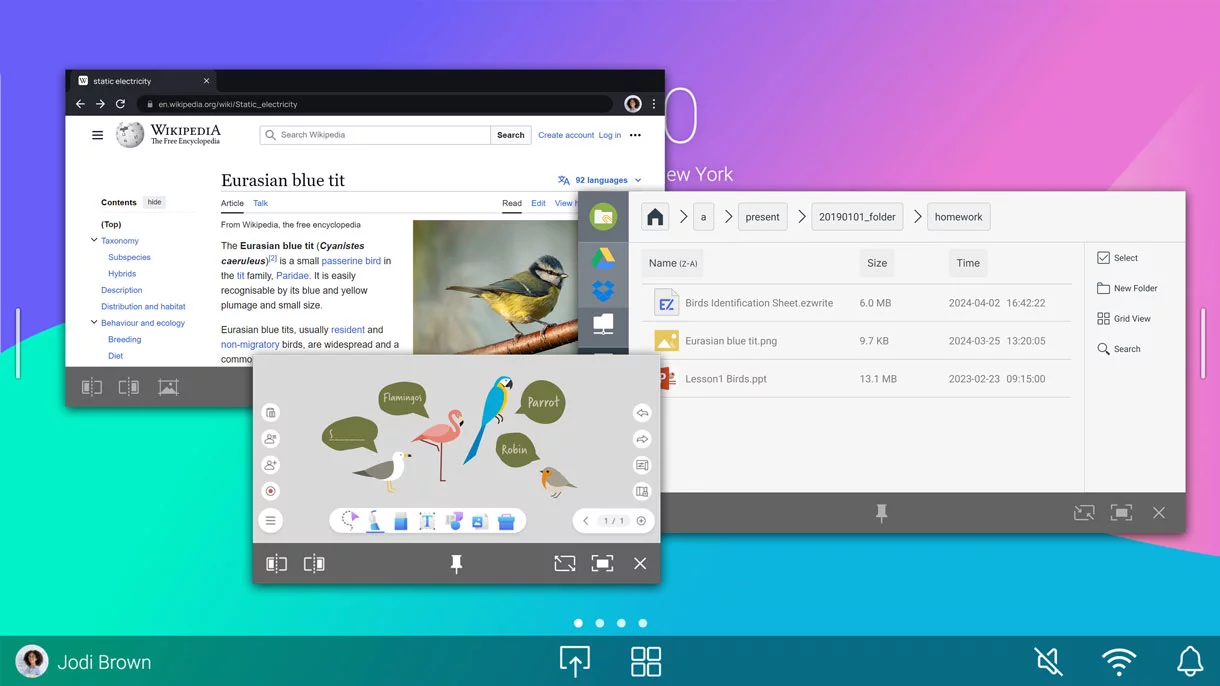
Whiteboard while searching the web on the same screen. Activate the split-screen mode and have two apps open side by side for more dynamic lessons.
Front-Facing Ports

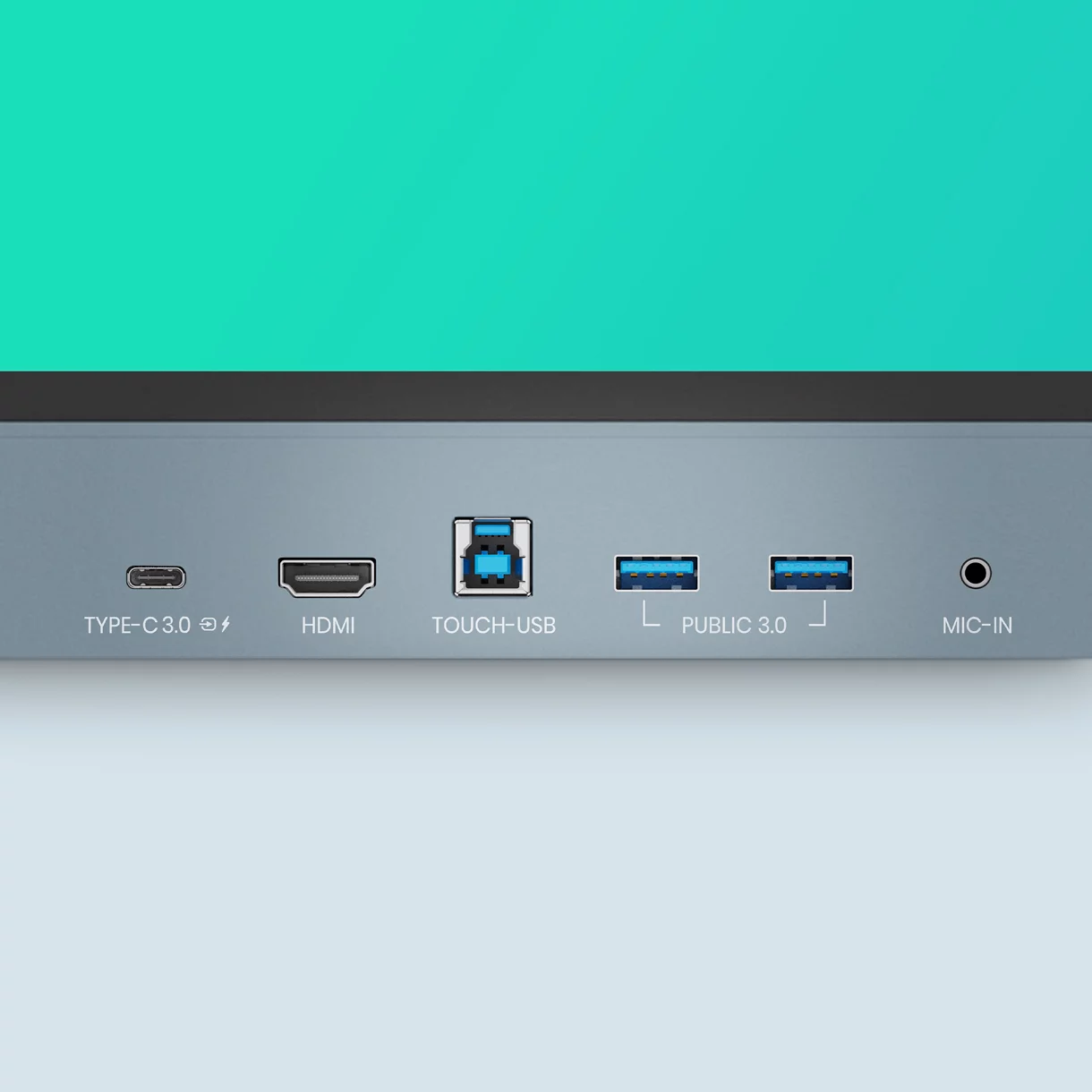
The multiple front ports include a full-functioned USB-C port that provides 65W of charging and allows you to extend your laptop screen and gain touchback controls.
All-Around Sound

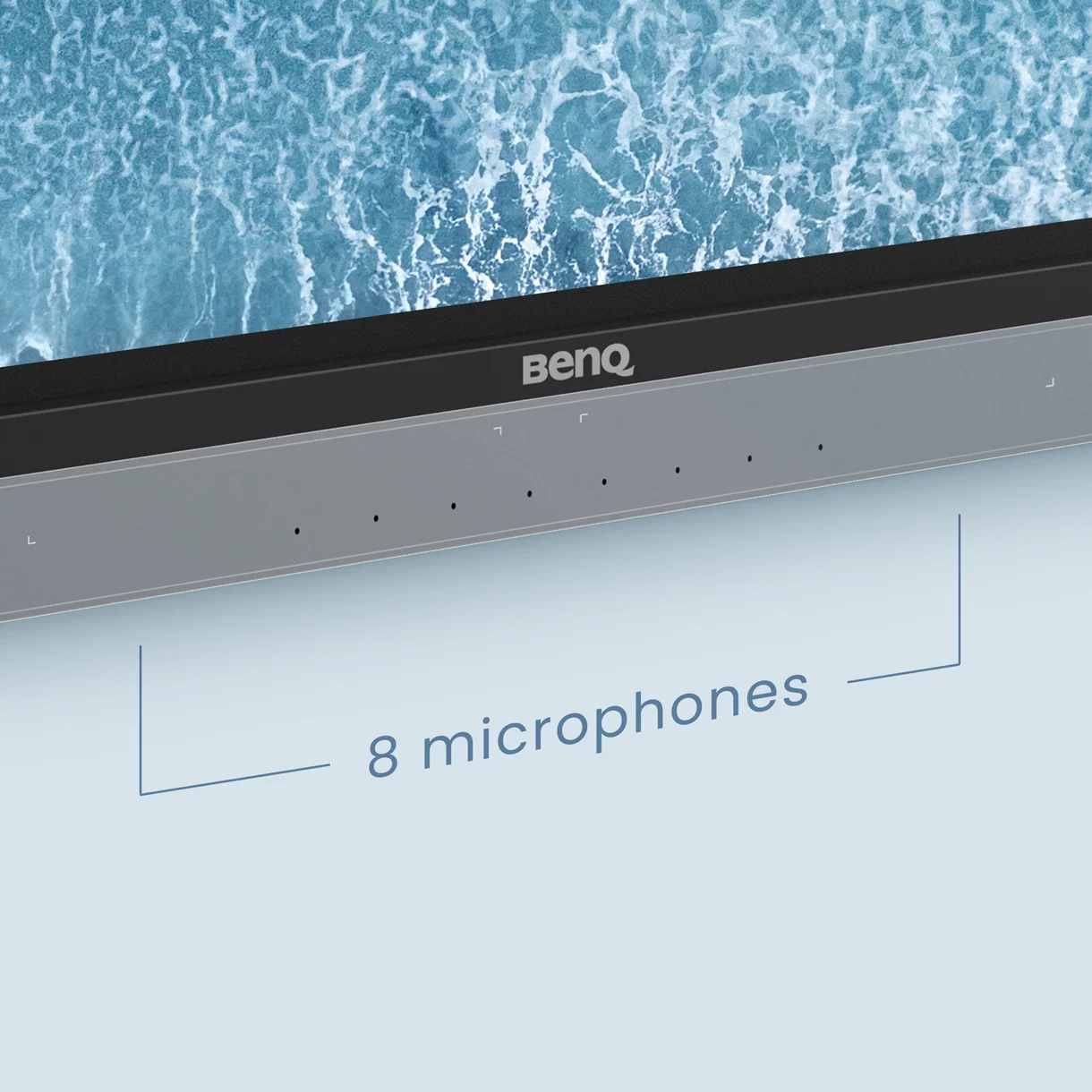
The two 20-watt front-facing speakers provide room-filling sound for any class. Together with the 8-microphone array, they ensure that everyone can hear and be heard during calls or audiovisual lessons.
Stream and Record Classes with AI

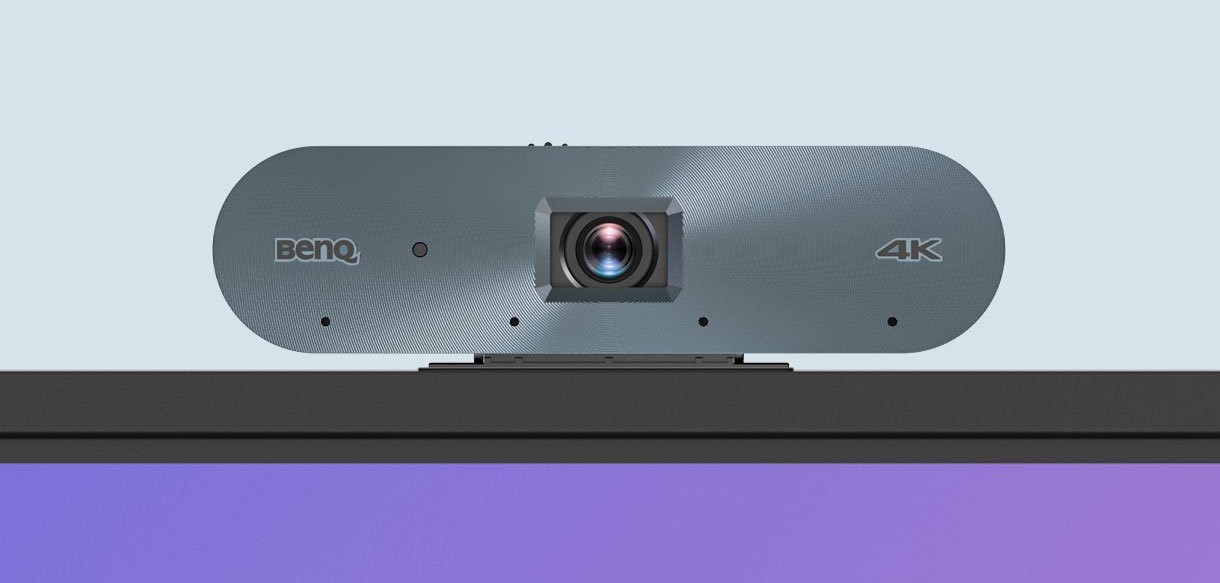
Combine the BenQ Board with the DV01K smart 4K UHD camera for high-quality video streaming and recording. Ensure clear and dynamic audiovisuals with the camera’s built-in AI features including auto framing, face and voice tracking, and active noise cancellation.
AI-Powered Auto Framing
AI-Powered Speaker Tracking
Active Noise Cancellation
Smooth and intuitive Writing

The BenQ Board Master allows multiple students to interact intuitively with the display at the same time for group work and other classroom activities.
40 touch Points

The RM04 allows up to 40 touch points to let everyone interact on the display at the same time.
Natural Writing

Zero gap between the glass and panel makes writing feel as smooth as writing on paper.
High Precision IR

High precision IR touch provides the most accurate writing experience of any BenQ Board.
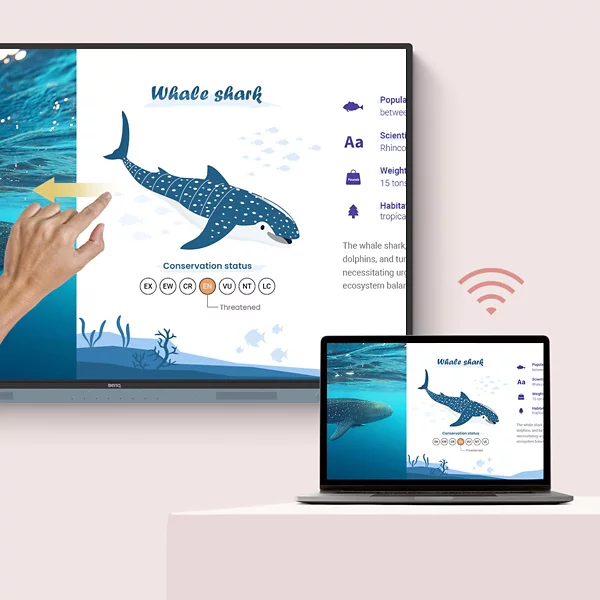
Seamless idea Sharing

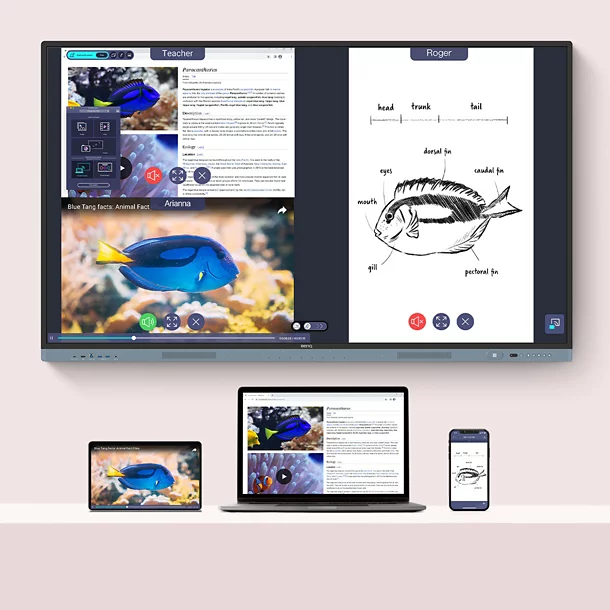
Wirelessly share content onto the RM04 from anywhere in the room. Cast lesson materials from your laptop or let multiple students share their screens with InstaShare 2.
Control your device from the board
Share Multiple Screens Simultaneously
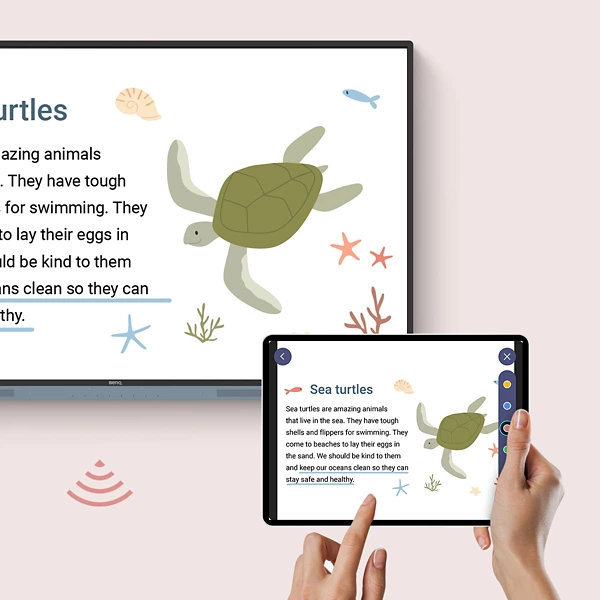
Cast the Board to Connected Devices
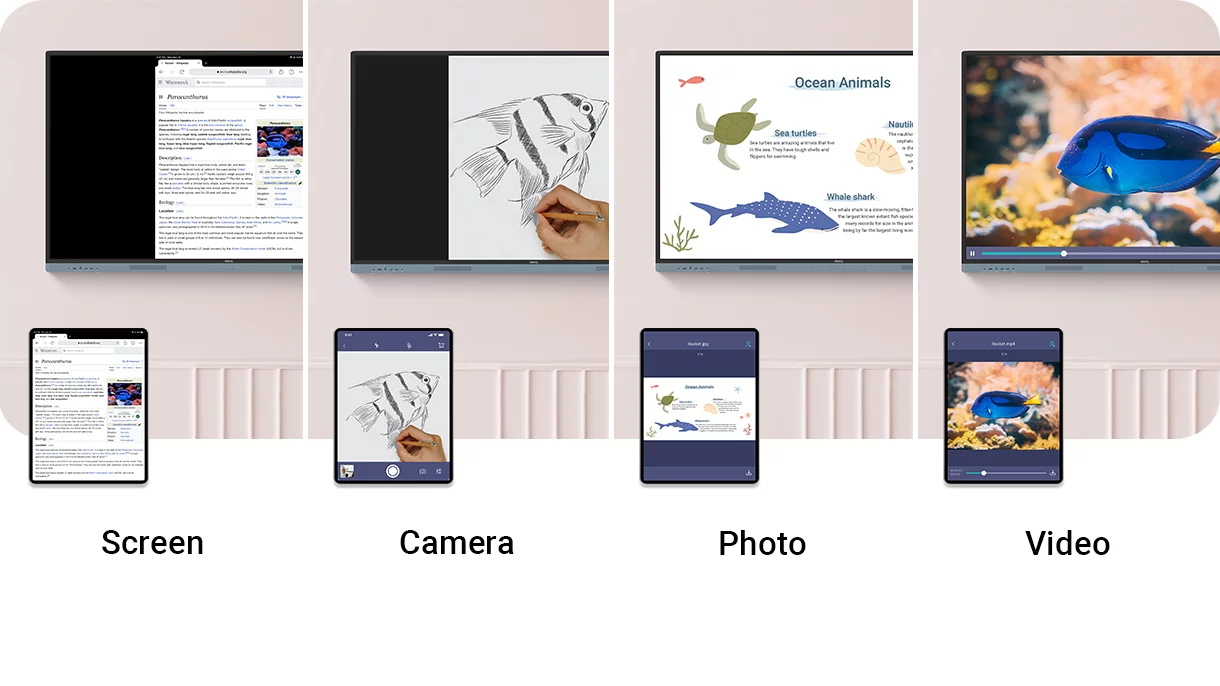
Present Diverse Content

InstaShare 2 does more than screen sharing. You can also cast photos, videos, or your live camera feed for more dynamic presentations and discussions.
Tap and Share

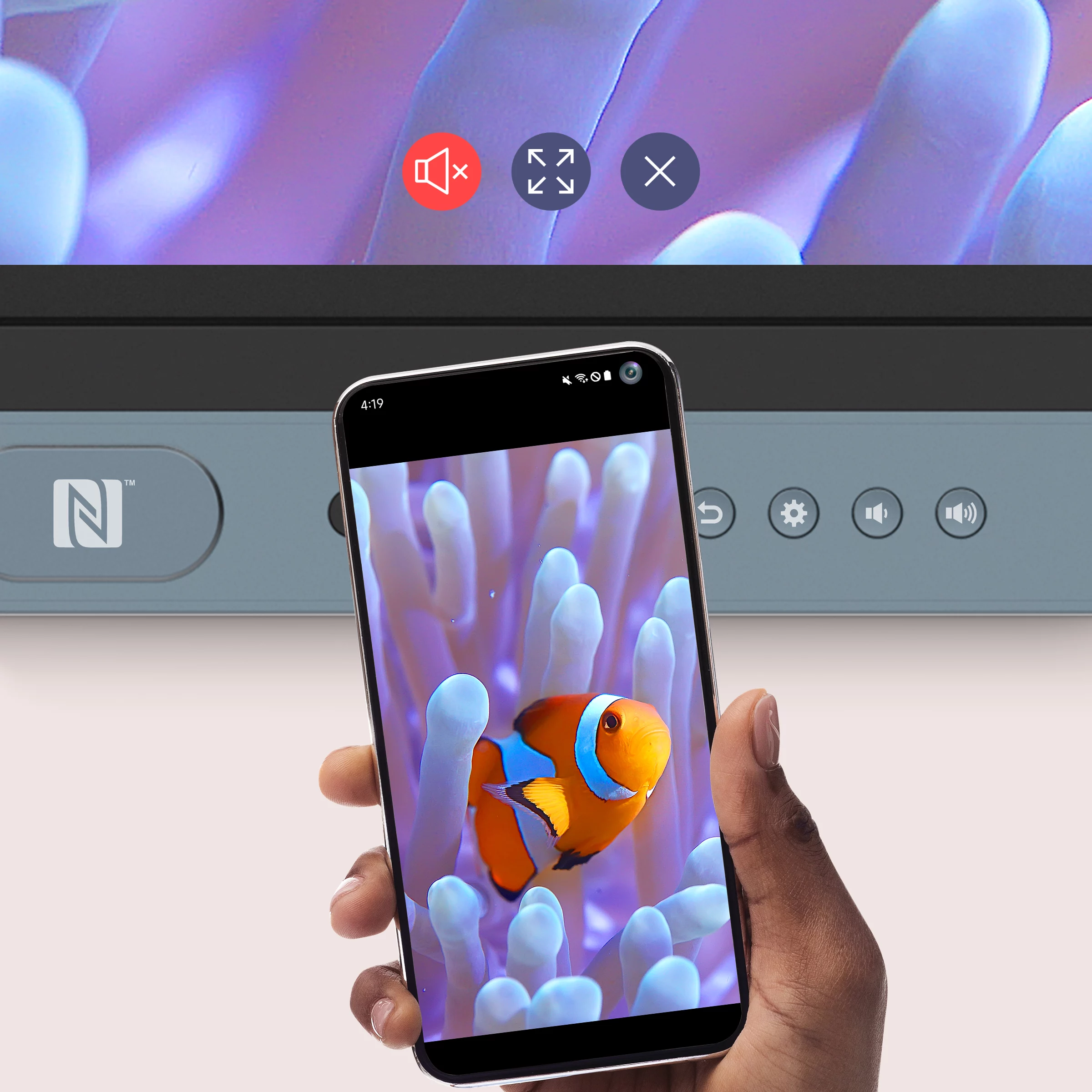
Share pictures, videos, and other educational content directly from your Android phone by simply tapping it on the BenQ Board’s NFC reader.
Keep things in Order

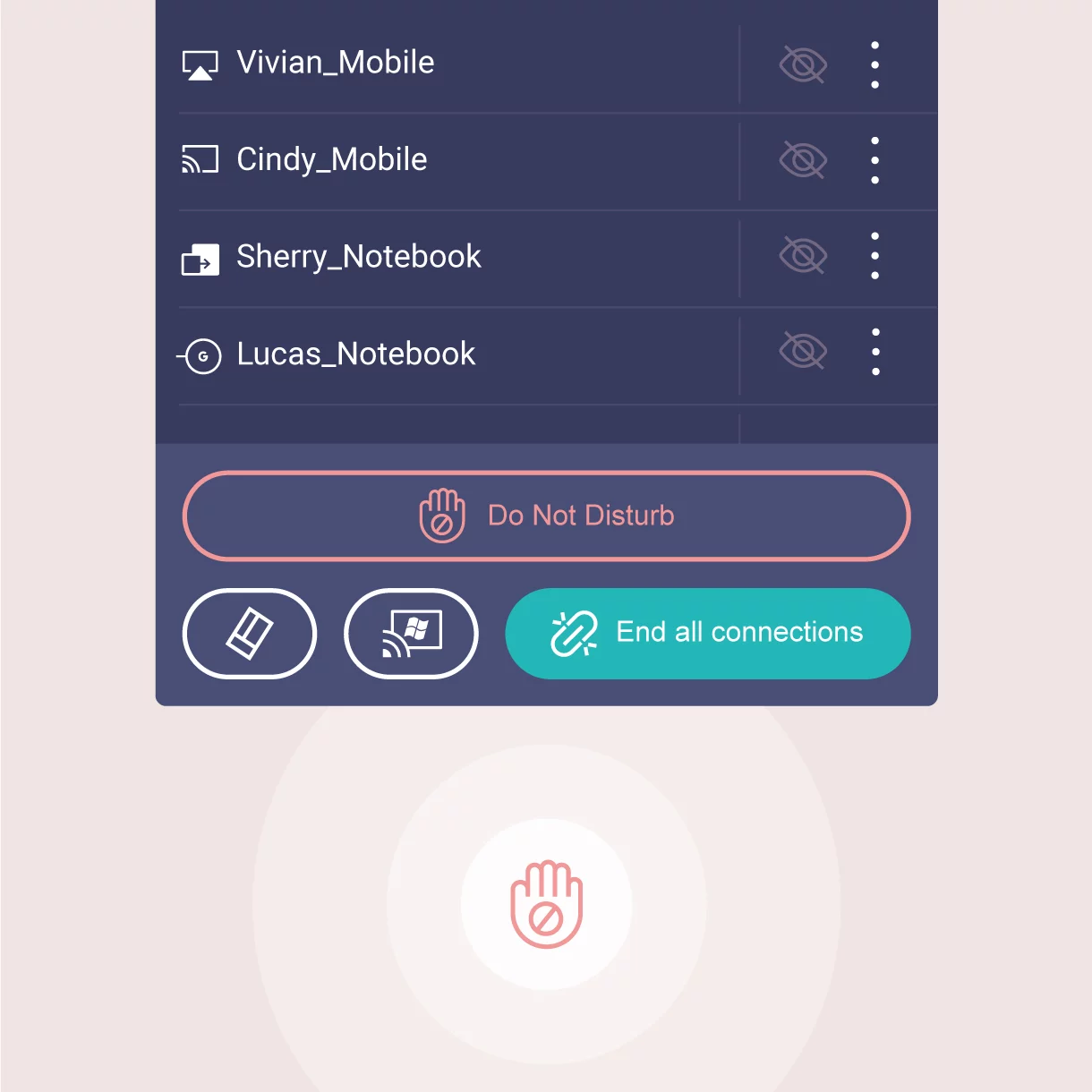
Even with multiple students sharing, it’s easy to take control of the session on InstaShare 2. You can select which screens to show or hide, decline sharing requests, and even block inappropriate content with AI.
Effortless Management

BenQ’s device and user management platforms allow IT staff to maintain their BenQ Boards without added complexity. We help significantly reduce their workload so they can focus on other tasks.

Identity Management Syncing

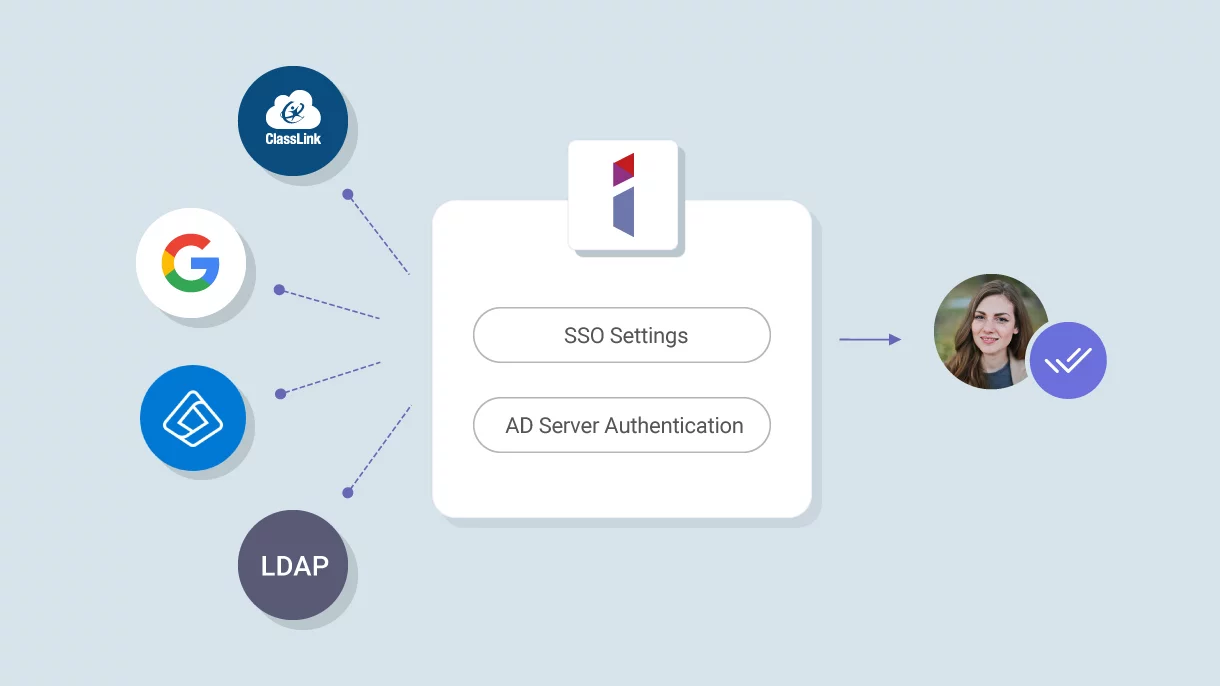
Expedite user list management by syncing your BenQ Board user account list with your existing lists on Google Workspace, Microsoft Entra ID (formerly Azure Active Directory), ClassLink, LDAP, or other SAML-based identity provider.

Device and App Management

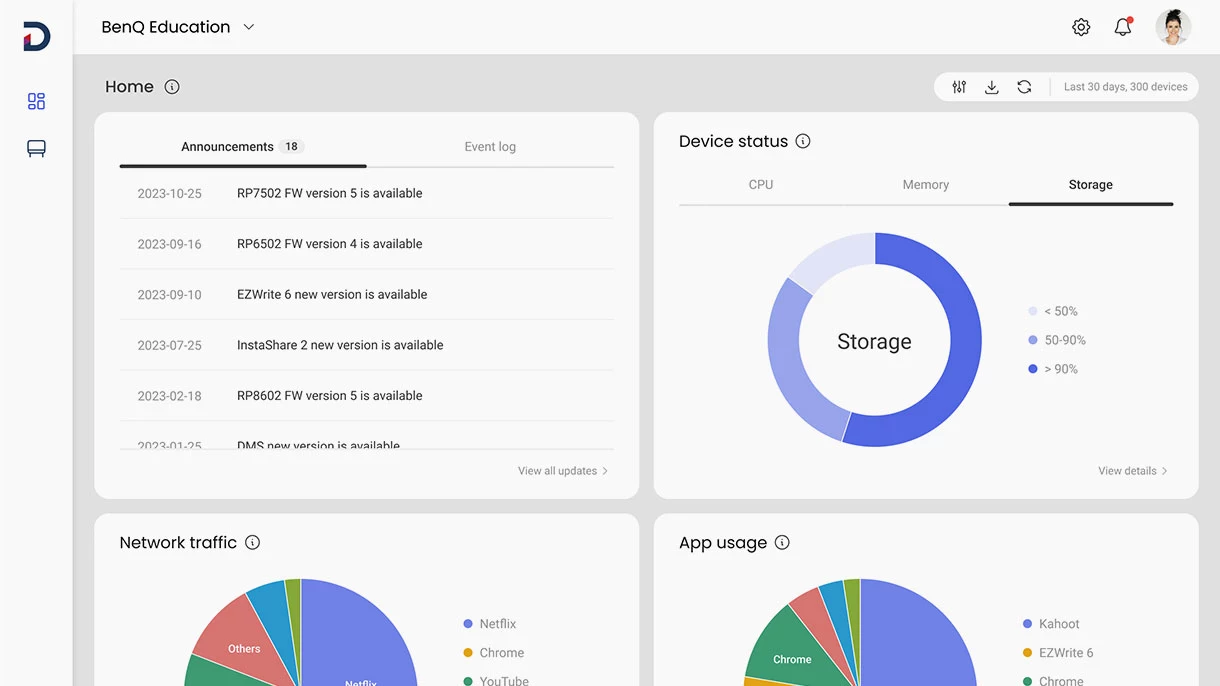
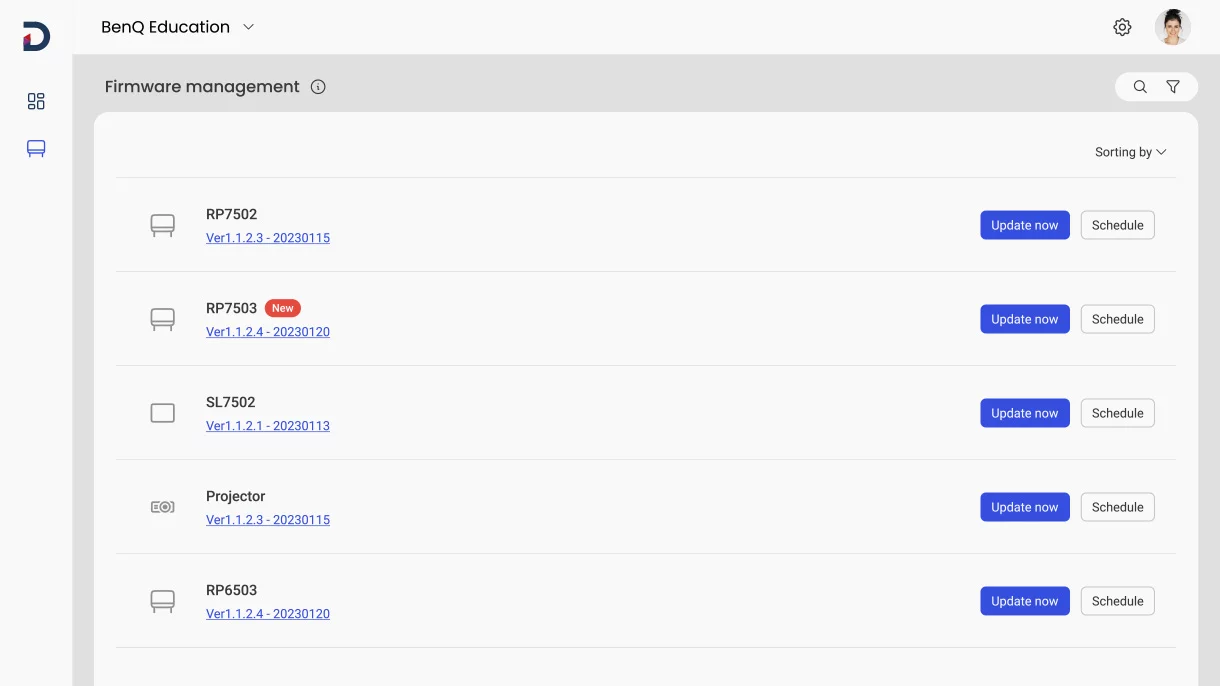
Remotely monitor and manage all your BenQ devices. Install, update, and delete apps from a single dashboard that also lets you push firmware updates and set startup and shutdown times.

More secure Boards

The RM04 protects your school’s data through secure login options, strict access controls, regular system updates, and app scanning via Google Play Protect.

Comprehensive Analytics

Learn how your BenQ Boards are used and which apps are the most popular. Select specific devices and data points to generate more informative reports.

School-Wide Communication

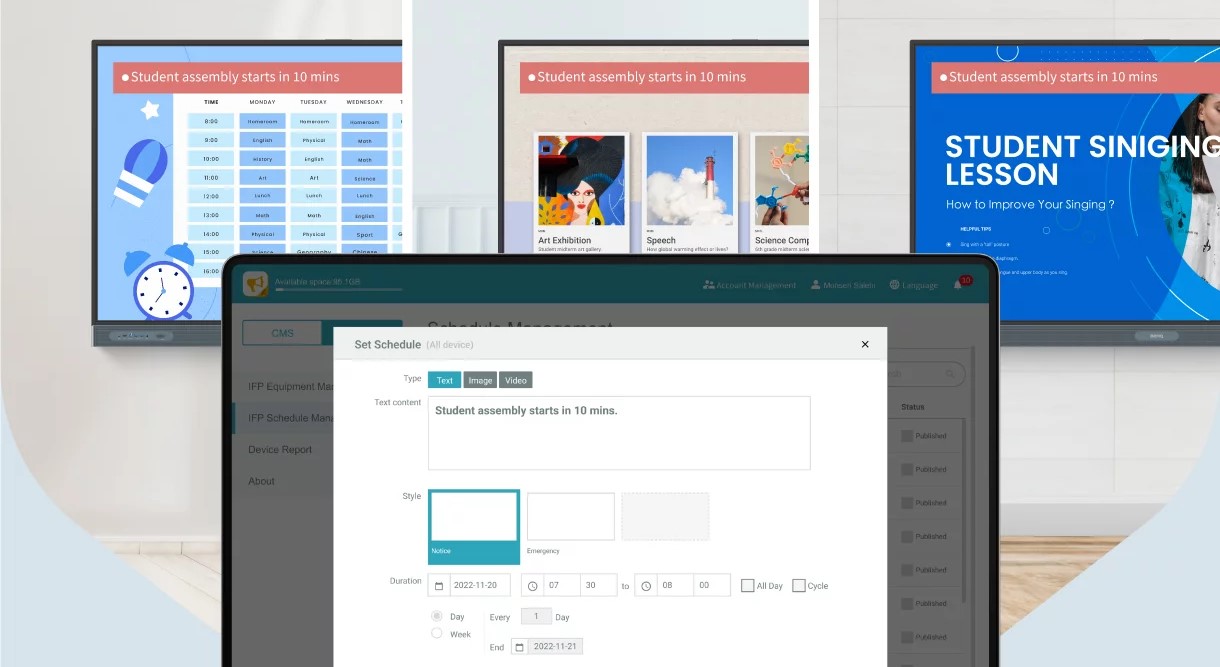
Deliver clear messages to multiple BenQ displays with X-Sign Broadcast. Keep everyone informed and up to date on events, safety protocols, and emergencies.

ClassroomCare®

Protect Student Health in Classrooms

The BenQ Board Master is fitted with ClassroomCare® features that help schools make every classroom a healthier place for learning.

Only the Best fo Your Eyes

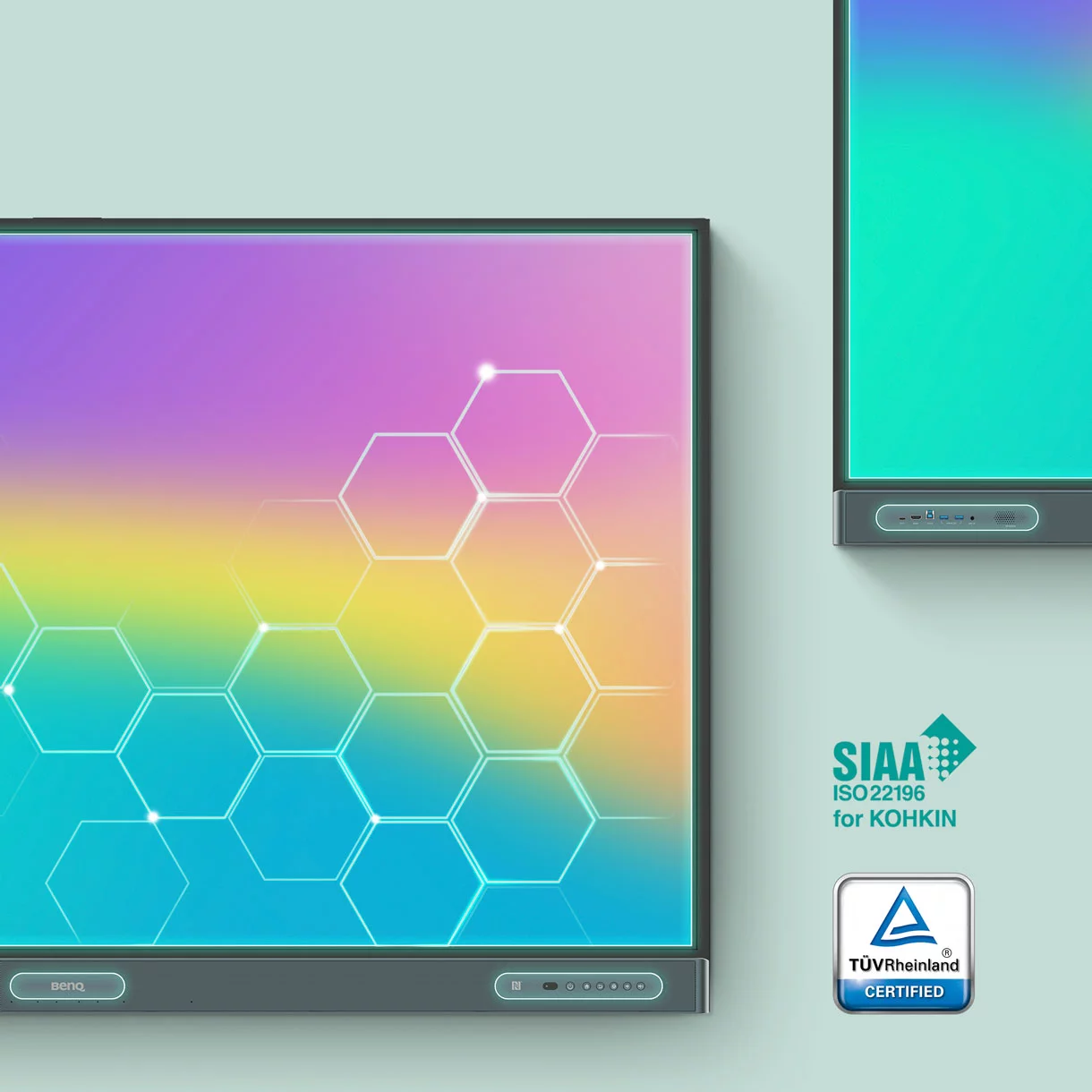
The RM04 is Eyesafe® Certified 2.0, offering the highest level of protection available for the eyes. It reduces eye strain by effectively reducing high-energy blue light without altering the vivid colors displayed on screen.
Regular screen BenQ Eyesafe® screen
Eyesafe® Certified 2.0
TÜV Certified
Flicker-Free
Anti-Glare
Defend Against Germs

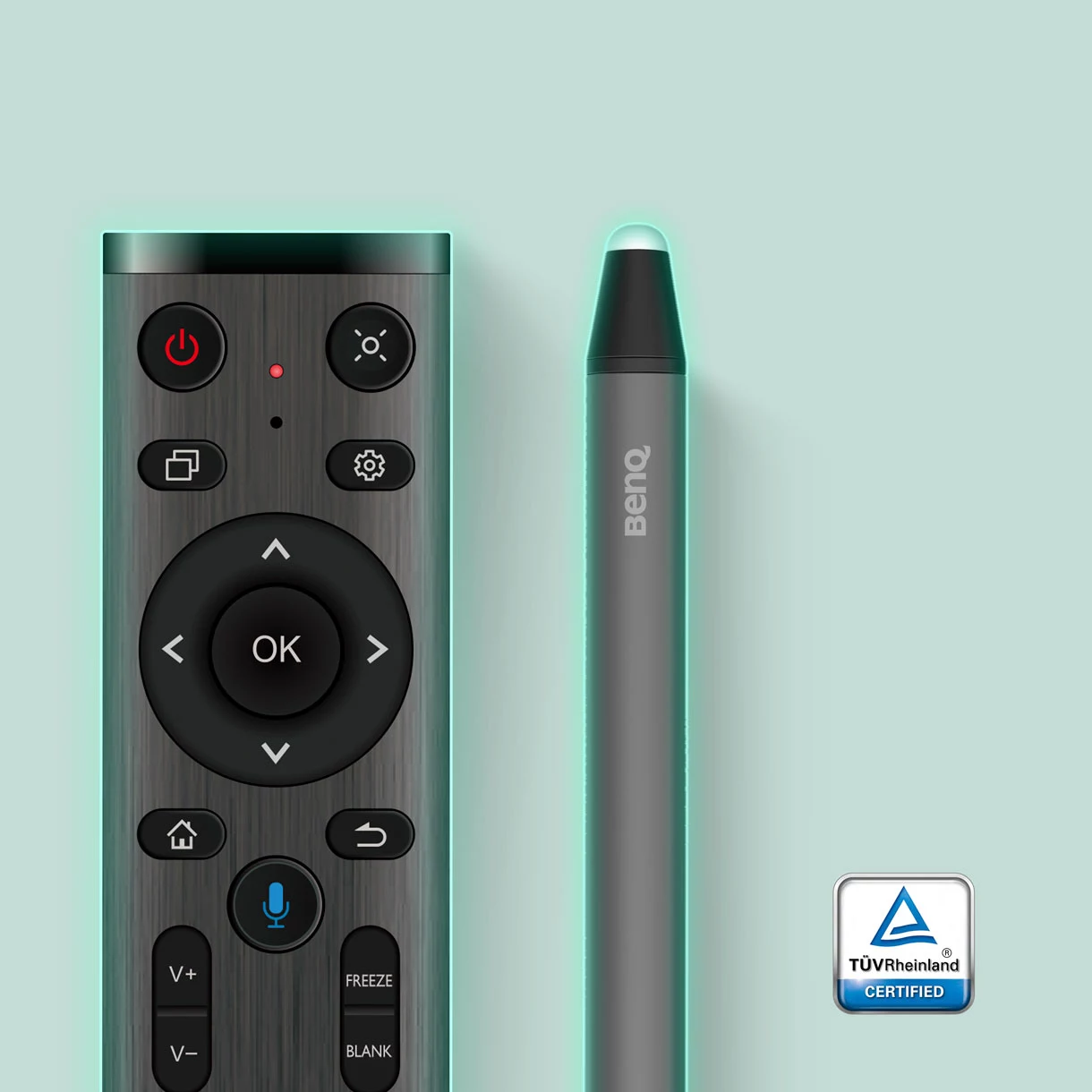
The RM04 helps reduce the transmission of germs in the classroom with its TÜV-certified antimicrobial screen and buttons that are 99.9% effective against common germs.
Extended Protection

Sharing tools in classrooms may lead to the spread of germs. That’s why the RM04’s remote control and pens are also germ-resistant.

IP5X Dust Protection

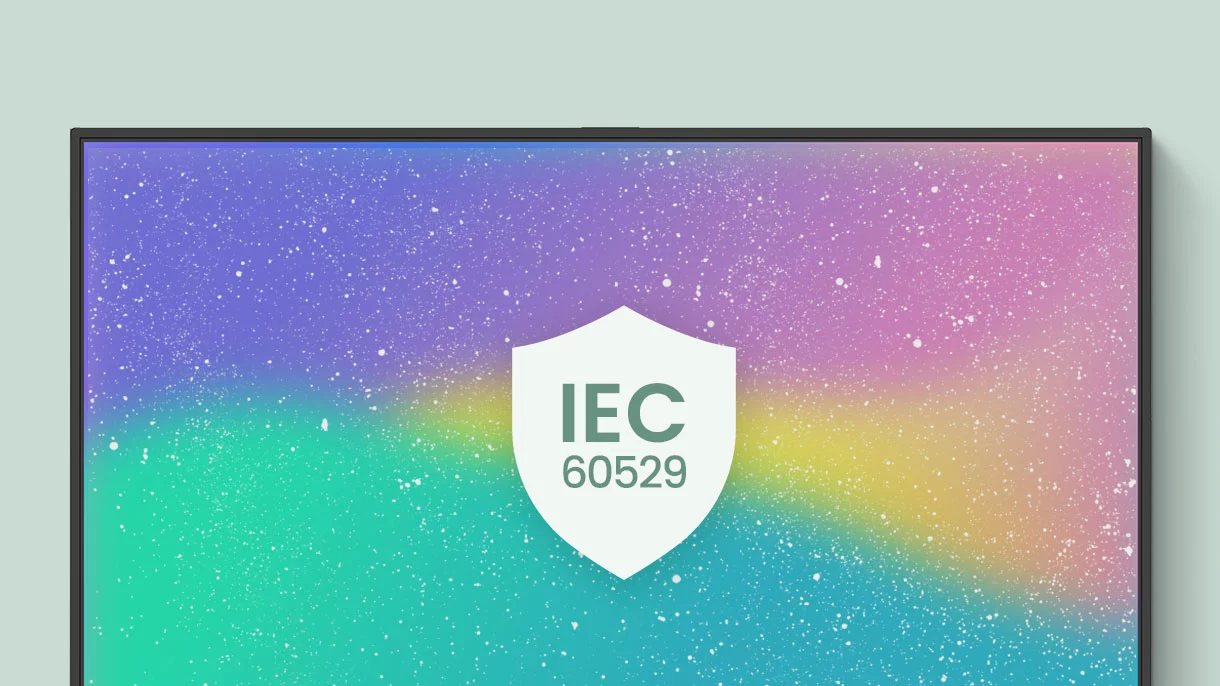
Even in dust-prone classrooms, the RM04 ensures consistent operation. Its panel is compliant with IEC standard 60529.
All Specifications

All Specifications
Panel
Panel typeIPS
Resolution4K UHD 3840 × 2160 pixels
Active areaRM6504 1428.3 × 803.4 mm /
RM7504 1649.7 × 927.9 mm /
RM8604 1895.0 × 1066.0 mm
Aspect ratio16:9
Contrast ratio (typical)1200:1
Dynamic contrast ratio50,000:1
Panel brightness450 nits
Color depth10-bit
Response time8 ms
Color gamut72% NTSC
Operation hours18 hours / 7 days
Backlight lifetime (typical)50,000 hrs
OrientationLandscape
Glass
Hardness9H tempered
Germ-resistant technologyNano-ionic silver
Anti-glareYes
Touch screen
Touch technologyHigh Precision IR
Touch points40
Touch response time< 5 ms
Platform System
CPUA73 × 4 + A53 × 4
GPUARM Mali-G52 MP8
Memory | Storage8GB | 32GB, 8GB I 128GB (up to 512GB)
OSAndroid 13.0 (EDLA)
Connectivity
HDMI (in | out)3 × HDMI 2.0 | 1 × HDMI 2.0
DisplayPort (in | out)1 × 1.2a | 0
VGA (in | out)1 | 0
3.5 mm line inMic × 1 + PC Audio × 1
3.5 mm line outEarphone × 1
SPDIF (in | out)0 | 1 (optical)
USB-A2 × 2.0 + 5 × 3.0
USB-B (for touch)3 × 3.0
USB-C2 × 3.0 + 1 × 3.0 (PD 65 W)
Slot-in PC compatible (OPS)YES
LAN2 x Gigabit Ethernet (Android / OPS)
WirelessWi-Fi 6 / Bluetooth 5.2 (optional)
Built-in peripherals
Microphone8-microphone array (up to 8M)
Speaker2 × 20 W
SubwooferN/A
Air quality sensorN/A
Air ionizerN/A
Motion sensorN/A
NFC sensorYES
Power
PowerAC 100-240V 50/60Hz
Physical
Mount (screws)RM6504 VESA 600 × 400 mm (4 × M8 × 25L) /
RM7504 VESA 800 × 400 mm ( 4 × M8 × 25L) /
RM8604 VESA 800 × 600 mm (4 × M8 × 25L)
Pen trayN/A
Environment
Operating temperature0°C ~ 40°C | 32°F ~ 104°F
Storage temperature-10°C ~ 60°C | 14°F ~ 140°F
Operating humidity20% ~ 80% RH Non-Condensing
Storage humidity10% ~ 80% RH Non-Condensing
Software
WhiteboardingEZWrite 6.0
Wireless screen sharingInstaShare 2
Account managementAMS
Device managementDMS
Quick access toolFloating Tool
Broadcast systemX-Sign Broadcast
Accessories
StylusStylus
Remote controlYES
Wall mountYES
Cables1 × VGA (3 m | 9.8 ft), 1 × HDMI (3 m | 9.8 ft),
1 × USB-B for touch (3 m | 9.8 ft), 1 × USB-C (1.5 m | 4.9 ft)
X