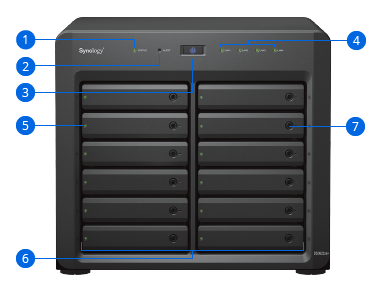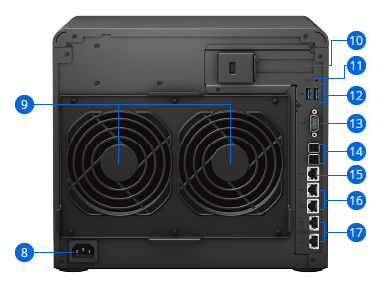



Description

CPU
Six-core Intel® Xeon® processor

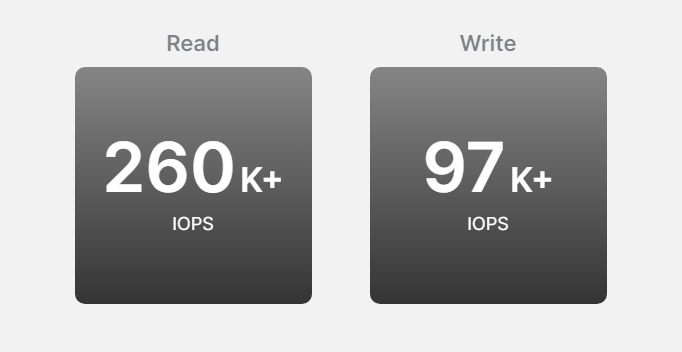
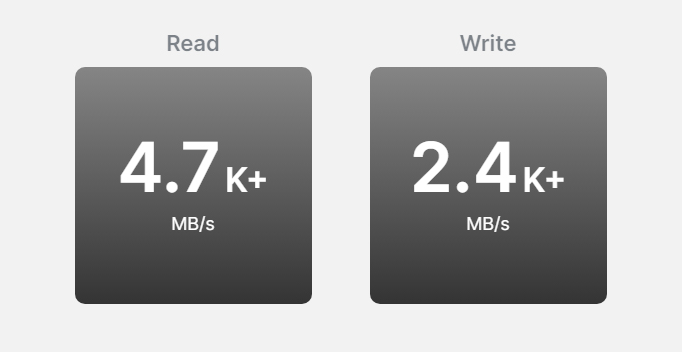
Throughput
4,719 MB/s seq. read 260,691 4K random read IOPS1

Memory
16 GB DDR4 ECC, expandable to 48 GB

Scalability
Expand to 36 drives with two DX1222 expansion units
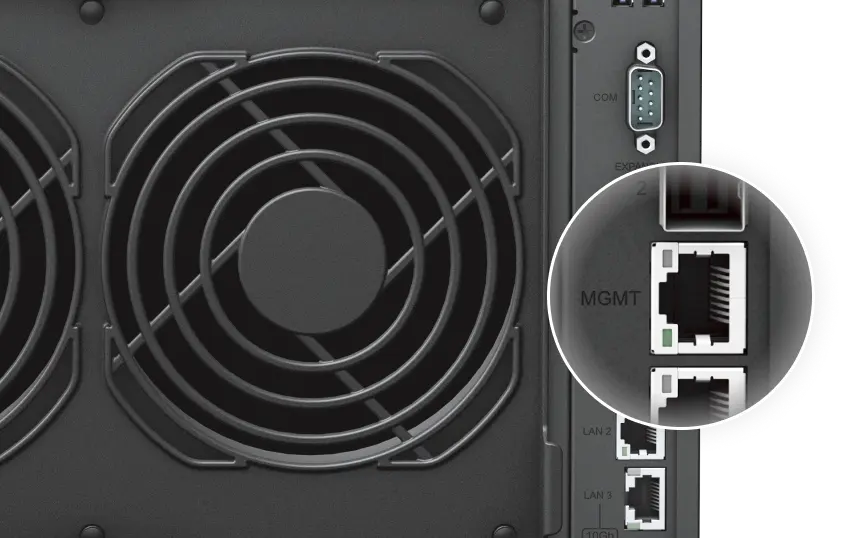
Out-of-band (OOB) management
Simplify troubleshooting by managing powered-down devices remotely and accessing critical logs through a dedicated interface.
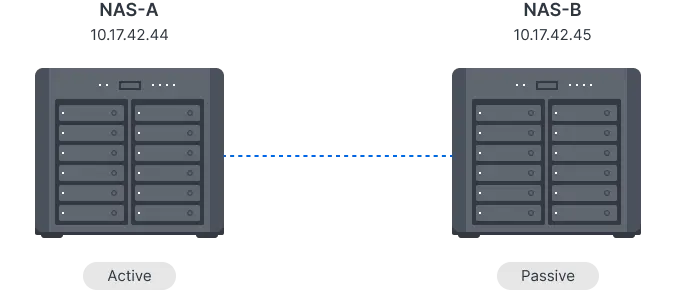
High-availability solution
Create an active-passive cluster with minute-level failover by pairing the DS3622xs+ with an identical unit using Synology High Availability.
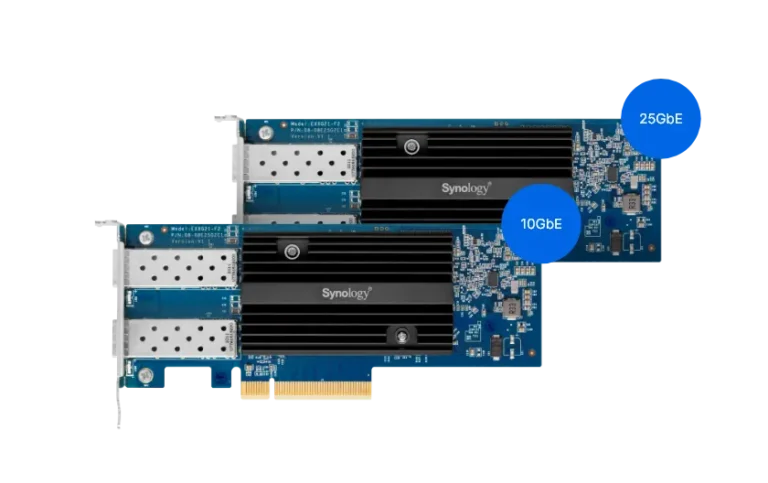
Maximize Bandwidth
Handle heavier I/O and serve more users with dual-port Synology 10 or 25GbE network interface cards. Integrate with any FC SAN using compatible Fibre Channel adapters.3
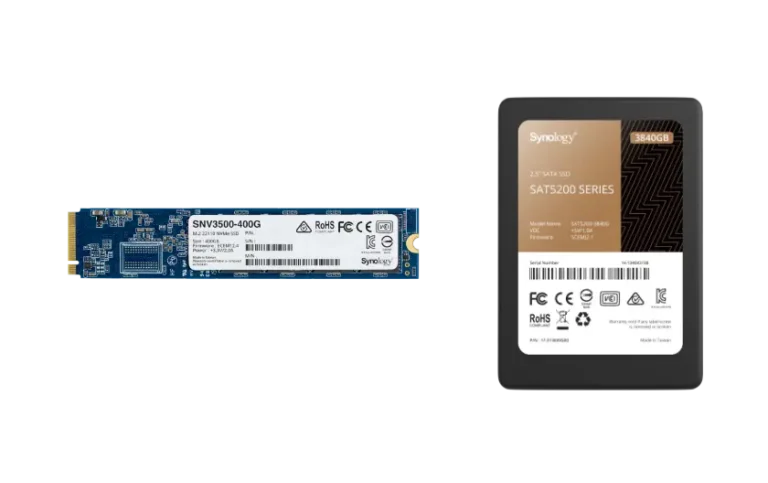
Accelerate Storage Performance
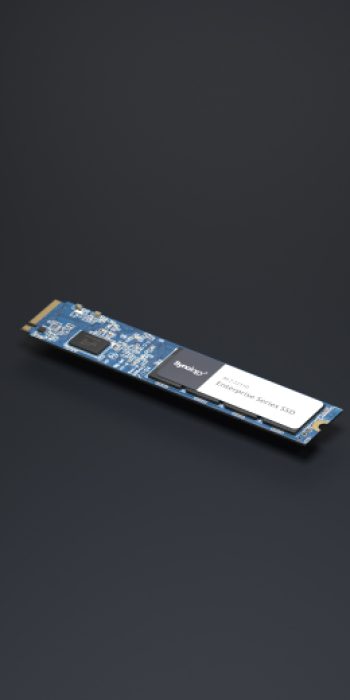
Enable SSD caching to speed up HDD arrays with an M.2 NVMe SSD adapter card and SNV3000 series SSD or install SAT5200 SATA SSDs in drive bays to increase performance.
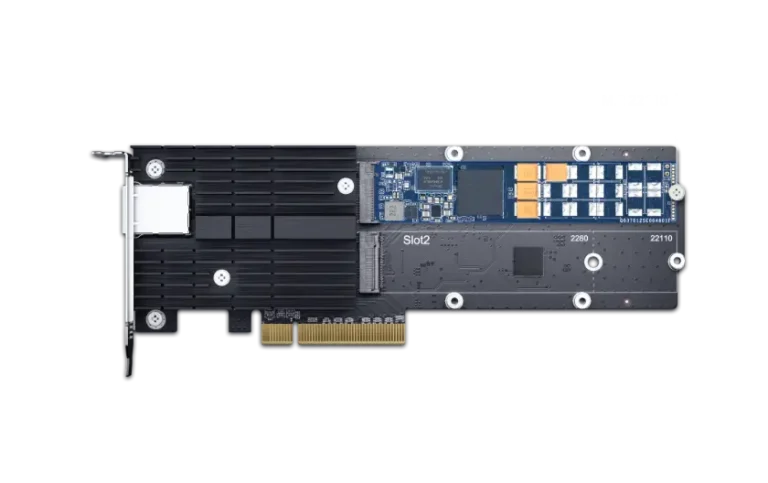
Do both with one Card
Add both 10GbE connectivity and M.2 NVMe SSD slots for SSD cache with a single combination NIC and adapter card.
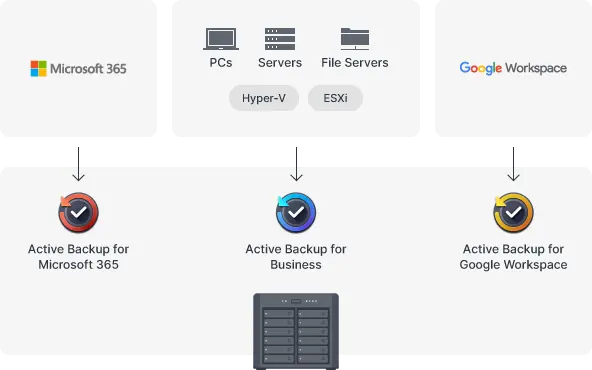
Active Backup Suite
Securely back up Windows clients and servers, Microsoft 365 and Google Workspace accounts, file servers, and VMware® and Hyper-V® virtual machines with the Active Backup Suite. Leverage built-in deduplication technology to reduce backup sizes and multi-versioning to allow flexible restoration.Implement a 3-2-1 backup strategy
Combine local and remote backup strategies to achieve fully redundant protection of your IT infrastructure using Synology and third-party solutions.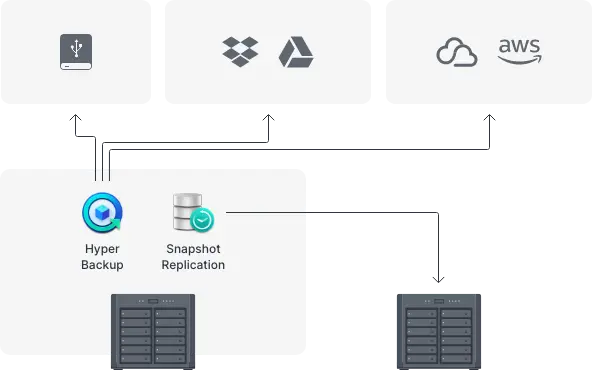
Hyper Backup
Back up files, LUNs, installed applications, and system configurations to destinations including Synology C2 Storage, public cloud platforms, USB devices, file servers, local folders, or other Synology NAS. Set and forget backup tasks with regular schedules, enhance security with fine-grained user permissions and encryption, keep backup sizes small with built-in deduplication, and restore data flexibly with multi-versioning.Snapshot Replication
Snapshot Replication enables configurable point-in-time snapshots of shared folders and virtual machines with an RPO as low as 5 minutes and recovery within seconds.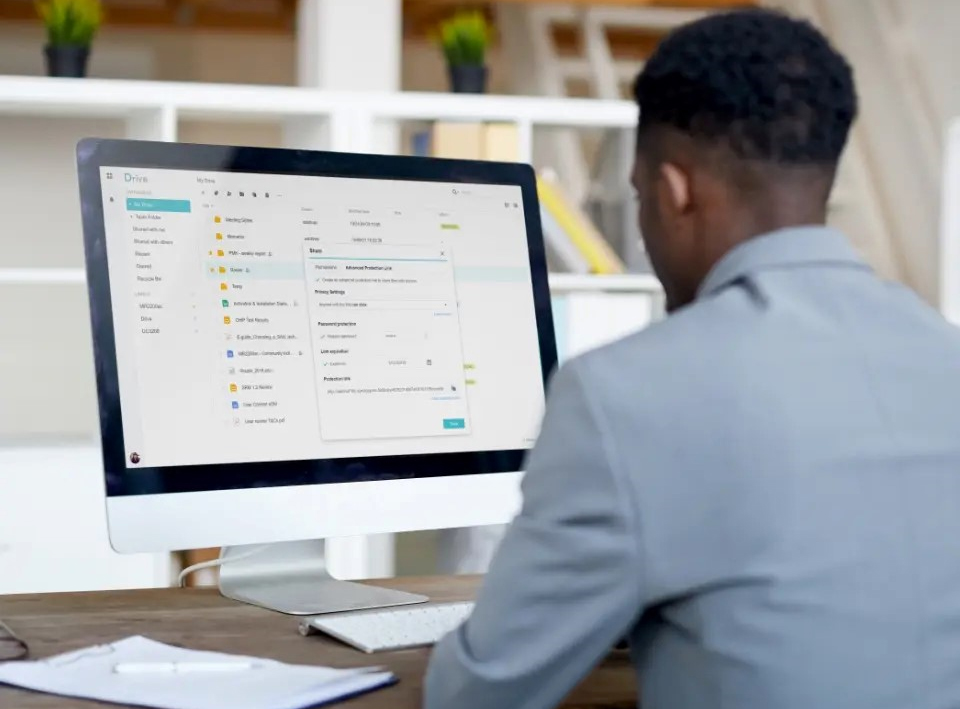

Synology Drive
Host your own private cloud behind the safety of your NAS with 100% data ownership and no subscription fees.


Synology Office
Collaborate in real time on documents, spreadsheets, and slides for greater synergy and productivity.


Synology MailPlus
Improve team efficiency with an on-premises email solution that ensures data ownership, security, and reliability.


DSM UI
Conveniently manage your fleet of Synology NAS from a centralized console.

Public Cloud Integration
Schedulable and instantaneous data protection for shared folders and iSCSI LUNs for disaster prevention.

Synology High Availability
Seamless transition between clustered servers in the event of a server failure to minimize the impact on applications.

Snapshot Replication
Schedulable and instantaneous data protection for shared folders and iSCSI LUNs for disaster prevention.

Virtual Machine Manager
Run various operating systems in isolated sandboxes. Seamlessly clone, store, and migrate virtual machines.

Security
Secure data with comprehensive built-in security tools to protect your devices against evolving threats.

We have you covered
The DS3622xs+ is backed by Synology's 5-year limited warranty, including technical support and hardware replacement services to maximize your return on investment and enjoy high-quality performance.