

Description
Easy App Access
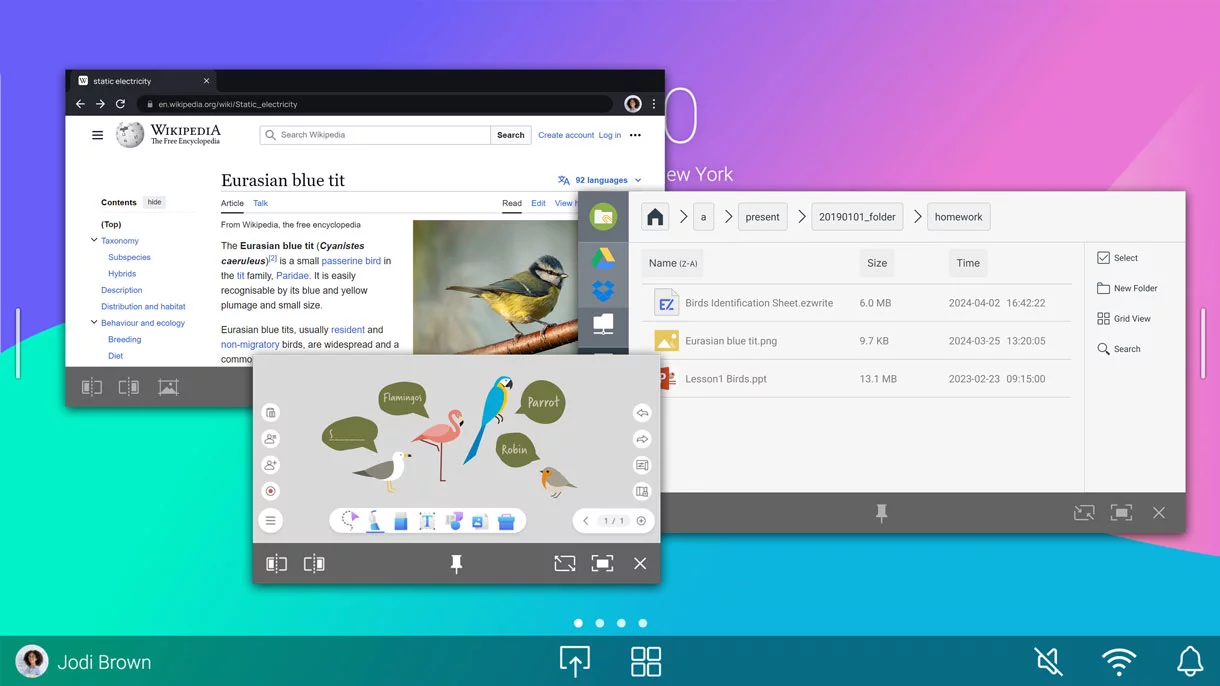
Enhance your lessons with interactive educational apps from Google Play.

Google Essentials
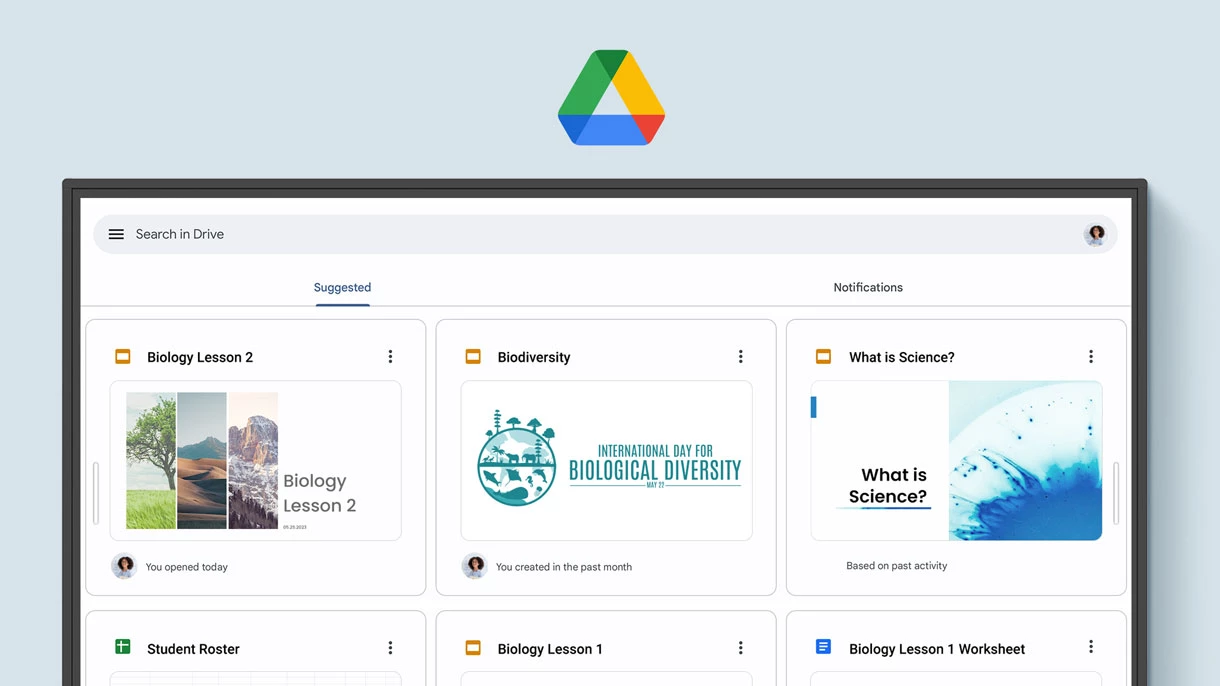
The RM04 comes with Google Core Services such as Google Drive and Meet.
Collaboration Tools
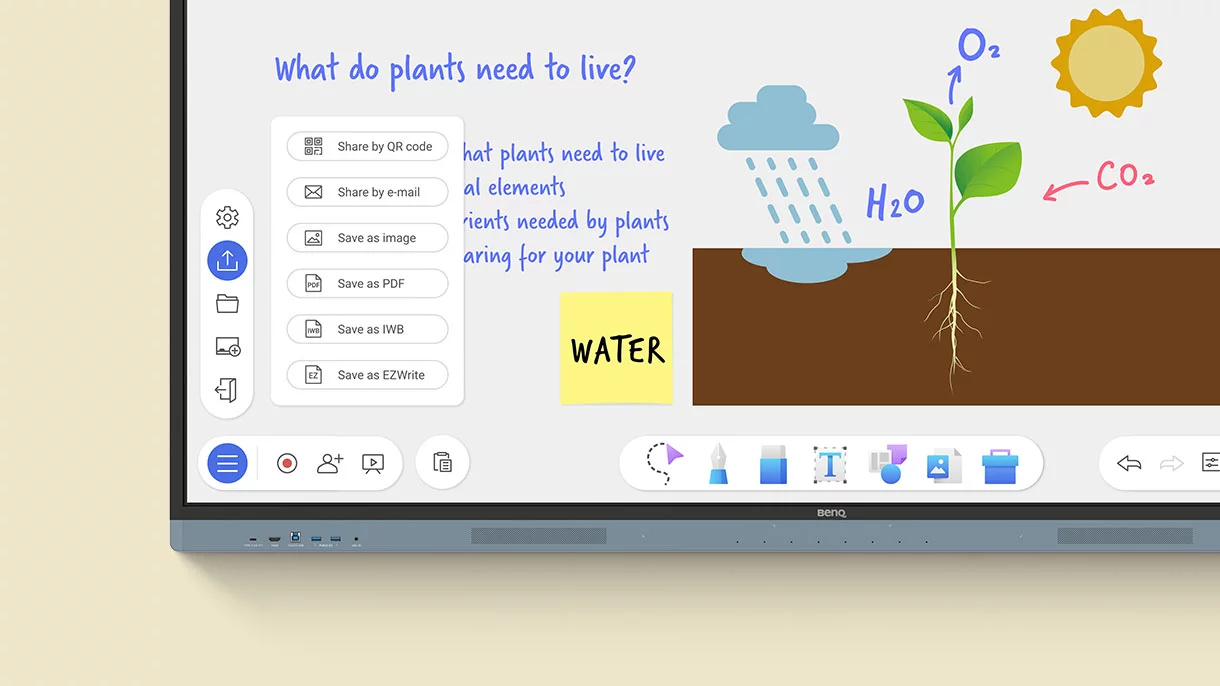
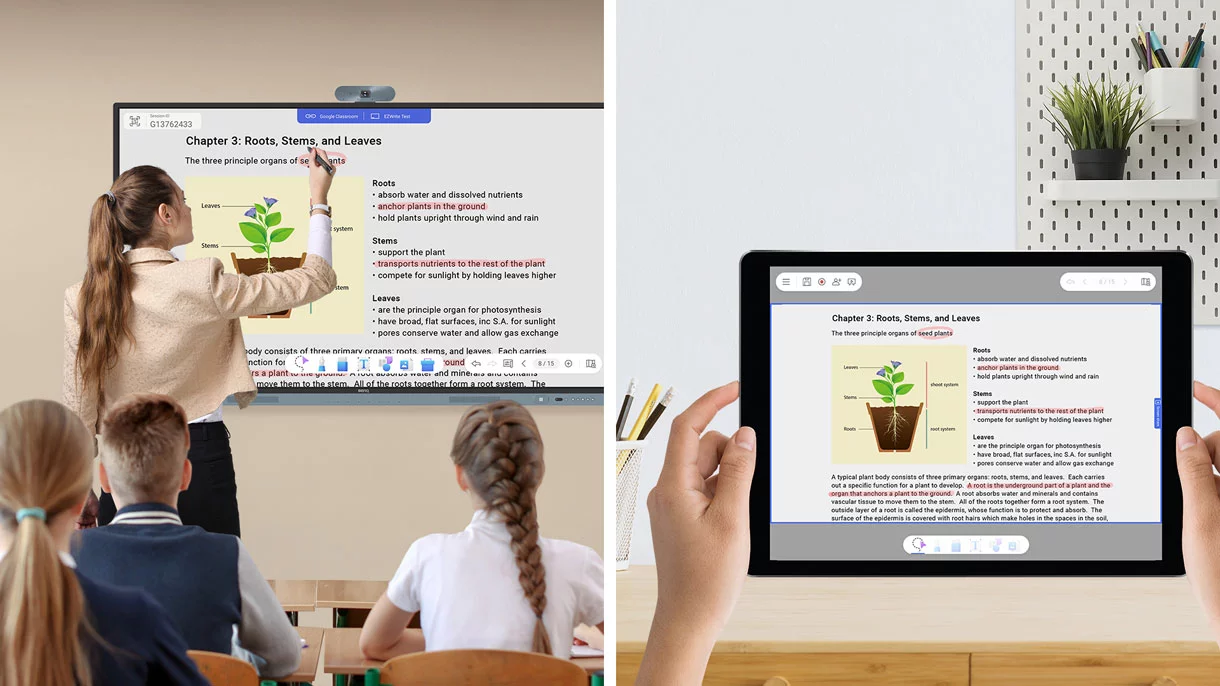
Fully utilize Google Docs, Sheets, and Slides on a large touchscreen display.
Text-to-speech
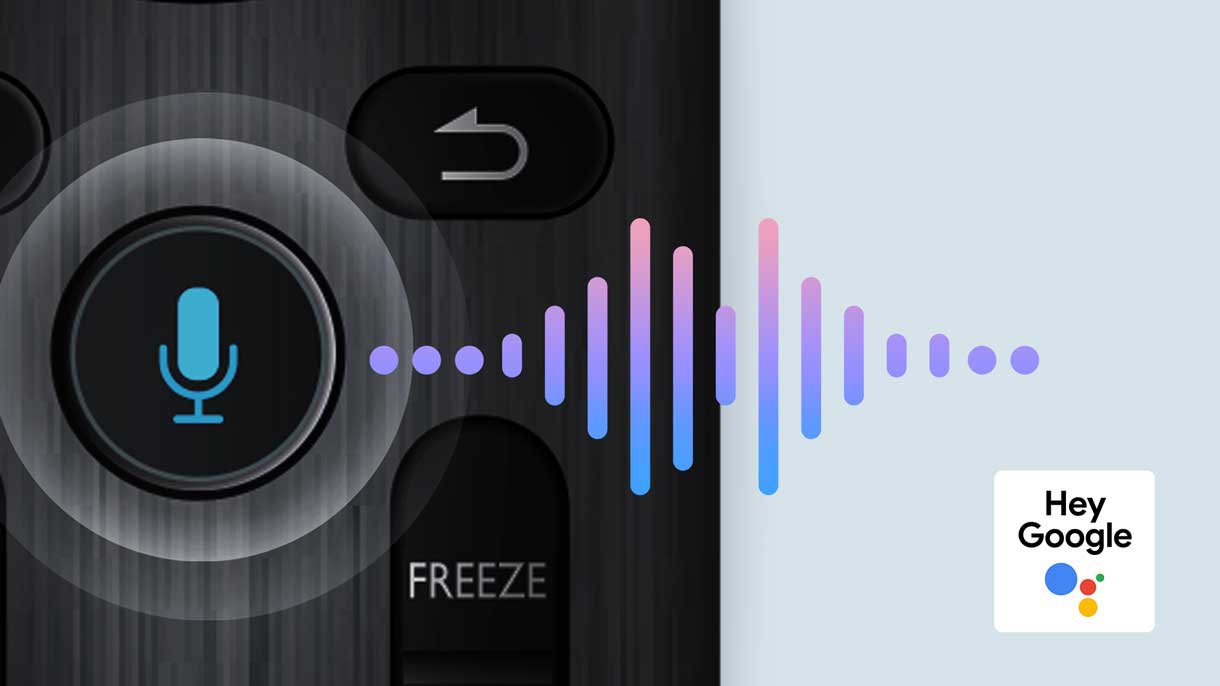
Hear text as it is displayed or written on screen.

Multilingual Translation
Translate text in numerous languages for more context-rich lessons.

OCR
Easily edit text from photos and scanned pages.
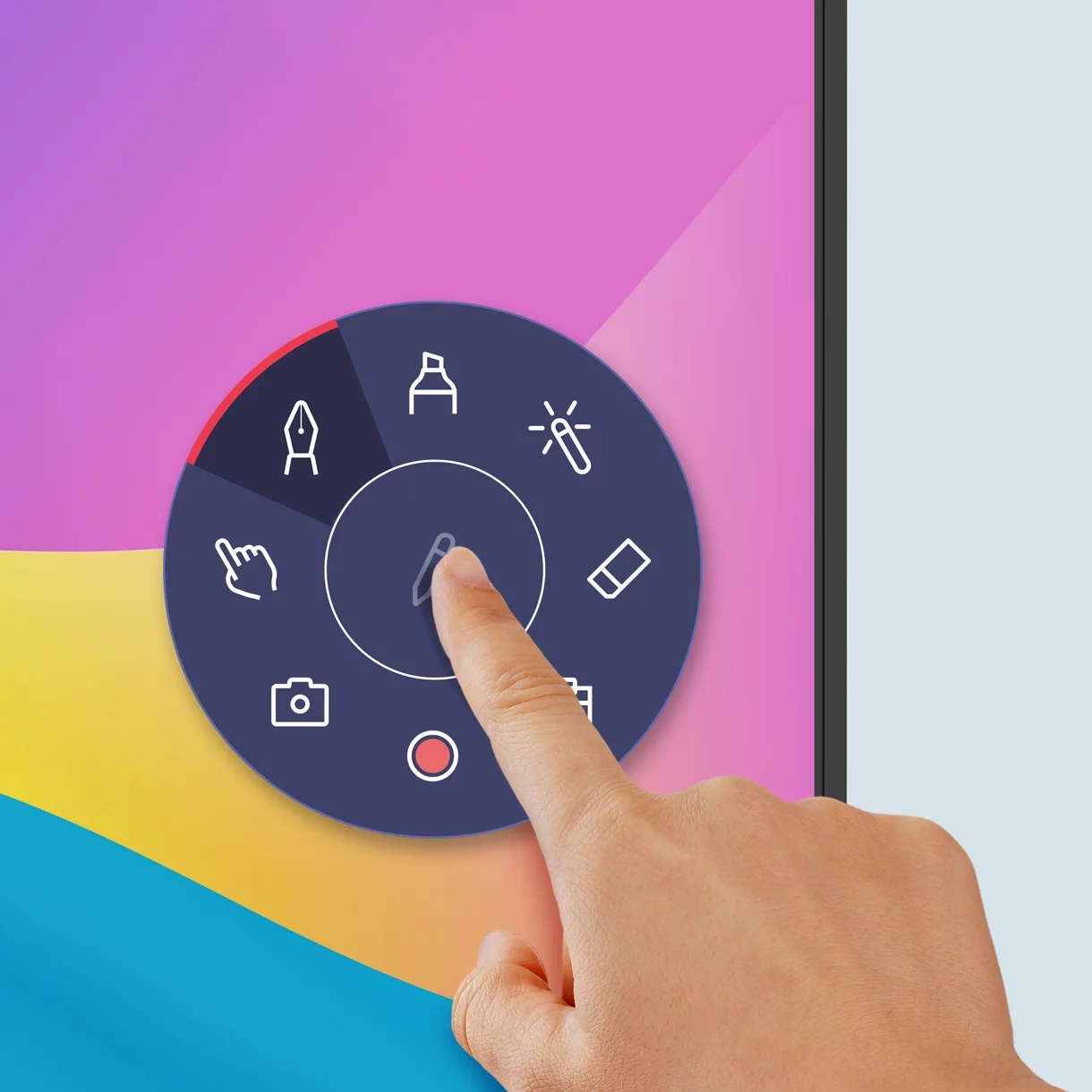
Tools within Reach
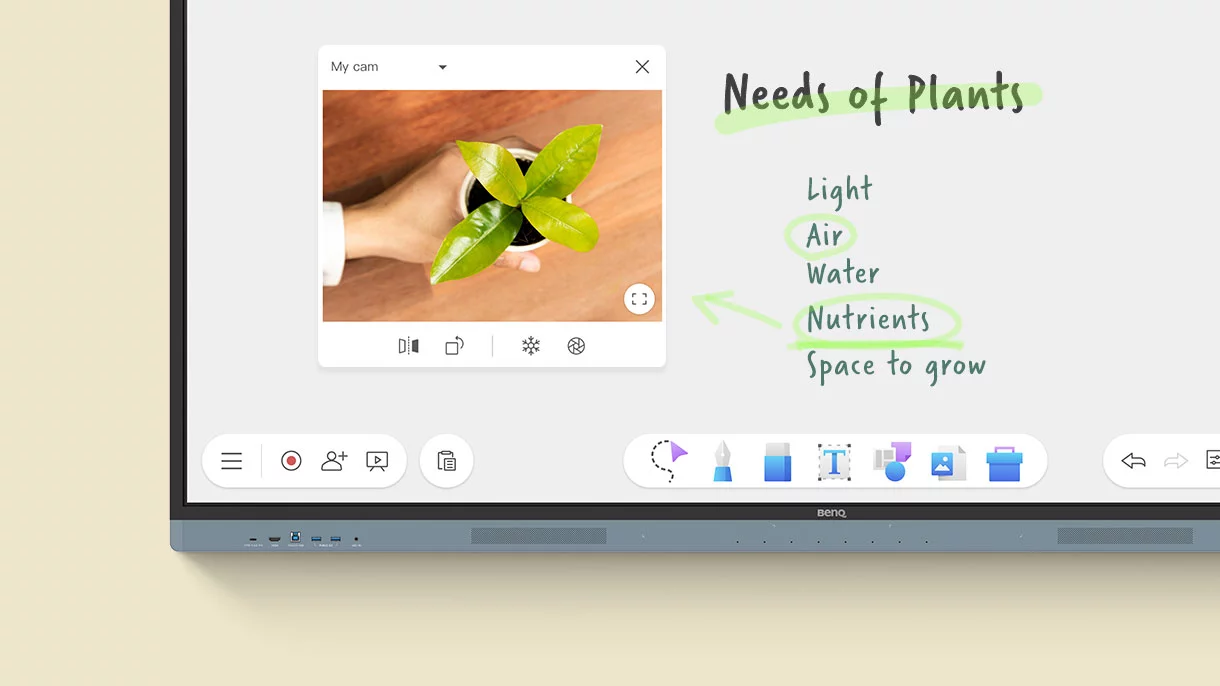
Pull up the Floating Tool to annotate, take screenshots, or even record videos while you’re using apps, browsing files, or scrolling through sites on the board.
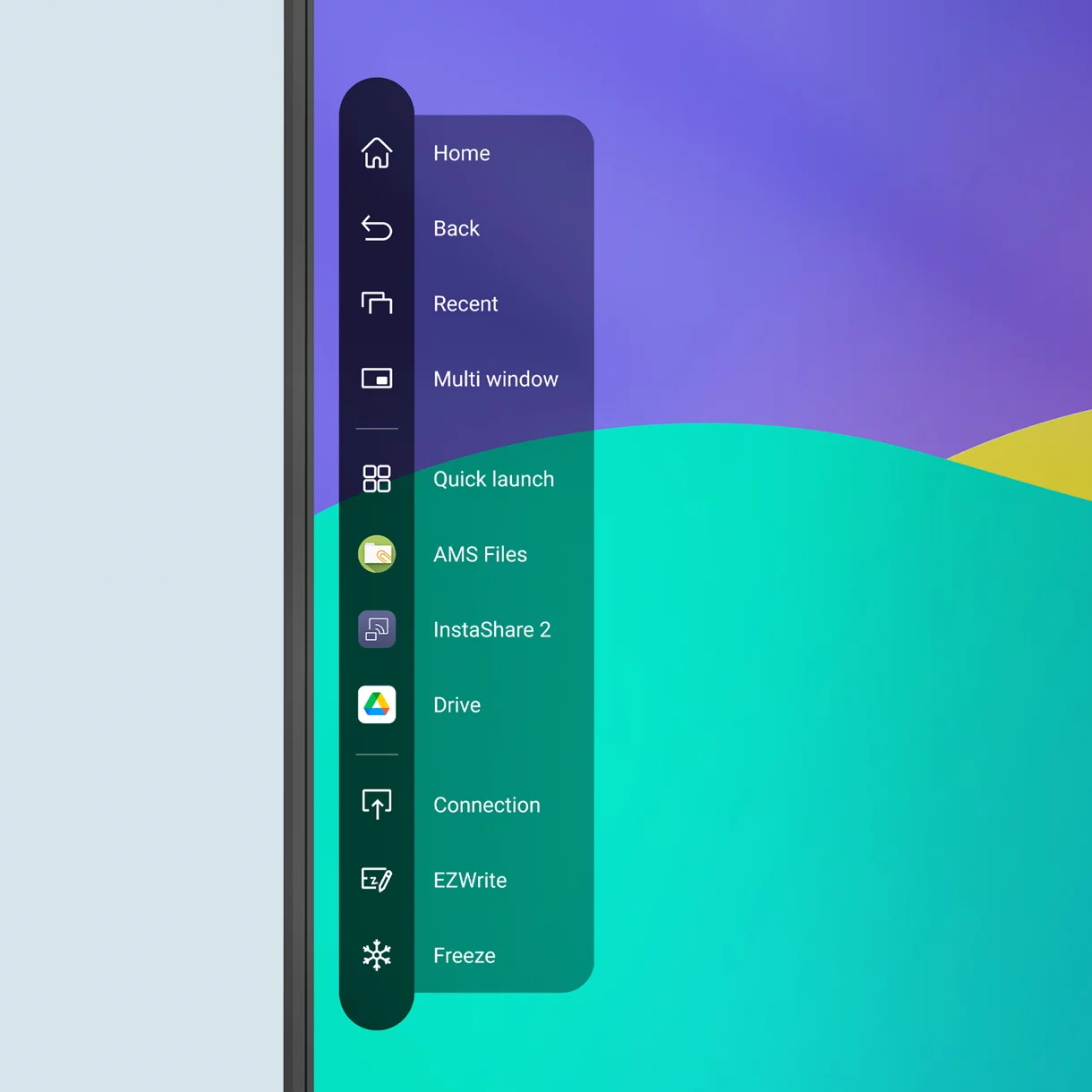
Quick Access Every Time
Tap the sidebar to quickly switch input sources, go back to the home screen, or get a menu of your most-used apps.
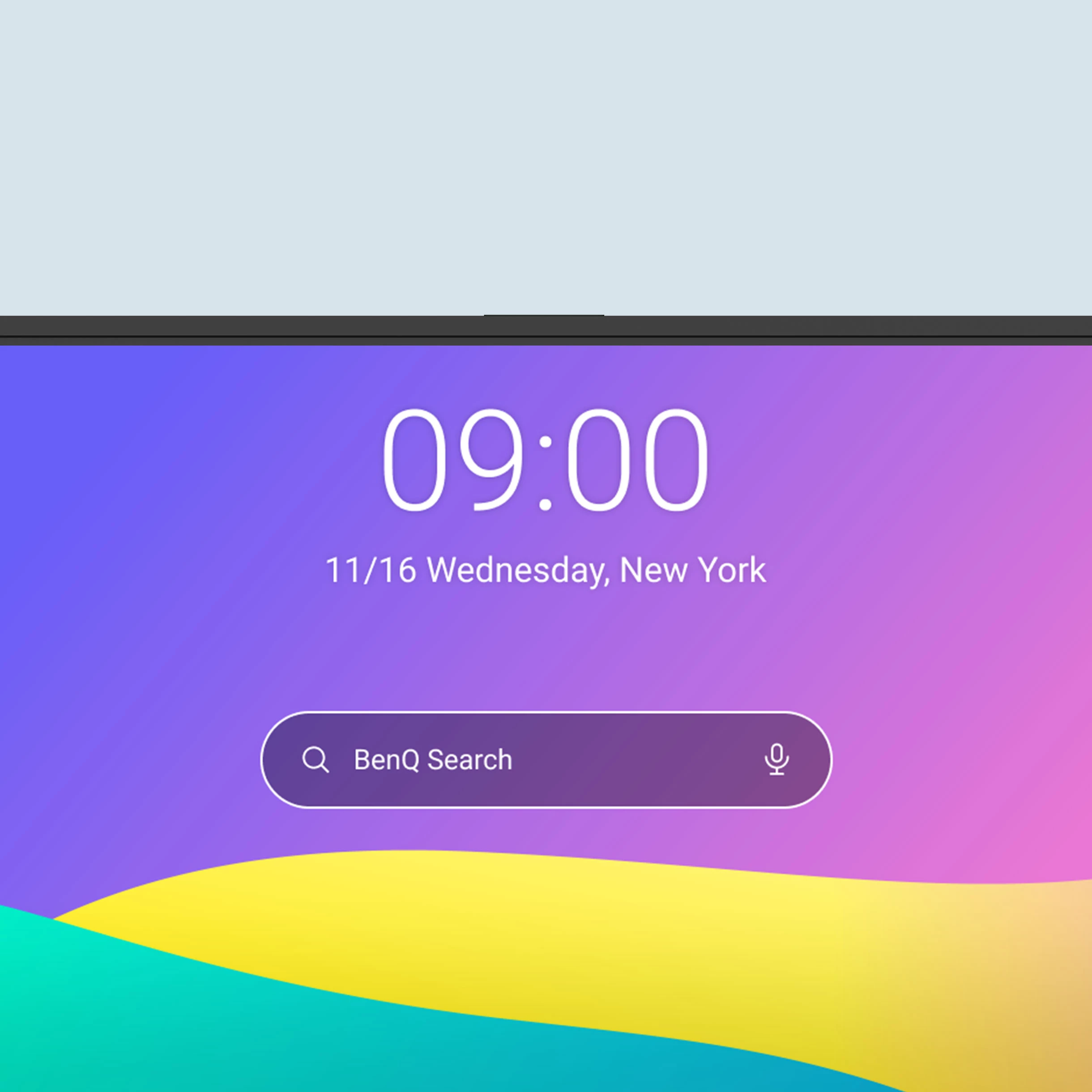
A Broader Search
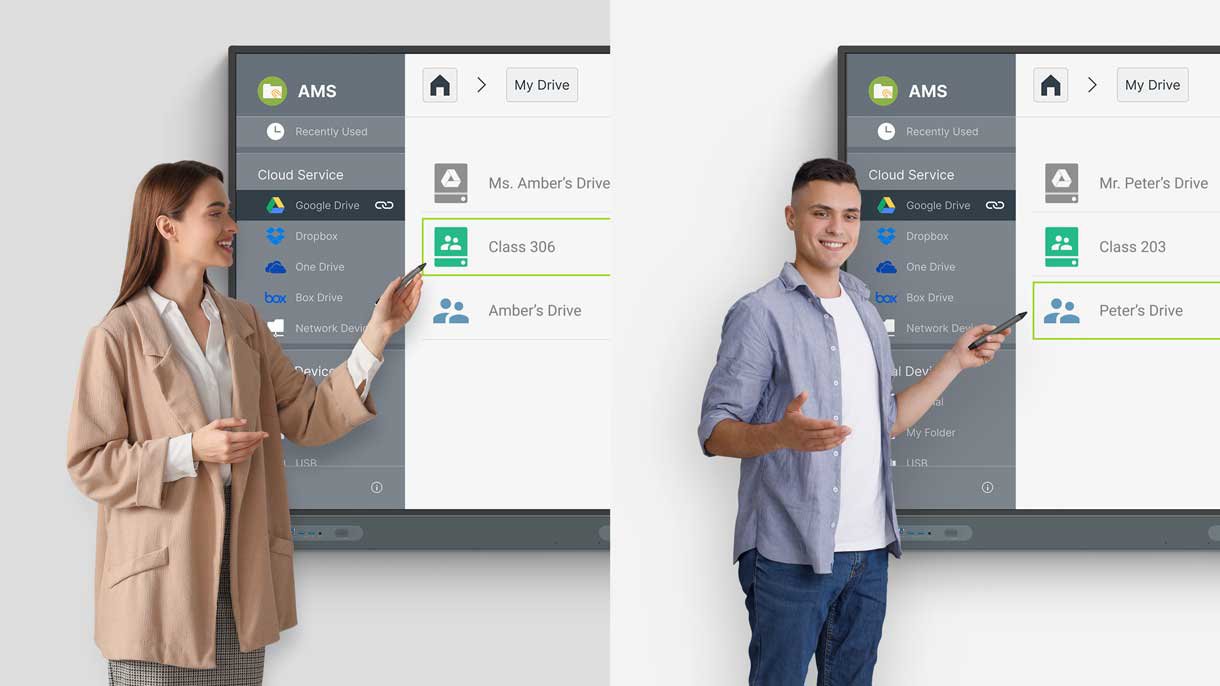
The all-new BenQ Search allows you to not only search the internet, but also locate your lesson files stored locally or on your cloud accounts.
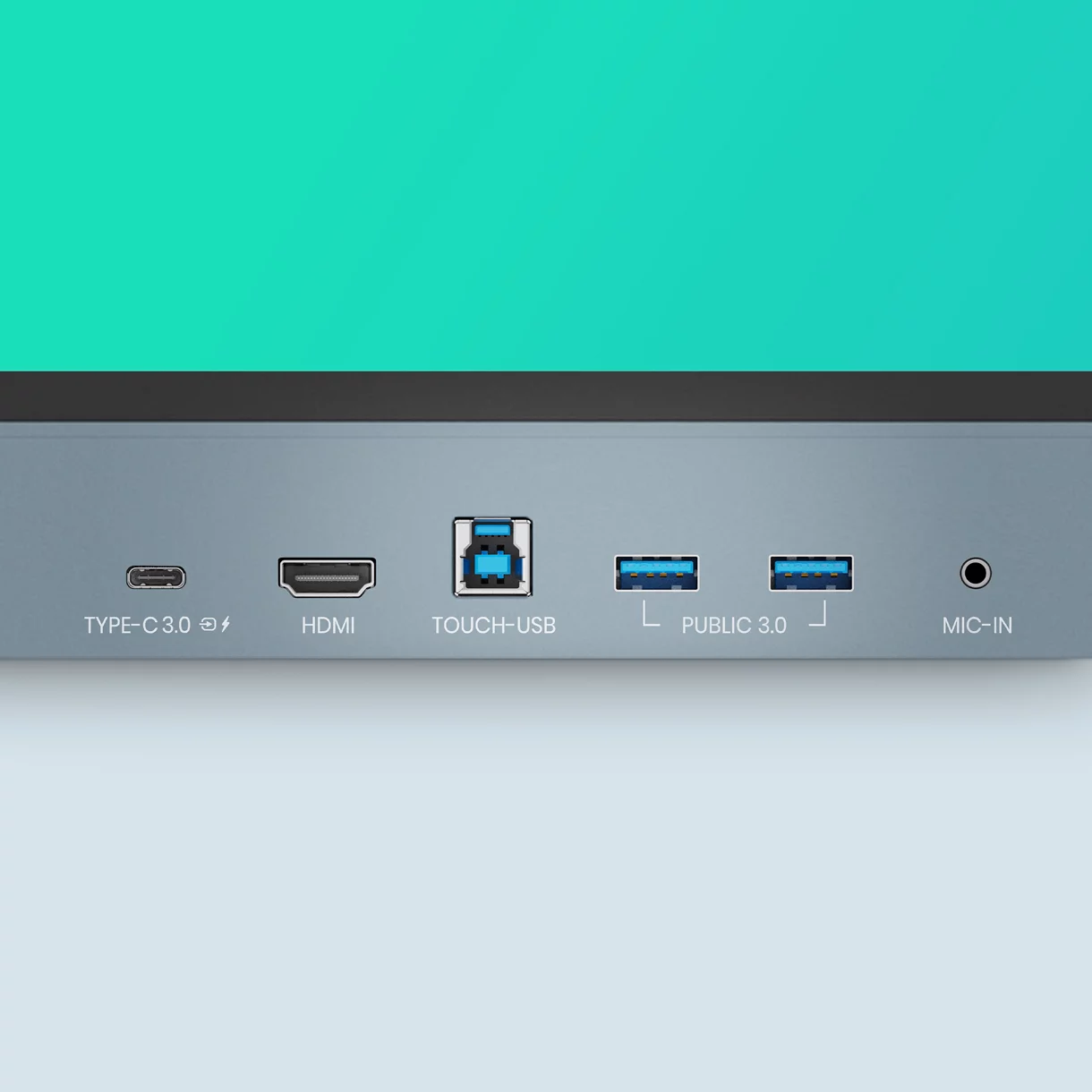
Front-Facing Ports
The multiple front ports include a full-functioned USB-C port that provides 65W of charging and allows you to extend your laptop screen and gain touchback controls.
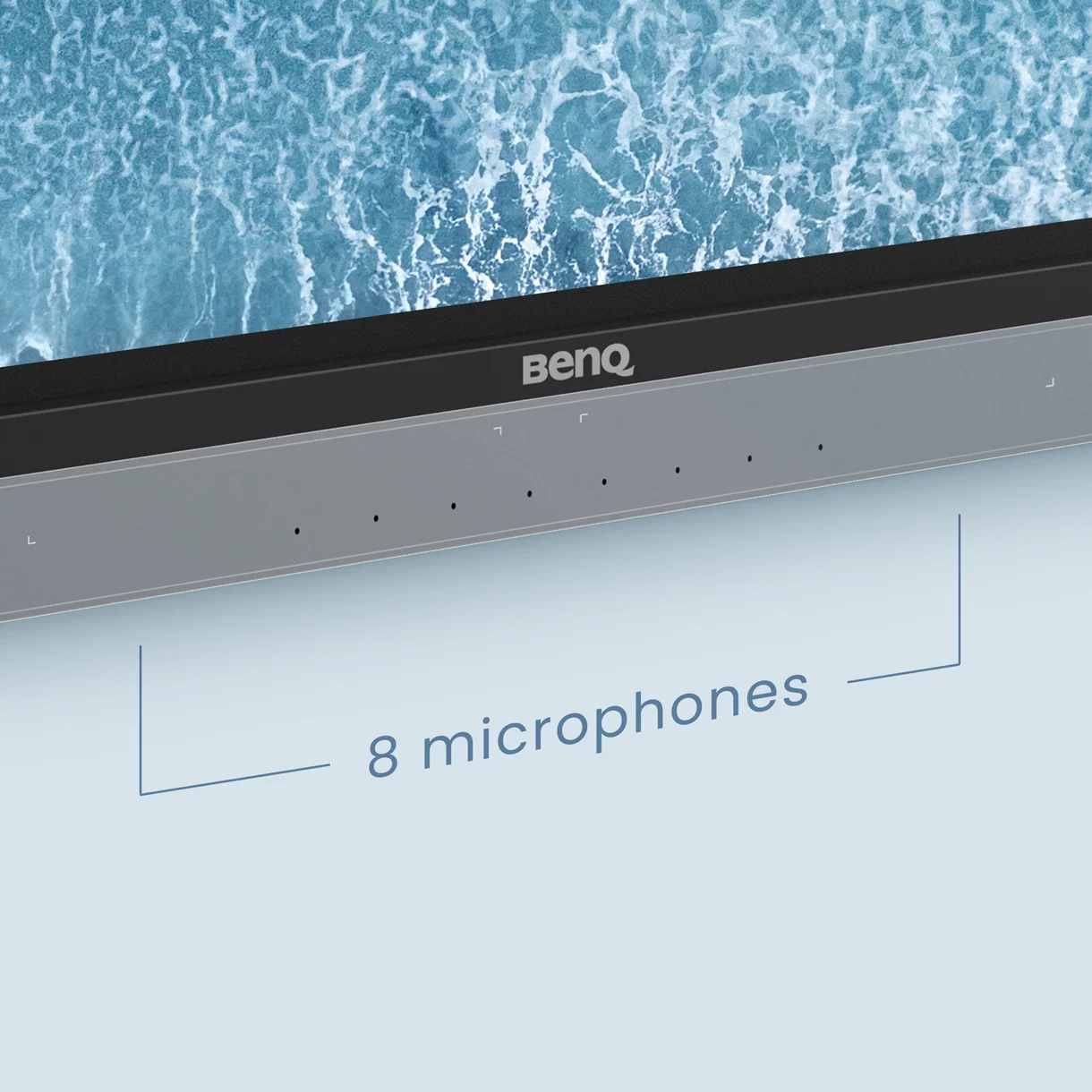
All-Around Sound
The two 20-watt front-facing speakers provide room-filling sound for any class. Together with the 8-microphone array, they ensure that everyone can hear and be heard during calls or audiovisual lessons.
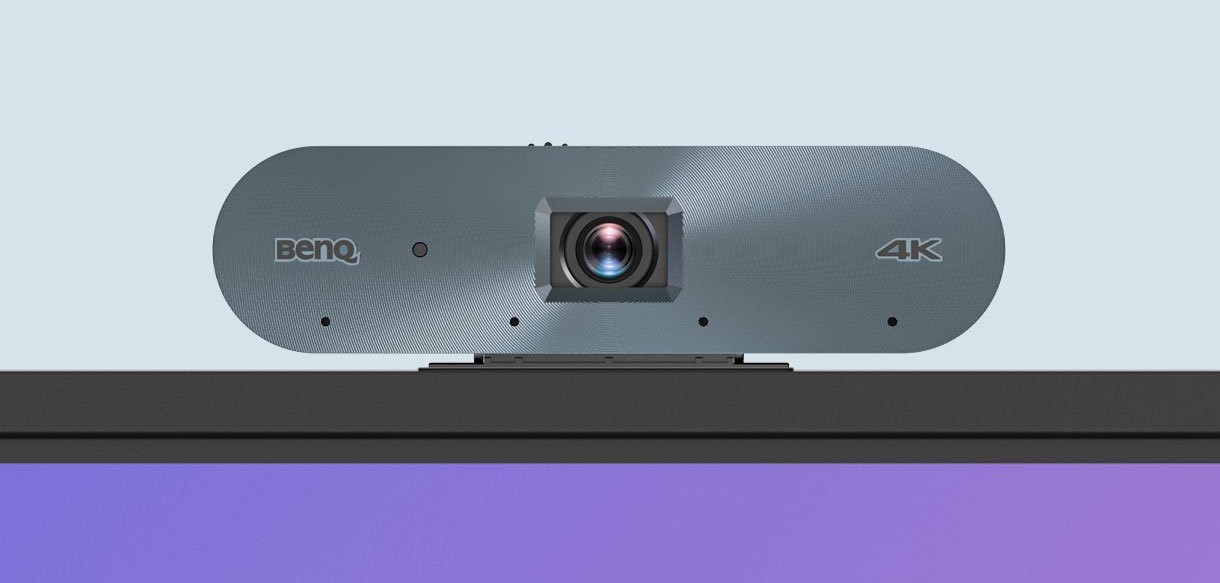

AI-Powered Auto Framing
AI-Powered Speaker Tracking

Active Noise Cancellation
40 touch Points
The RM04 allows up to 40 touch points to let everyone interact on the display at the same time.
Natural Writing
Zero gap between the glass and panel makes writing feel as smooth as writing on paper.
High Precision IR
High precision IR touch provides the most accurate writing experience of any BenQ Board.
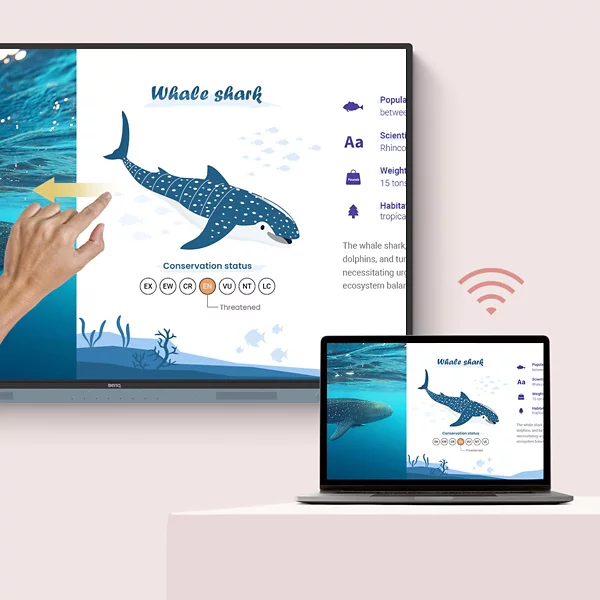
Control your device from the board
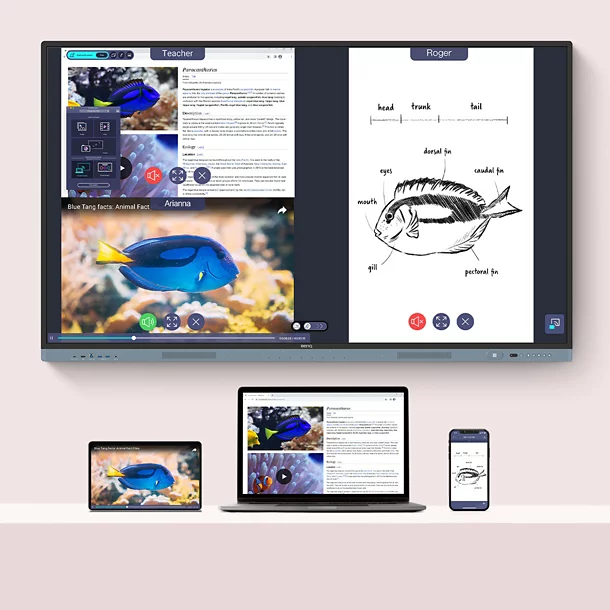
Share Multiple Screens Simultaneously
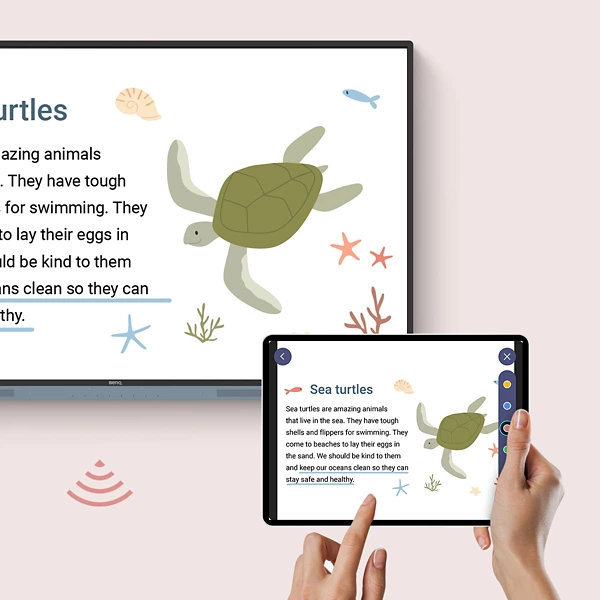
Cast the Board to Connected Devices
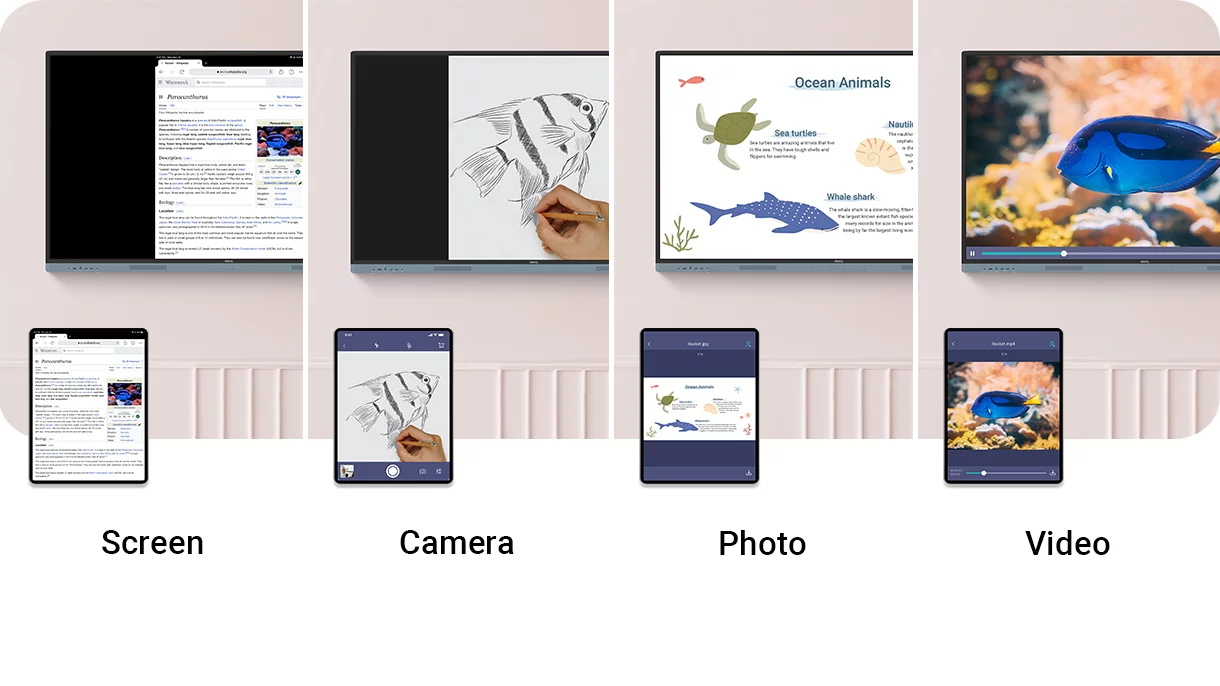
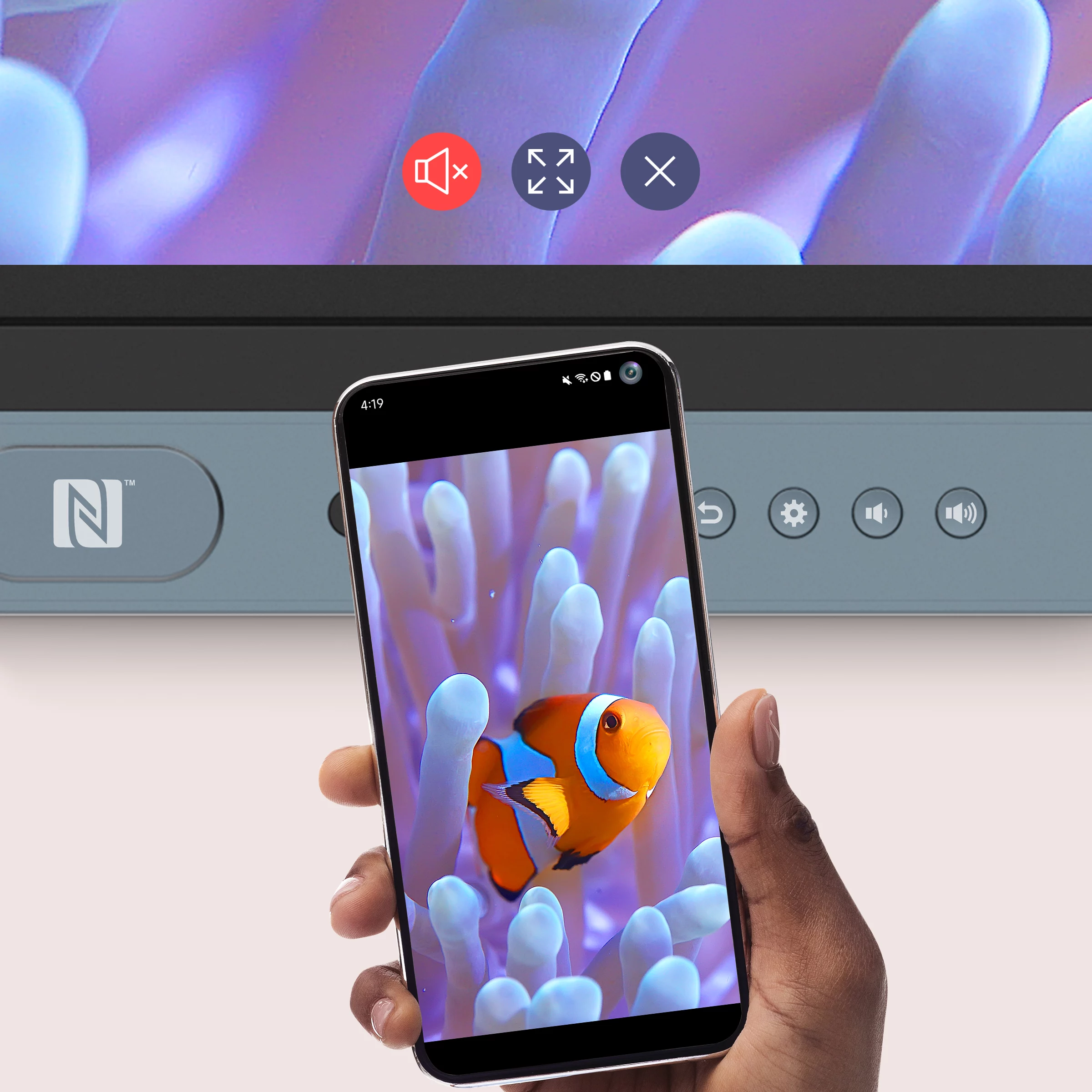
Tap and Share
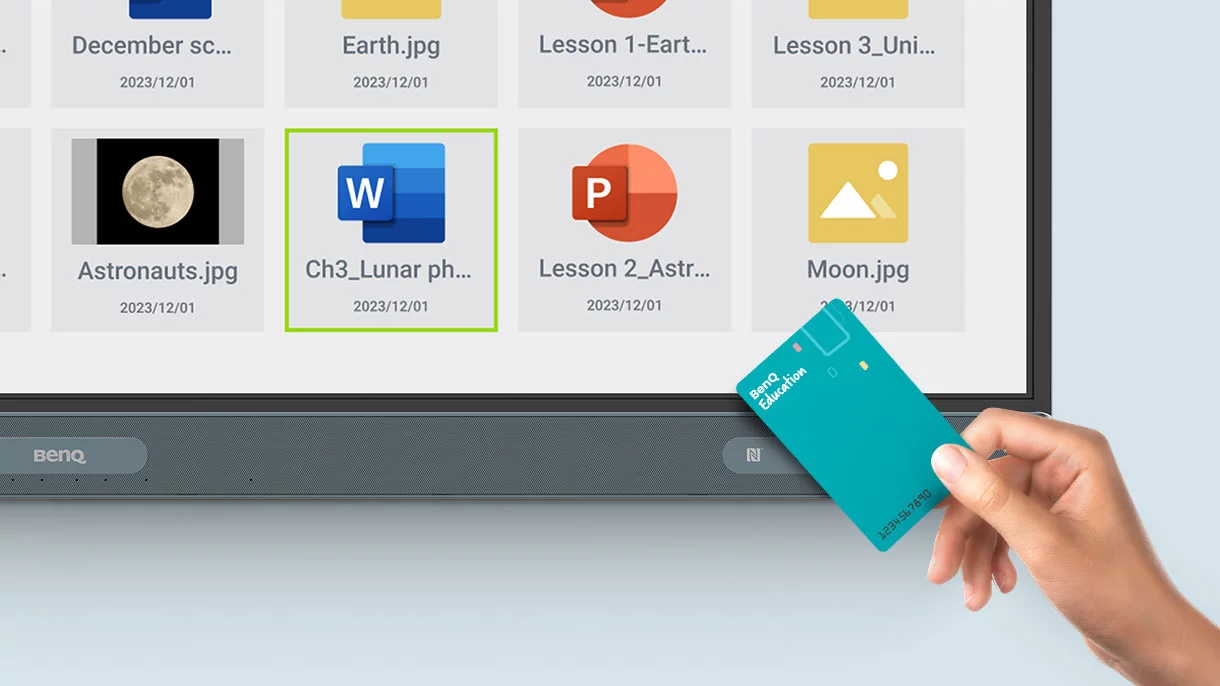
Share pictures, videos, and other educational content directly from your Android phone by simply tapping it on the BenQ Board’s NFC reader.
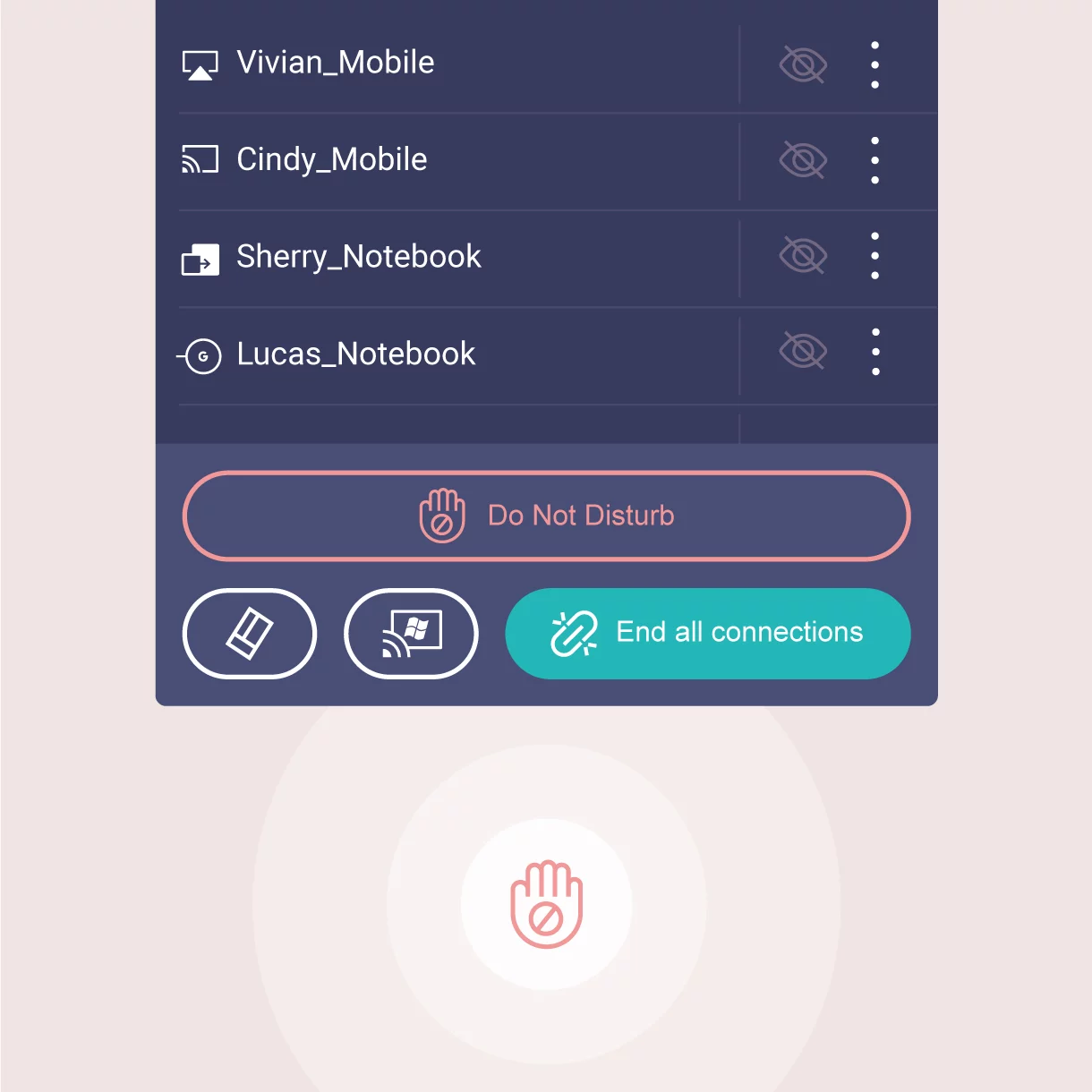
Keep things in Order
Even with multiple students sharing, it’s easy to take control of the session on InstaShare 2. You can select which screens to show or hide, decline sharing requests, and even block inappropriate content with AI.
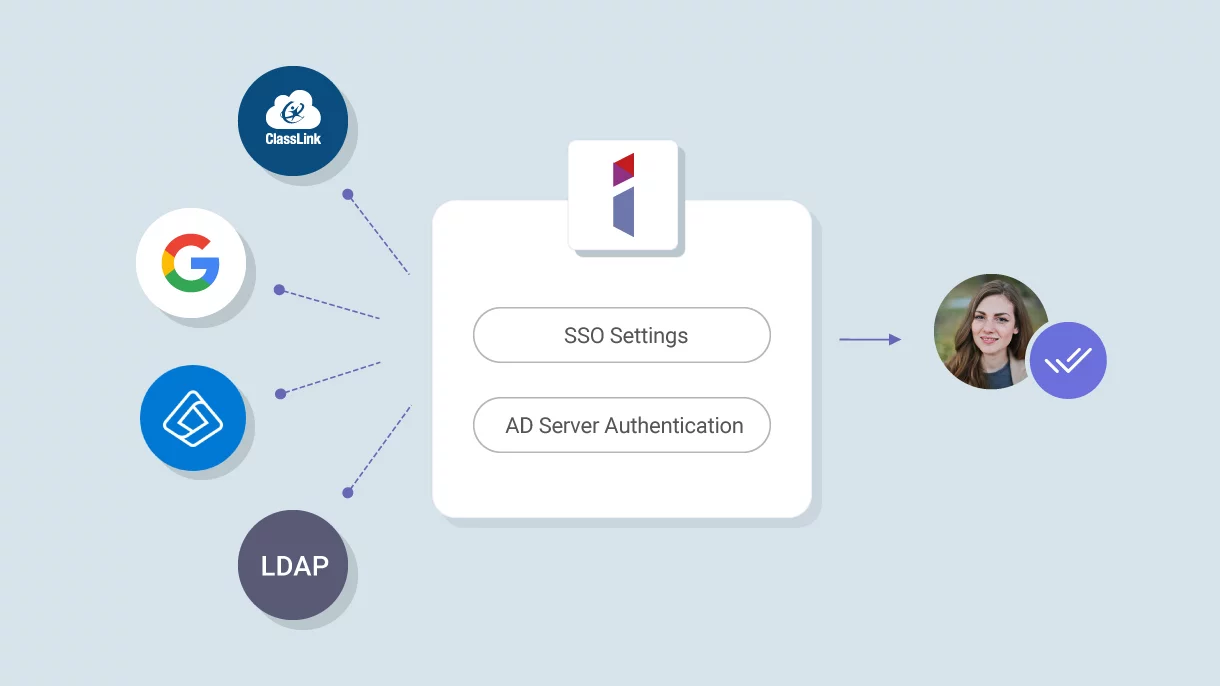
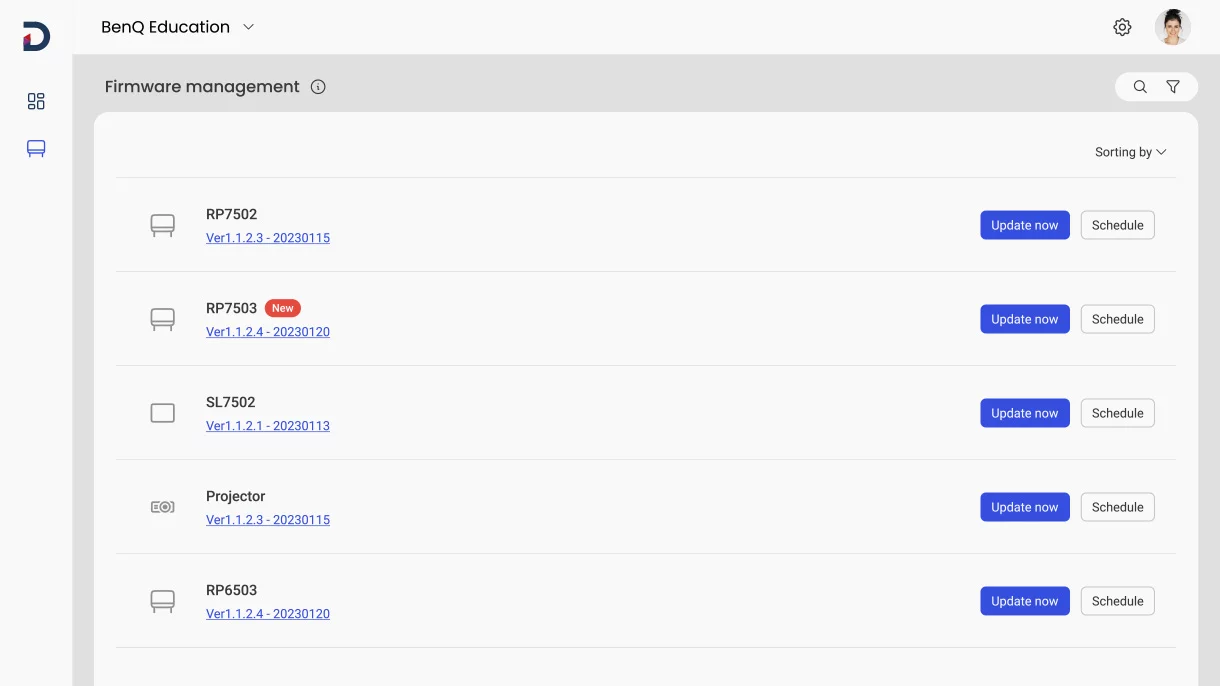

ClassroomCare®

Only the Best fo Your Eyes



Eyesafe® Certified 2.0
TÜV Certified
Flicker-Free
Anti-Glare
Defend Against Germs
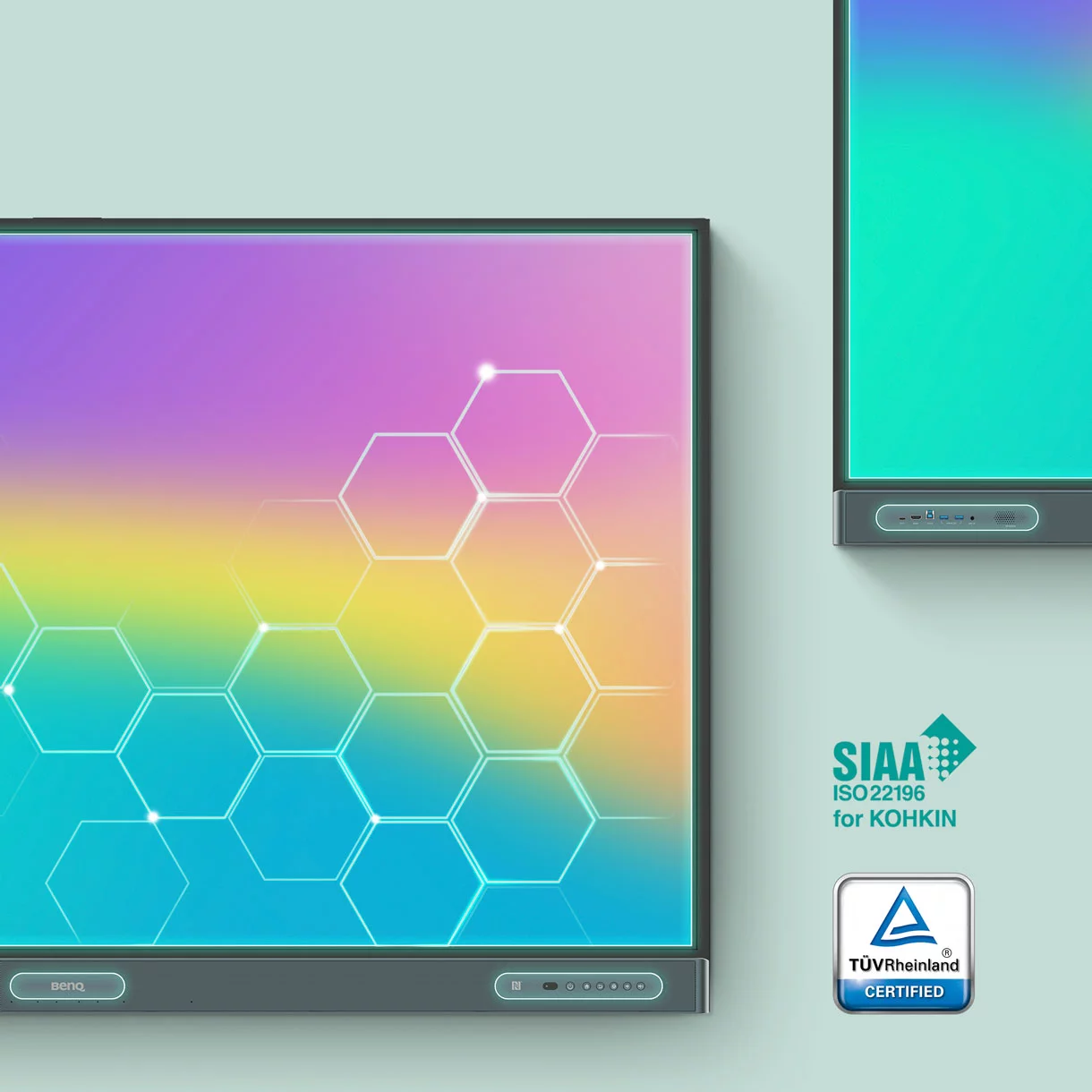
The RM04 helps reduce the transmission of germs in the classroom with its TÜV-certified antimicrobial screen and buttons that are 99.9% effective against common germs.
Extended Protection
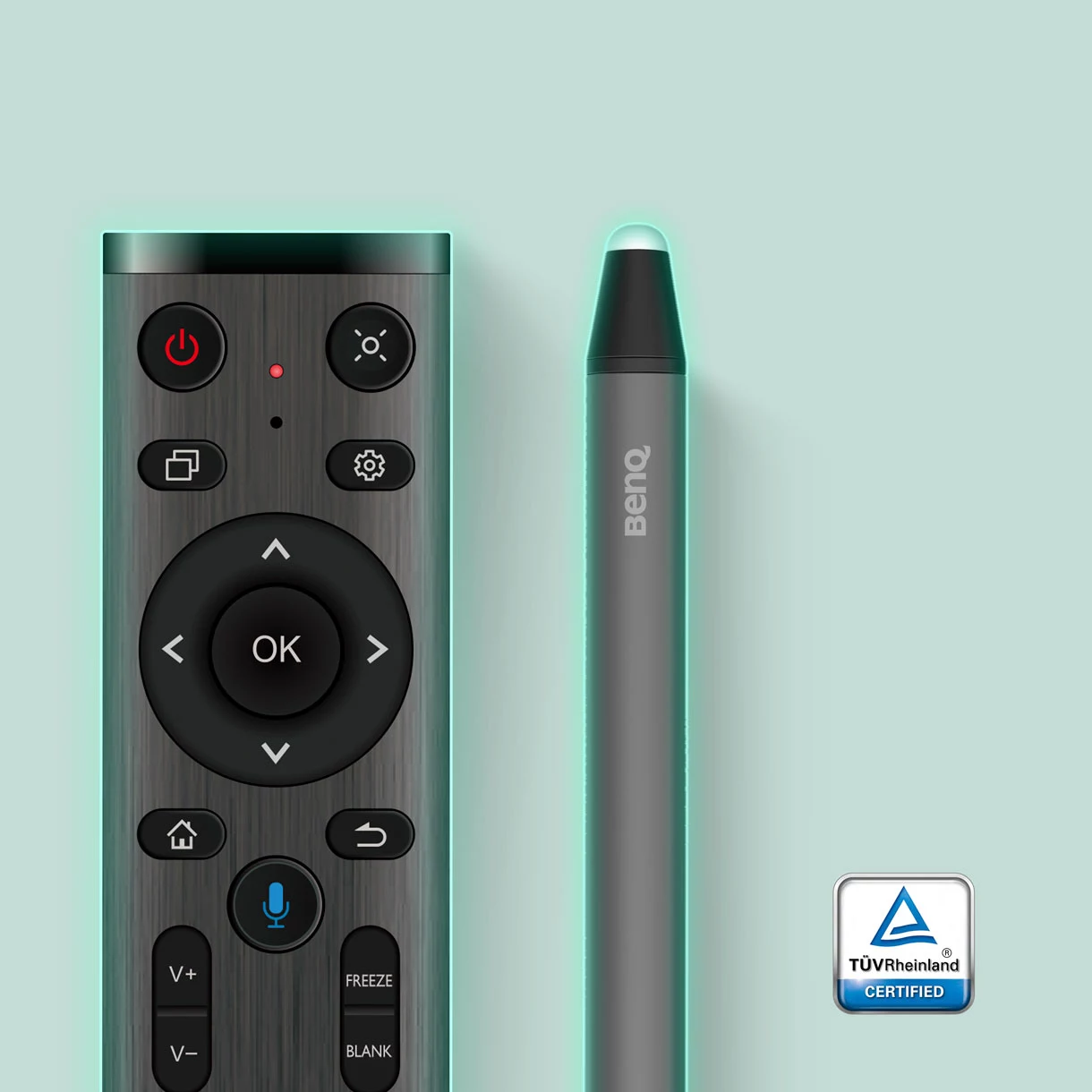
Sharing tools in classrooms may lead to the spread of germs. That’s why the RM04’s remote control and pens are also germ-resistant.

IP5X Dust Protection
Even in dust-prone classrooms, the RM04 ensures consistent operation. Its panel is compliant with IEC standard 60529.